
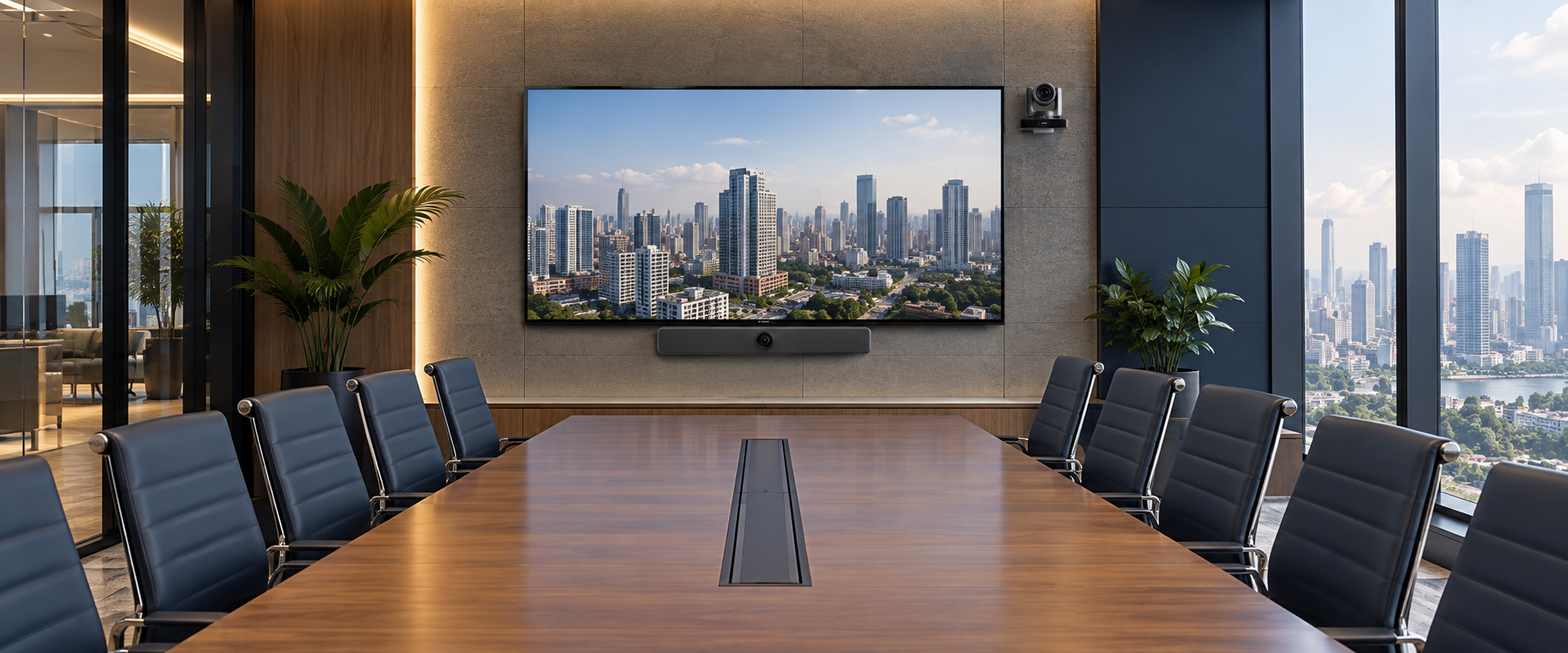
There is no single “best” conference room camera for every meeting space. The right choice is the one that frames everyone clearly, captures every voice, and makes joining a call feel effortless. A compact huddle room may work best with an all-in-one video bar, while a longer boardroom may need optical zoom, distributed audio, and a professionally integrated system.
At NCG, we start with the room—not the spec sheet. Room size, seating distance, meeting style, camera position, and microphone coverage all shape the final recommendation. This guide helps you match those practical requirements with the right camera type and suitable Rocware options.
Conference Room Camera Recommendations at a Glance
Use this comparison as a starting point. The best solution still depends on the room dimensions, seating distance, microphone coverage, conferencing platform, and how people present or collaborate.
| Room scenario | Recommended camera type | Rocware example |
|---|---|---|
| Small huddle room | All-in-one video bar | RB10 Lite |
| Small meeting room | Wide-angle video bar | RC10 |
| Medium meeting room | Dual-lens tracking video bar | RB20 |
| Medium room with longer seating distance | PTZ camera with optical zoom | RC821U |
| Large conference room or boardroom | 4K PTZ camera | RC841U |
| Large room requiring broader voice pickup | PTZ camera with distributed microphones | RC841U + RM702A |
To make it easy for you, we break down the most suitable camera options for small, medium, and large meeting spaces.
What Should You Consider Before Choosing a Conference Room Camera?
Before choosing a camera, start with the room—not just the camera specifications. The right setup depends on how the space is used, where people sit, and how meetings are conducted.
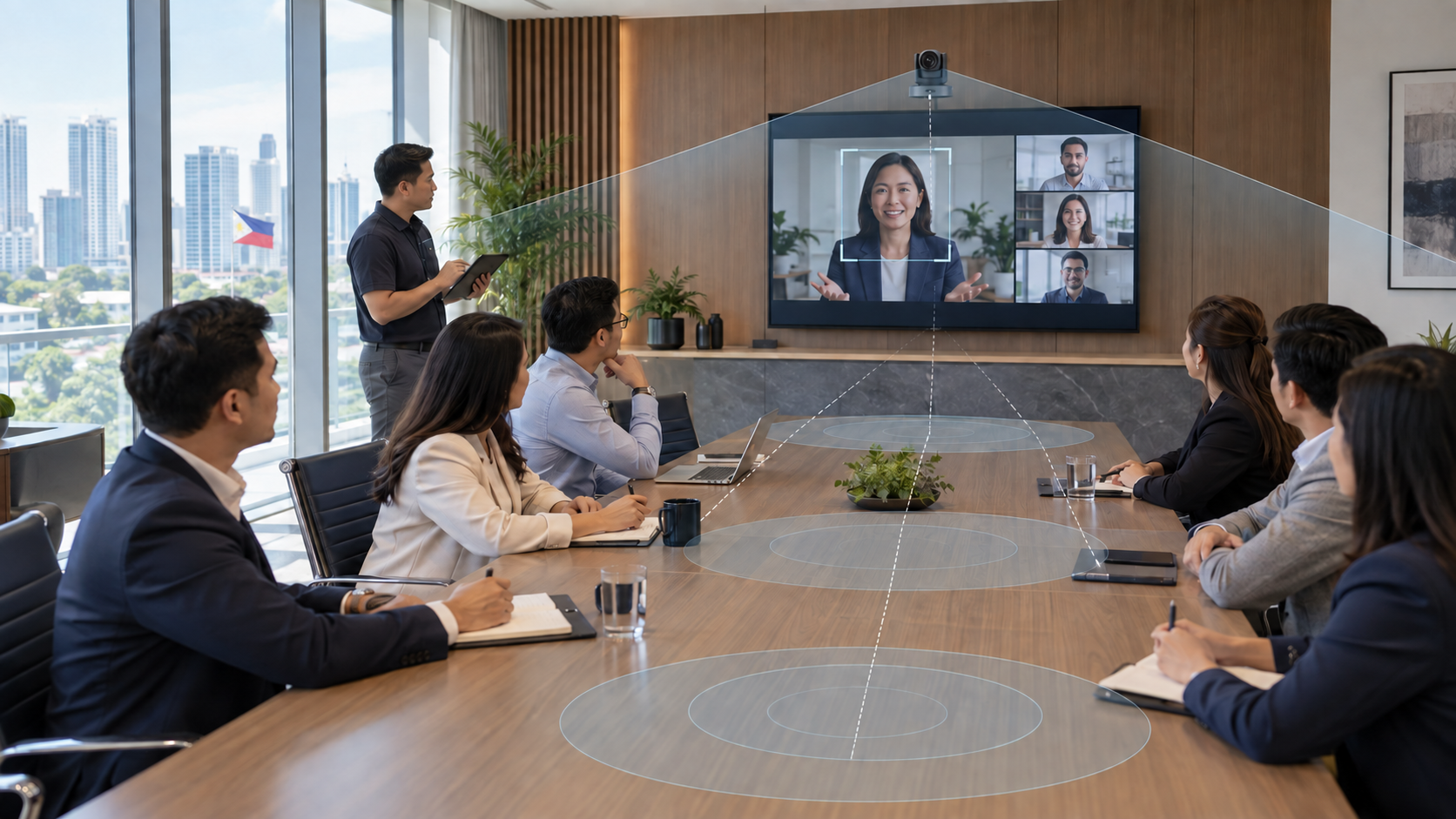
- Room size and table length: Larger rooms and longer tables may require optical zoom or a PTZ camera rather than a fixed wide-angle camera.
- Distance from the camera: Consider both the nearest and farthest participants. A wide field of view helps in small rooms, while longer distances may require zoom.
- Typical number of participants: More participants usually require wider coverage and better framing.
- Presenter movement: If presenters move around the room, look for presenter tracking or PTZ capabilities.
- Optical zoom requirements: Optical zoom is especially useful in medium to large meeting rooms where participants sit farther from the camera.
- Audio coverage: Check whether built-in microphones can clearly capture everyone at the table or whether additional microphones are needed.
- Meeting workflow: Decide whether users will connect their own laptops through BYOD/BYOM or use a dedicated room system.
- Platform and device compatibility: Confirm support for the conferencing platforms and management tools your organization uses, such as Microsoft Teams, Zoom, Google Meet, or Webex.
Best Conference Cameras for Small Meeting Rooms
For a small meeting room or huddle space, the camera should provide wide coverage without requiring complicated installation or additional equipment. Prioritize:
- A wide field of view: This helps capture participants seated close to the display or camera without cutting people out of the frame.
- Built-in microphone and speaker coverage: For shorter tables and smaller spaces, an all-in-one video bar can often provide sufficient audio coverage without separate microphones.
- Simple USB or USB-C connectivity: Easy connectivity allows users to quickly connect a laptop and start a meeting.
- A straightforward BYOD or BYOM workflow: Small rooms benefit from simple setups where users can bring their own device and connect to platforms such as Microsoft Teams, Zoom, Google Meet, or Webex.
- Automatic framing: AI-based group framing or speaker framing can help keep participants properly positioned on screen without manual camera adjustment.
For small meeting rooms that prioritize wide coverage, simple connectivity, and an all-in-one conferencing experience, the Rocware RB10 Lite is one option to consider.
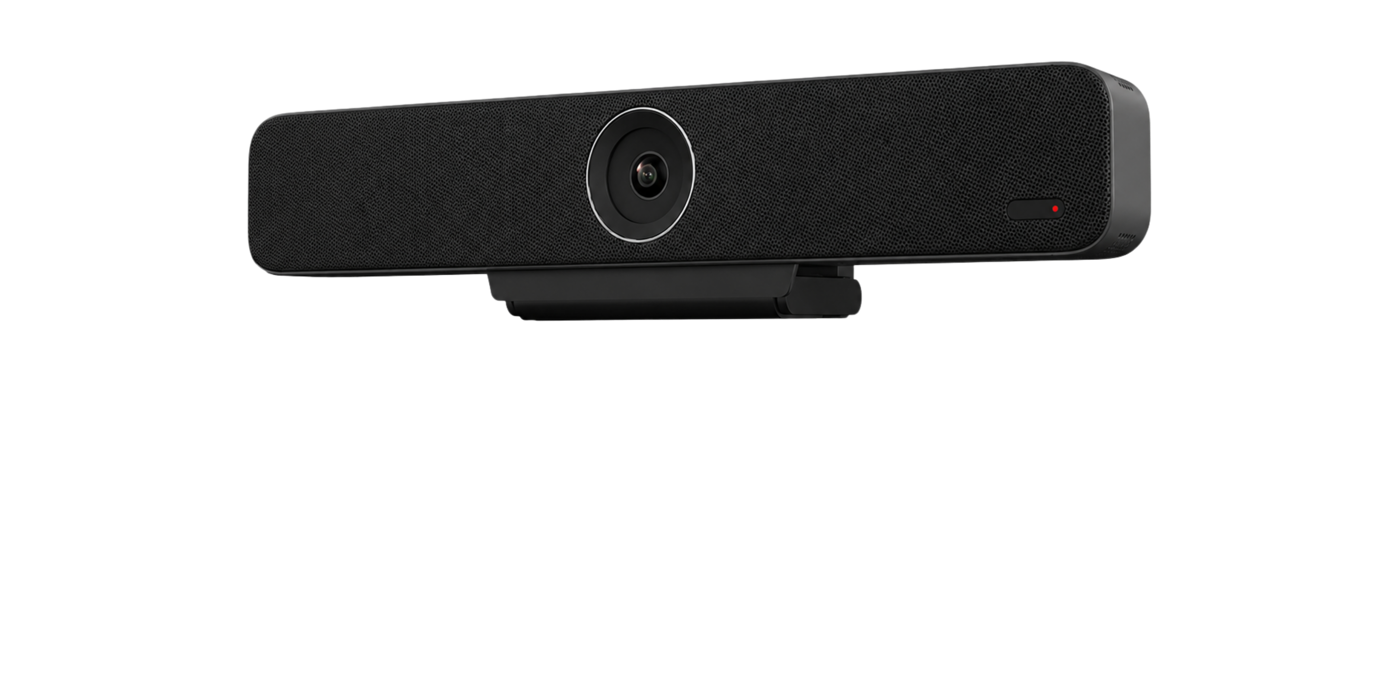
Huddle and small rooms
Rocware RB10 Lite
Single-cable BYOD video bar for compact collaboration spaces.
- Up to 4K at 60fps
- 120° diagonal field of view
- Six microphones and integrated speaker
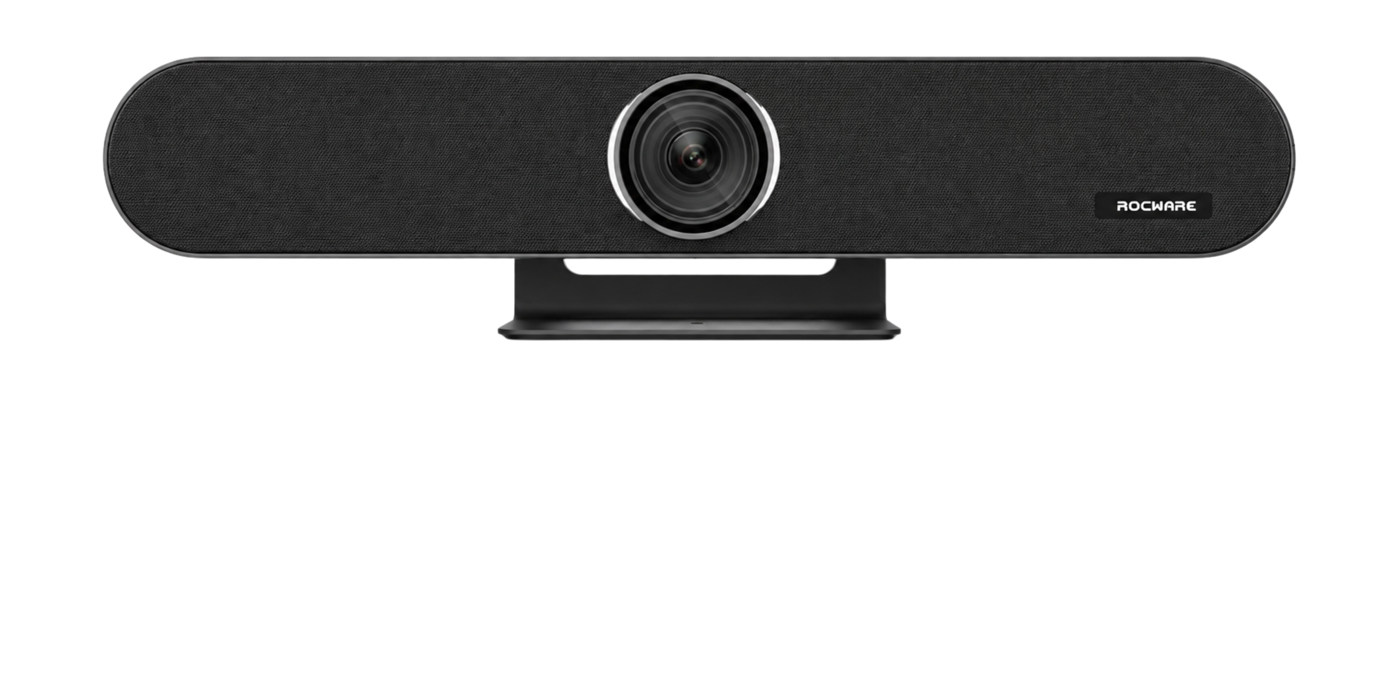
Small and medium rooms
Rocware RB10
All-in-one video-bar approach with flexible BYOD workflows.
- Integrated camera and room audio
- Wired and wireless BYOD options
- Expansion audio can support longer tables
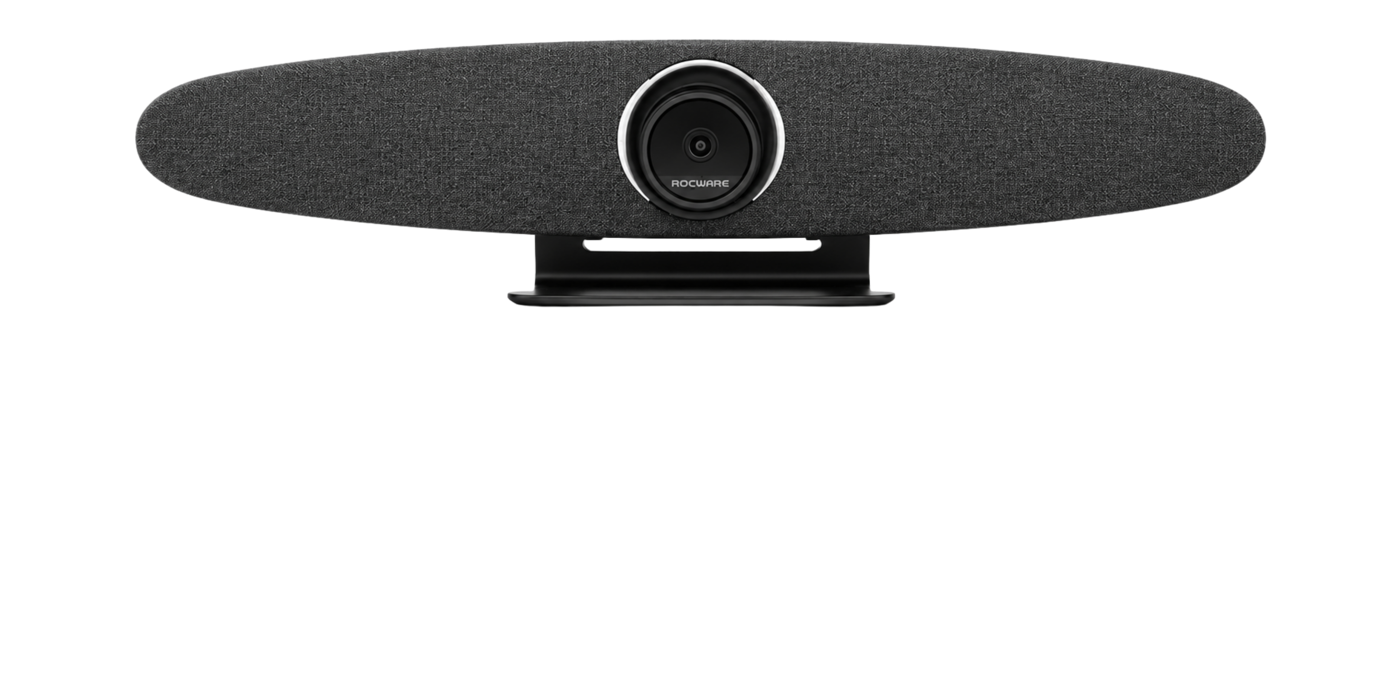
Huddle and small rooms
Rocware RC10
Wide-angle USB video bar with integrated audio and intelligent framing.
- 4K at 30fps
- 121° diagonal field of view
- Auto framing and voice tracking
Best Conference Room Cameras for Medium Meeting Rooms
For medium meeting rooms, the camera needs to cover a longer table and participants seated farther from the display. Compared with small rooms, prioritize:
- Stronger framing and tracking: AI group framing, speaker tracking, or dual-lens systems can help keep participants visible as conversations shift around the room.
- Better coverage at longer distances: The camera should maintain clear image quality for people seated farther from the display.
- Optical zoom when needed: For deeper rooms or longer conference tables, optical zoom can provide better close-up coverage than digital zoom.
- Flexible audio coverage: Built-in microphones may still work in some rooms, but larger spaces may require expansion microphones or separate audio.
- Simple conferencing workflow: Support for BYOD/BYOM or a dedicated room system should match how your team normally runs Microsoft Teams, Zoom, Google Meet, or Webex meetings.
For medium meeting rooms that need stronger framing, wider participant coverage, and more intelligent tracking, the Rocware RB20 is a strong fit.
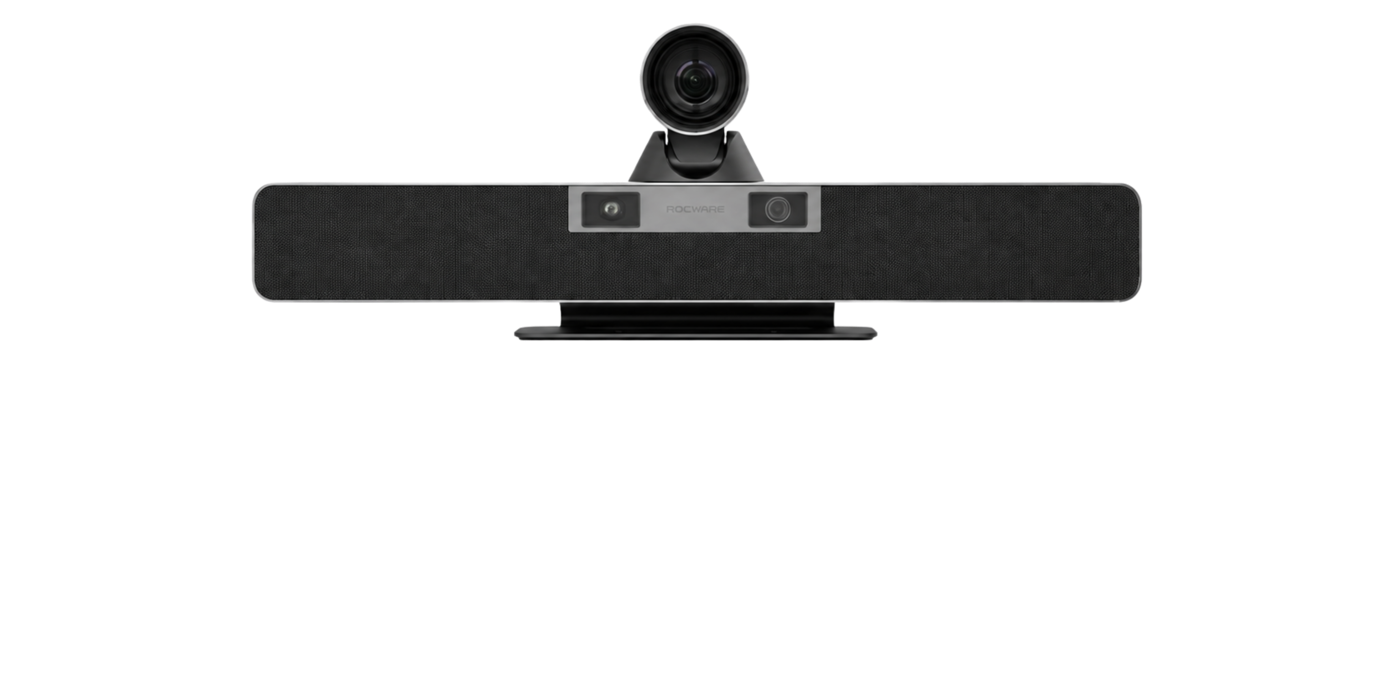
Medium meeting rooms
Rocware RB20
Dual-lens video bar combining panoramic context with optical-zoom close-ups.
- Dual 4K camera system
- 12× optical zoom
- Six microphones with published pickup up to 8m
For longer rooms, optical zoom becomes more important. Unlike digital zoom, optical zoom changes the lens focal length, allowing the camera to capture people farther away with less reliance on cropping.
If your room needs longer-distance framing or presenter coverage, read What Is a PTZ Camera? A Guide for Meeting Rooms and Boardrooms to understand pan, tilt, zoom, presets, tracking, and room-fit considerations.
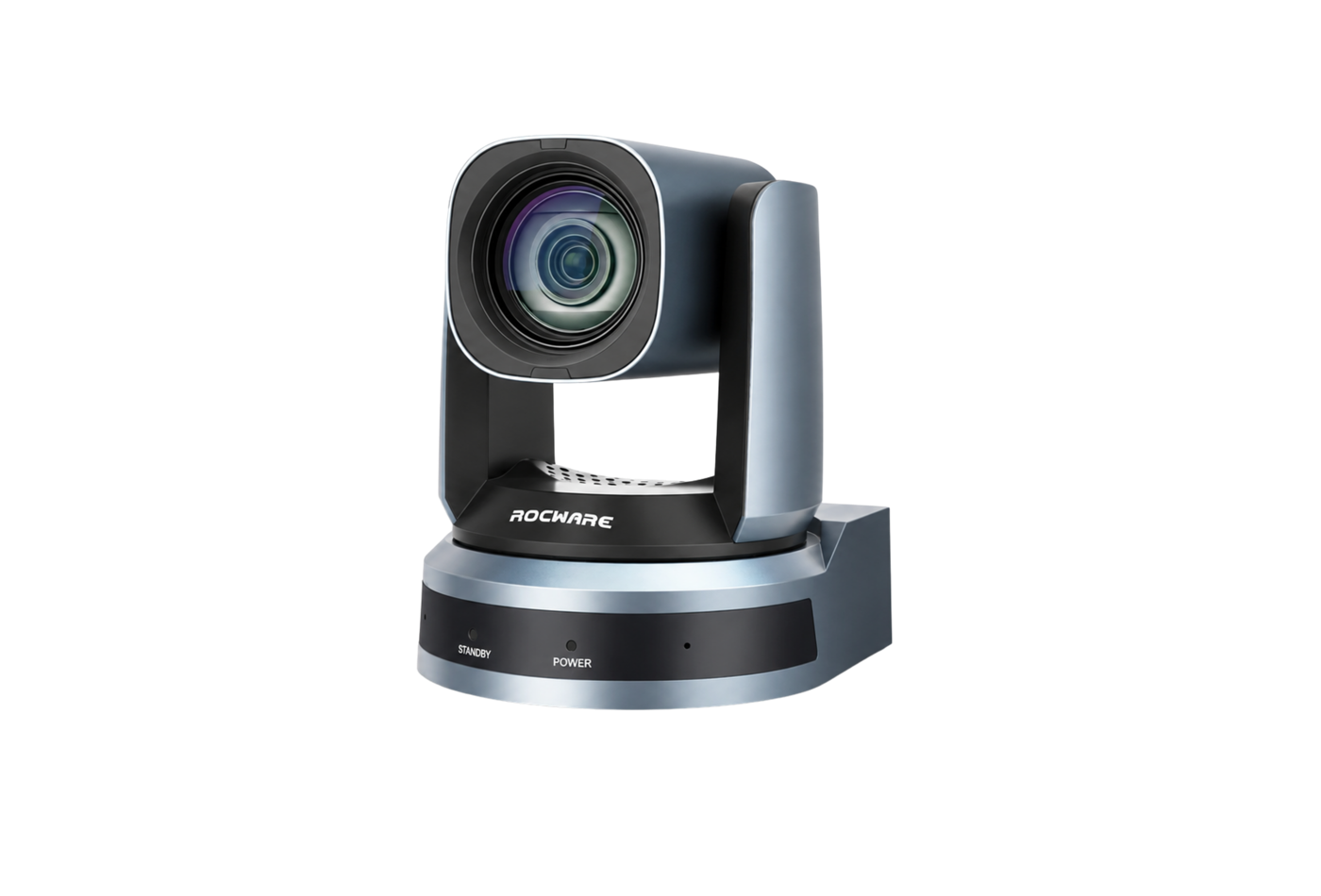
Medium and longer rooms
Rocware RC821U
Full HD PTZ camera for longer seating distances and flexible camera placement.
- 1080p at 60fps
- 12× optical and 16× digital zoom
- USB, HDMI, IP video and RS-232
Best Conference Cameras for Large Meeting Rooms and Boardrooms
For large meeting rooms and boardrooms, the camera needs to capture participants across longer distances while maintaining clear framing and image quality. Prioritize:
- Optical zoom: Large rooms often need optical zoom to capture participants clearly without relying on image-degrading digital zoom.
- PTZ control: Pan, tilt, and zoom capabilities make it easier to frame different areas of a long boardroom table or follow presenters around the room.
- Presenter and speaker tracking: Intelligent tracking can help keep active speakers or presenters in view during meetings and presentations.
- Separate audio coverage: Built-in microphones may not be enough for a large boardroom, so additional microphones, ceiling audio, or distributed speaker systems may be required.
- Flexible integration: The camera should work with the room’s conferencing platform, control system, displays, and any dedicated Microsoft Teams, Zoom, or BYOD/BYOM setup.
For large meeting rooms and boardrooms that need longer-distance coverage, optical zoom, and more flexible camera control, a PTZ solution such as the Rocware RC841U is a strong option to consider.

Large rooms and boardrooms
Rocware RC841U
4K PTZ camera with optical reach and intelligent tracking for larger spaces.
- 4K at 30fps
- 12× optical and 16× digital zoom
- Auto framing and humanoid tracking
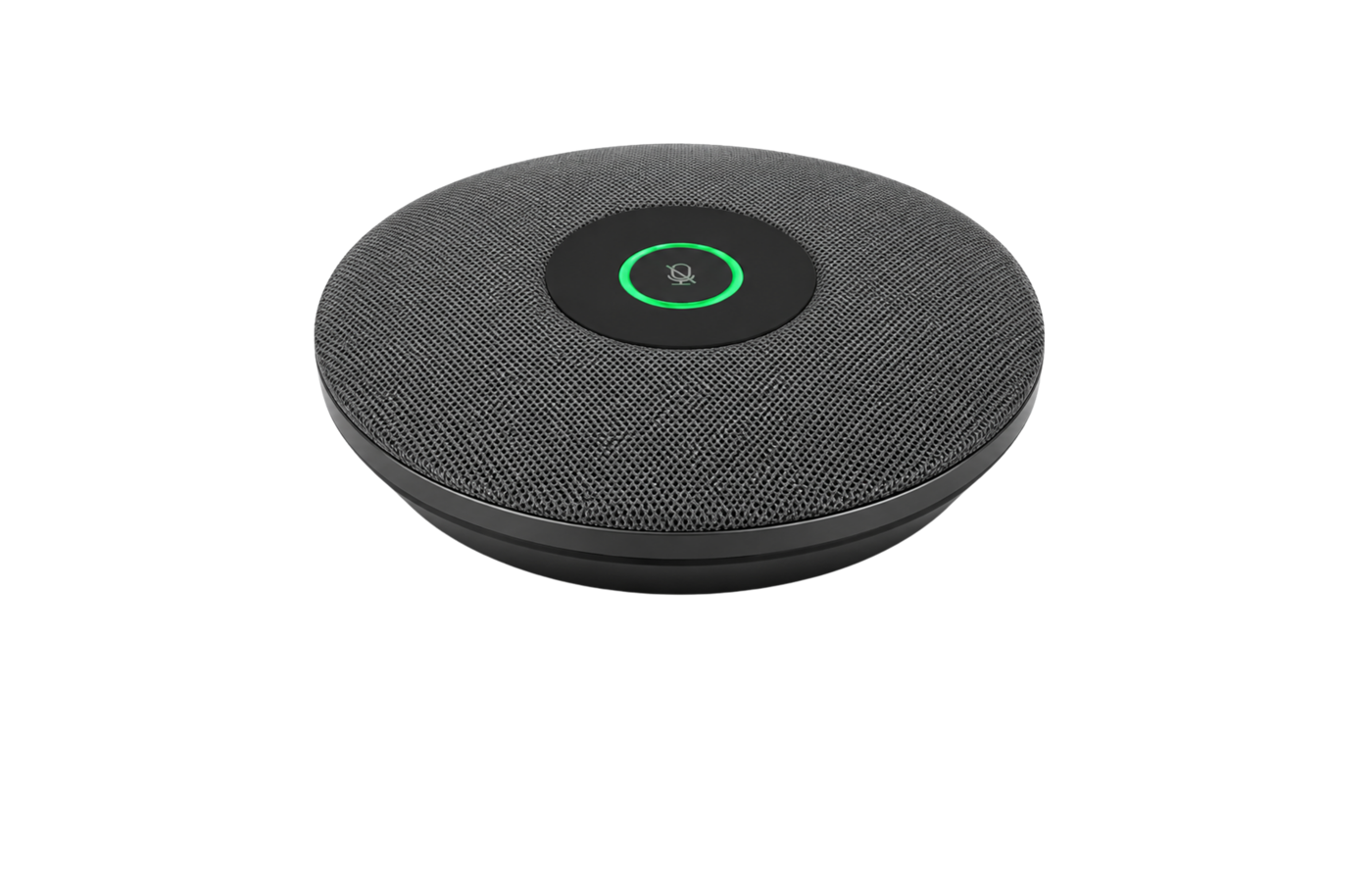
Extended room audio
Rocware RM702A
Distributed microphone coverage to complement PTZ video in longer rooms.
- Cascading microphone architecture
- Designed for broader table coverage
- Room layout determines quantity and placement
Quick technical specifications
Rocware RB10 Lite
- 8MP 1/2.8-inch CMOS camera; up to 4K60
- 120° diagonal field of view; 5× HD digital zoom
- Six-microphone array and integrated full-range speaker
- USB-A 3.0, USB-C 3.0, HDMI 2.0, Gigabit LAN and PoE
Planning summary
Rocware RB10
All-in-one video bar for small and medium rooms, with flexible BYOD workflows and support for expansion audio where required. Exact configuration and accessory requirements should be confirmed before procurement.
Explore Rocware solutionsQuick technical specifications
Rocware RC10
- 8.51MP 1/2.5-inch CMOS camera; up to 4K30
- 121° diagonal field of view and 5× digital zoom
- Auto framing, voice tracking and integrated room audio
- USB 3.0 Type-C and USB 2.0 Type-A
Quick technical specifications
Rocware RB20
- Dual 4K panoramic and close-up camera system
- 120° panoramic view and 12× optical zoom
- Six beamforming microphones; published pickup up to 8m
- Two 8W full-range speakers and expansion microphone support
Quick technical specifications
Rocware RC821U
- 2.07MP Panasonic 1/2.8-inch CMOS; up to 1080p60
- 12× optical zoom and 16× digital zoom
- Automatic group framing
- USB 3.0, HDMI, IP video, RS-232 and PoE
Quick technical specifications
Rocware RC841U
- Sony 1/2.5-inch CMOS; up to 4K30
- 12× optical zoom and 16× digital zoom
- Auto framing and humanoid tracking
- USB 3.0 Type-C, HDMI, IP video, RS-232 and PoE
Planning summary
Rocware RM702A
Cascading digital microphone array for extending voice coverage across longer conference tables. Final quantity, placement, connection method, and compatible room equipment should be confirmed as part of the audio design.
Explore Rocware solutionsWhat camera works with Teams, Zoom, or Google Meet?
Your conferencing platform matters, but it should not drive the decision alone. In a laptop-based or BYOD room, start with the camera and audio coverage the space requires, then confirm compatibility with Microsoft Teams, Zoom, Google Meet, Webex, or your preferred application.
- Small room: RB10 Lite or RC10
- Medium room: RB20 or RC821U
- Large room: RC841U with separately designed room audio
Dedicated room systems require a deeper technical review. Before procurement, confirm platform certification, operating-system support, room licenses, cabling, network requirements, and device-management needs.
Conference Room Camera Placement and Setup
Proper camera placement helps remote participants see the room clearly and creates a more natural meeting experience. The ideal position depends on the room size, table layout, field of view, and camera type.
- Measure the room and seating distance. Record how far the nearest and farthest participants will sit from the camera.
- Choose the appropriate field of view. Wide-angle cameras generally suit compact meeting rooms, while PTZ cameras with optical zoom are better suited to longer rooms.
- Position the camera close to the display. Mounting the camera near eye level and close to the main display helps create a more natural viewing angle during calls.
- Assess microphone coverage. Determine whether built-in microphones can cover every seat or whether additional table or ceiling microphones are needed.
- Confirm the meeting-room workflow. Determine whether users will connect their own laptops through BYOD/BYOM, use a dedicated room computer, or operate an appliance-based conferencing system.
- Test the complete environment. Check camera framing, voice pickup, speaker volume, lighting, cable routing, and room controls from different seating positions before finalizing the setup.
For guidance on the complete room—not only the camera—read How to Set Up a Meeting Room: Layouts, Equipment & Technology.
Frequently asked questions
What is the best camera for a conference room?
The best conference room camera is the one that matches the room size, seating distance, required field of view, audio coverage, and meeting workflow. Small rooms often suit an all-in-one video bar, while longer rooms may need a PTZ camera with optical zoom and separately designed audio.
What video conferencing camera is best for large rooms?
Large rooms generally benefit from a PTZ camera with optical zoom, presets, and suitable output and control options. A model such as the Rocware RC841U can provide 4K30 video and 12× optical zoom, but microphones, speakers, control, and camera placement should be designed around the complete room.
What field of view is best for a conference room camera?
The camera should be wide enough to include every intended seat without making participants appear unnecessarily distant. A diagonal field of view around 100°–120° can suit compact rooms, while longer rooms often benefit from an adjustable PTZ view and optical zoom. Confirm the final choice against camera position and the nearest and farthest seats.
When do I need a PTZ camera for a conference room?
Consider a PTZ camera when the room is long, participants sit farther from the display, optical zoom is required, saved camera positions are useful, or presenters move around the space.
Is a video bar or PTZ camera better for a meeting room?
Choose an all-in-one video bar when a compact room needs simple installation, wide-angle coverage, and integrated audio. Evaluate a PTZ camera when the room is longer, optical zoom is important, presenters move around, or the audio system needs to be designed separately.
What camera is best for Zoom or Microsoft Teams meetings?
Start with a camera that covers the room properly, then confirm its certification or USB compatibility with the selected Zoom or Microsoft Teams workflow. Also check the room computer or appliance, operating system, licenses, audio devices, and device-management requirements before procurement.
What video conferencing equipment is needed for a conference room?
A complete room normally needs a camera or video bar, microphones, speakers, one or more displays, a meeting-room computer or BYOD connection, network access, mounting, cabling, and suitable control. Larger rooms may require distributed audio, switching, and professional AV integration.
Need help choosing a conference room camera?
Nex Cambro Gen designs meeting-room systems around the people who use them. From compact BYOD spaces to training environments and executive boardrooms, we align the camera, audio, display, connectivity, and control experience with the way your team actually meets.
The goal is not to buy the camera with the longest feature list. It is to create a meeting experience that works consistently—from every seat and for every user.
For organizations in the Philippines, NCG can assess the room locally and help align product selection, installation, and after-sales coordination with the complete meeting-room plan.
Talk to NCG about your meeting space, and we will help you identify the right solution for the room—not simply the biggest specification. You can also explore our boardroom integration solutions or compare Logitech MeetUp and Rocware RB10 Lite for a compact-room deployment.
Continue Reading
Related Articles
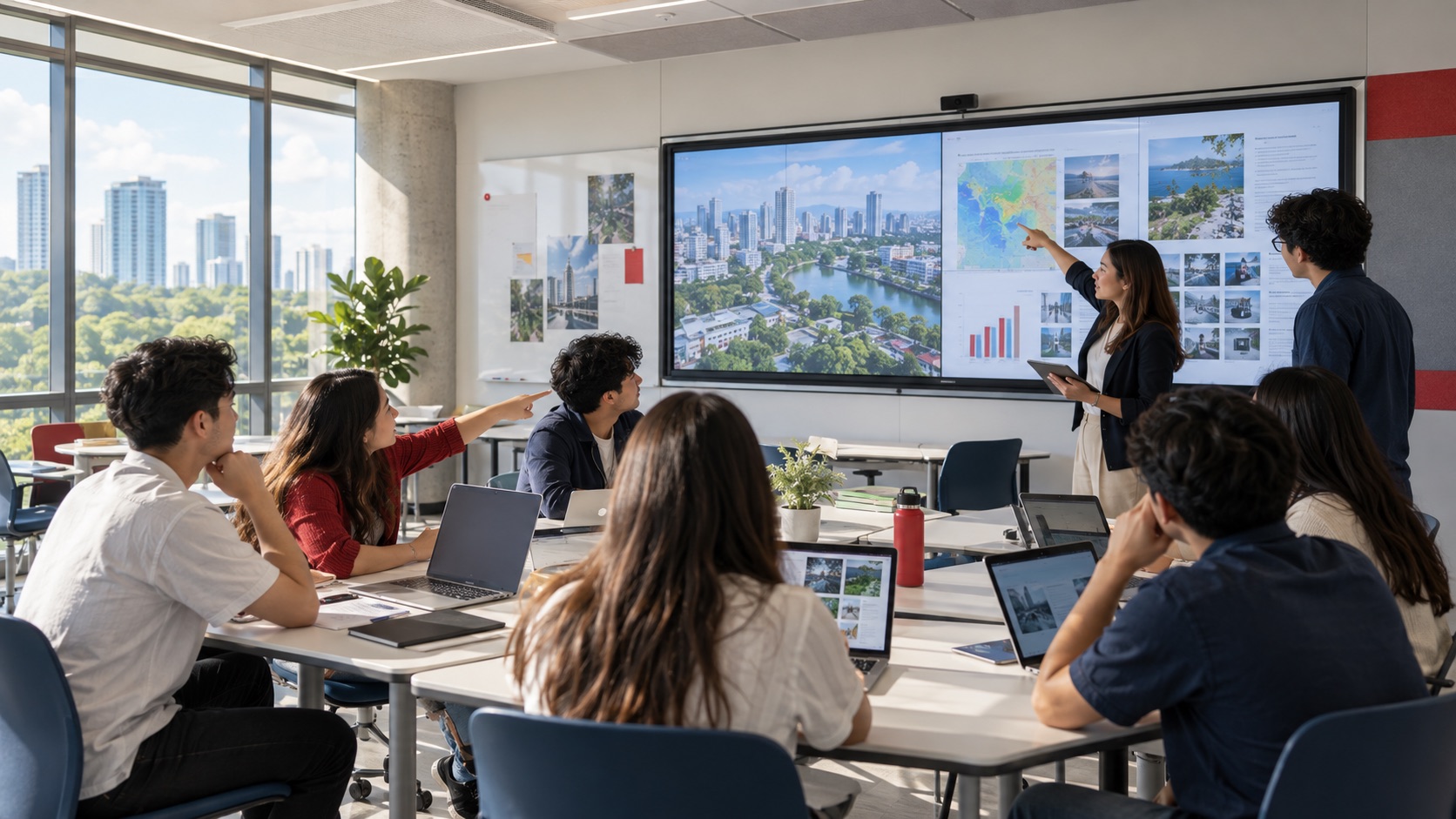
Education Technology
How Mersive Solstice Supports Collaborative Learning in the AI Era
See how universities use Mersive Solstice to connect student devices, shared displays, active-learning workflows, and centrally managed collaboration.
Read Article
Meeting Room Technology
Best Meeting Room Setup for a More Secured, Seamless & Scalable Workplace
See how wireless presentation, intelligent video, AV switching, and a professional display work together in a more secure, seamless, and scalable meeting room.
Read Article
Financial Services
Why Financial Institutions Choose Mersive Solstice for Secure Collaboration
What the BNL Gruppo BNP Paribas and Business Development Bank of Canada deployments reveal about secure, manageable wireless collaboration in financial services.
Read Article