
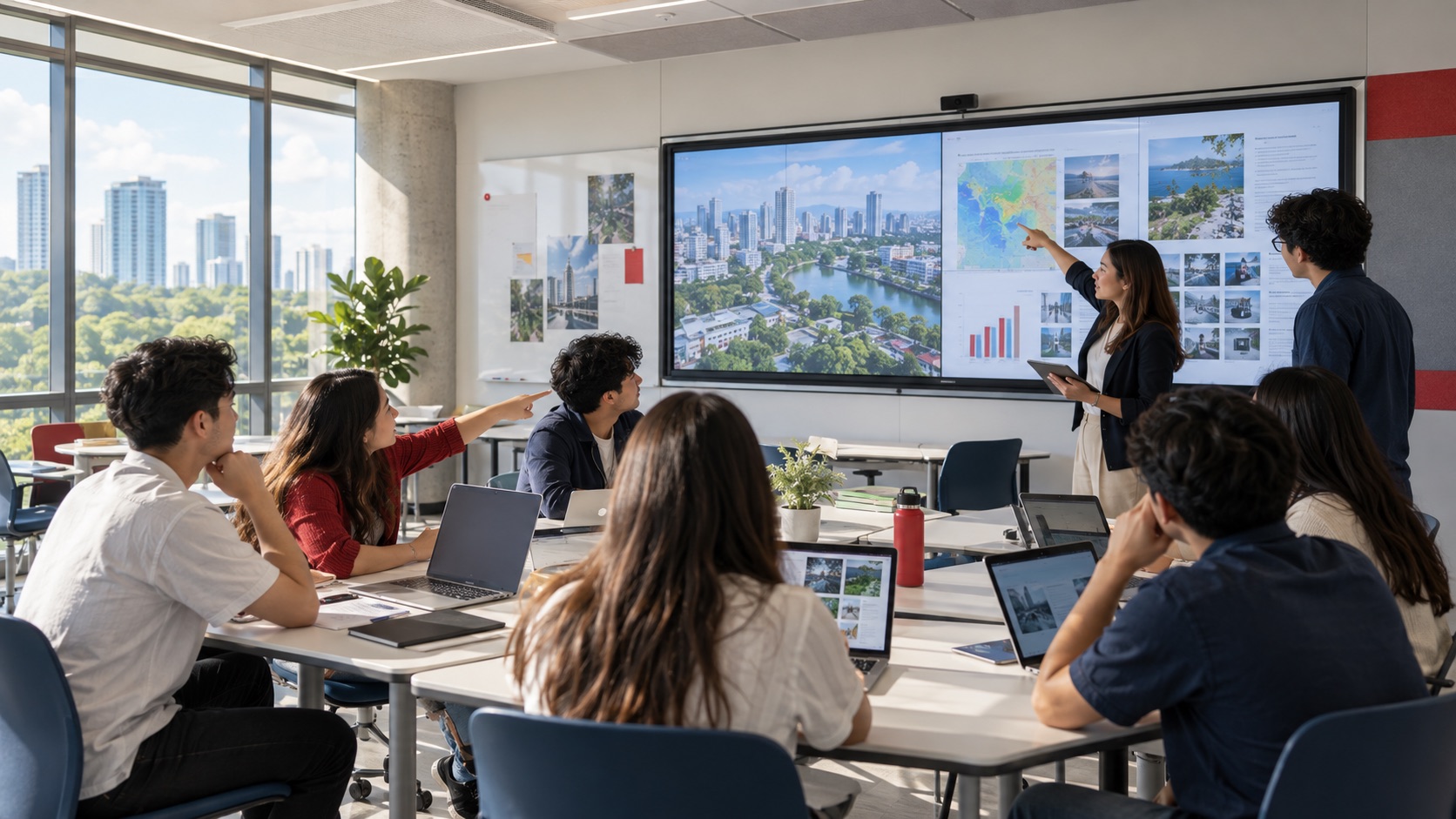
Artificial intelligence is changing how students research, develop ideas, and prepare their work. But more technology does not automatically create better learning. The classroom still needs a clear way for people to bring their work into the room, compare perspectives, and discuss what the technology produces.
Mersive Solstice is not an AI platform. It is a wireless collaboration platform that can help connect personal devices, shared displays, instructors, and students. In an AI-era classroom, its role is practical: make digital work visible so it can be reviewed, questioned, and improved together.
Collaborative learning in the AI era
UNESCO describes the need for a human-centred approach to AI in education—one that protects inclusion, equity, and human agency. That principle matters inside the classroom. AI may help a student explore a question or organize information, but teachers and peers still need to examine the evidence, identify weak assumptions, and connect ideas to the learning objective.
A shared display can become the point where that review happens. Instead of keeping an AI-assisted draft on one laptop, a student can bring it into the group conversation. Another participant can show a different result, the instructor can challenge the reasoning, and the class can compare sources before reaching a conclusion.
The useful pattern is simple:
Student device ↔ shared display ↔ peers and instructor

The technology should shorten the path between individual work and collective thinking. It should not replace the teaching method or make the room dependent on a single device type.
How Solstice supports the learning workflow
1. Bring personal devices into the room
Students and instructors often arrive with different laptops, tablets, and phones. A wireless presentation layer can reduce the need to pass around adapters or move everyone’s files to one classroom computer. Participants connect their own devices and share the content needed for the lesson.
This is especially relevant to bring-your-own-device environments. The room can support the class activity while the original work stays on the participant’s device.
2. Turn digital outputs into a discussion
When multiple participants can contribute content, the display becomes more than a presentation endpoint. It becomes a working surface for comparison. A class might review two research summaries, compare design concepts, examine different datasets, or discuss why two AI tools produced different answers.
The educational value comes from the conversation around the content: checking sources, explaining choices, and deciding what should change.
3. Support active and student-centred learning
Active-learning spaces depend on participation. The instructor may guide the session, but students also need a practical way to contribute work from where they are seated. Wireless sharing can support small-group exercises, peer critique, project reviews, and problem-solving sessions without turning every transition into a cable change.
Solstice can be part of that workflow, alongside the room’s displays, conferencing platform, cameras, audio, control system, and network. The complete design still needs to match the teaching method and physical space.
How Universities Use Solstice for Collaborative Learning
University of Warwick: a consistent BYOD experience
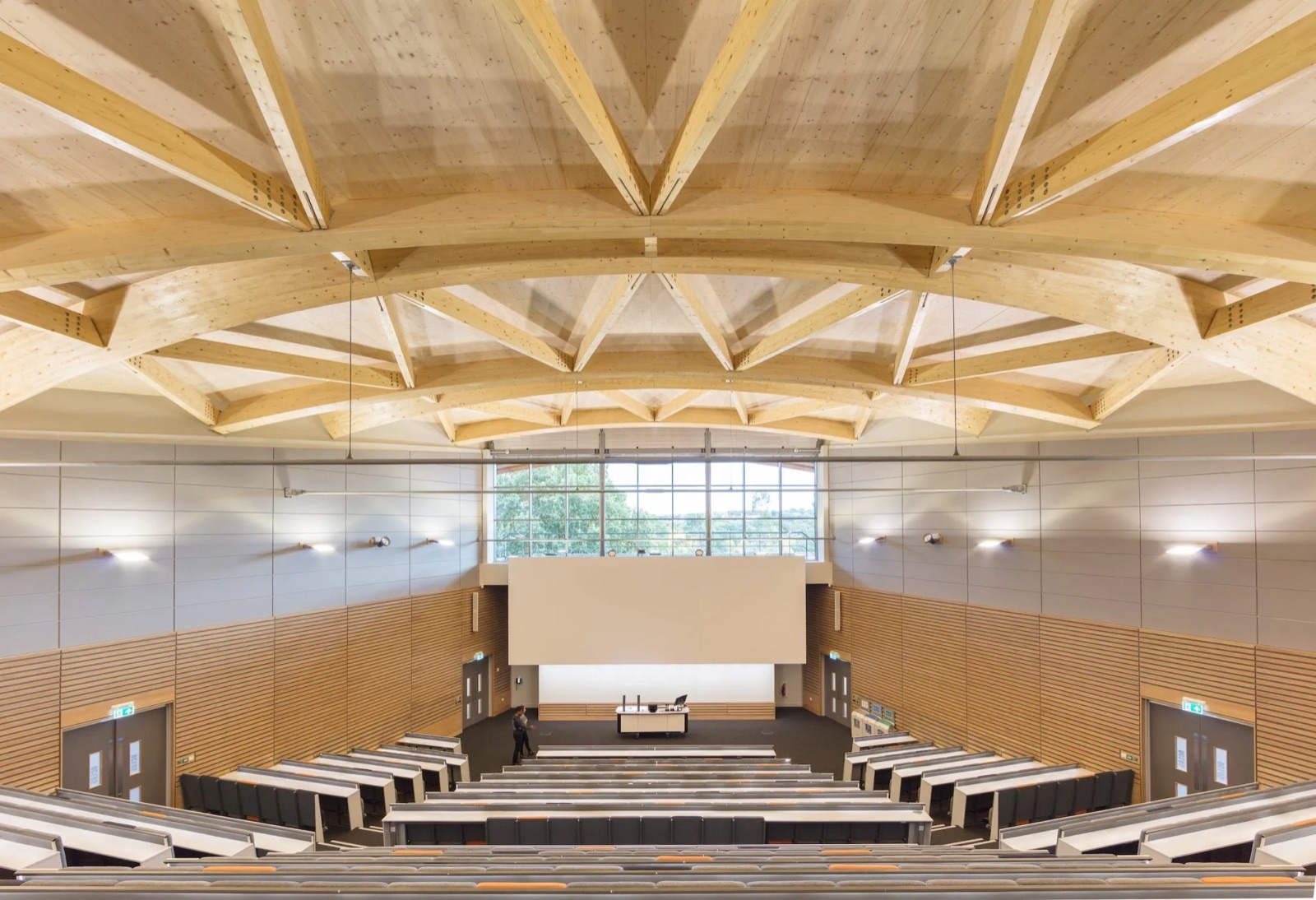
When the University of Warwick opened The Oculus teaching and learning building, Solstice was deployed as the wireless presentation system across its learning spaces. According to Mersive, the aim was to let presenters and students use the devices they already brought into the room and put their content on the display.
The useful lesson is consistency. A familiar sharing process across rooms can reduce the amount of time spent learning a different connection method in every space. In an AI-era classroom, the same principle helps students move quickly from work on a personal device to a shared review.
Read Mersive’s University of Warwick case study
Stevens Institute of Technology: multi-user active learning at scale
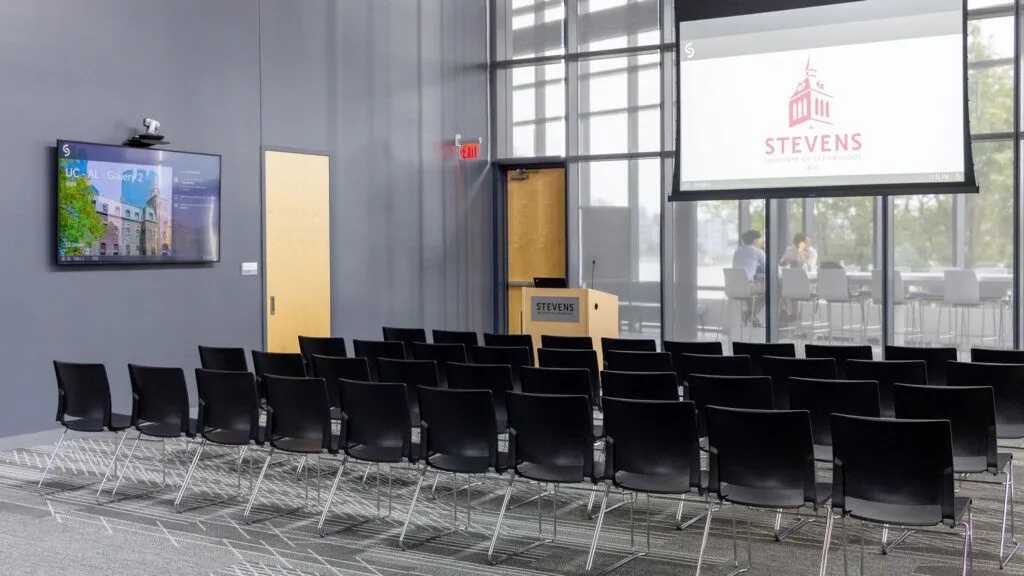
Stevens Institute of Technology evaluated several wireless presentation products before selecting Solstice. Mersive reports that the deployment began with two Pods and expanded to around 160 across campus. Some active-learning rooms use multiple displays, allowing instructors and students to move or push content between screens.
The case study also describes the use of Solstice Cloud analytics to inform room and technology planning. This shows two sides of a campus deployment: the in-room experience for students and the centralized visibility needed by IT teams managing many spaces.
Read Mersive’s Stevens Institute case study
Broward College: sharing work from small groups
For a new science building, Broward College wanted classroom technology that could support active learning and content sharing from student devices. Mersive’s case study describes students working through problems in small groups, capturing their work, and sharing it on a display for discussion.
That pattern is directly relevant to AI-assisted learning. A result does not have to remain private on one device. The class can examine it together, ask how it was produced, and decide whether the reasoning and evidence are sound.
Read Mersive’s Broward College case study
Rochester Institute of Technology: collaboration inside a wider AV ecosystem
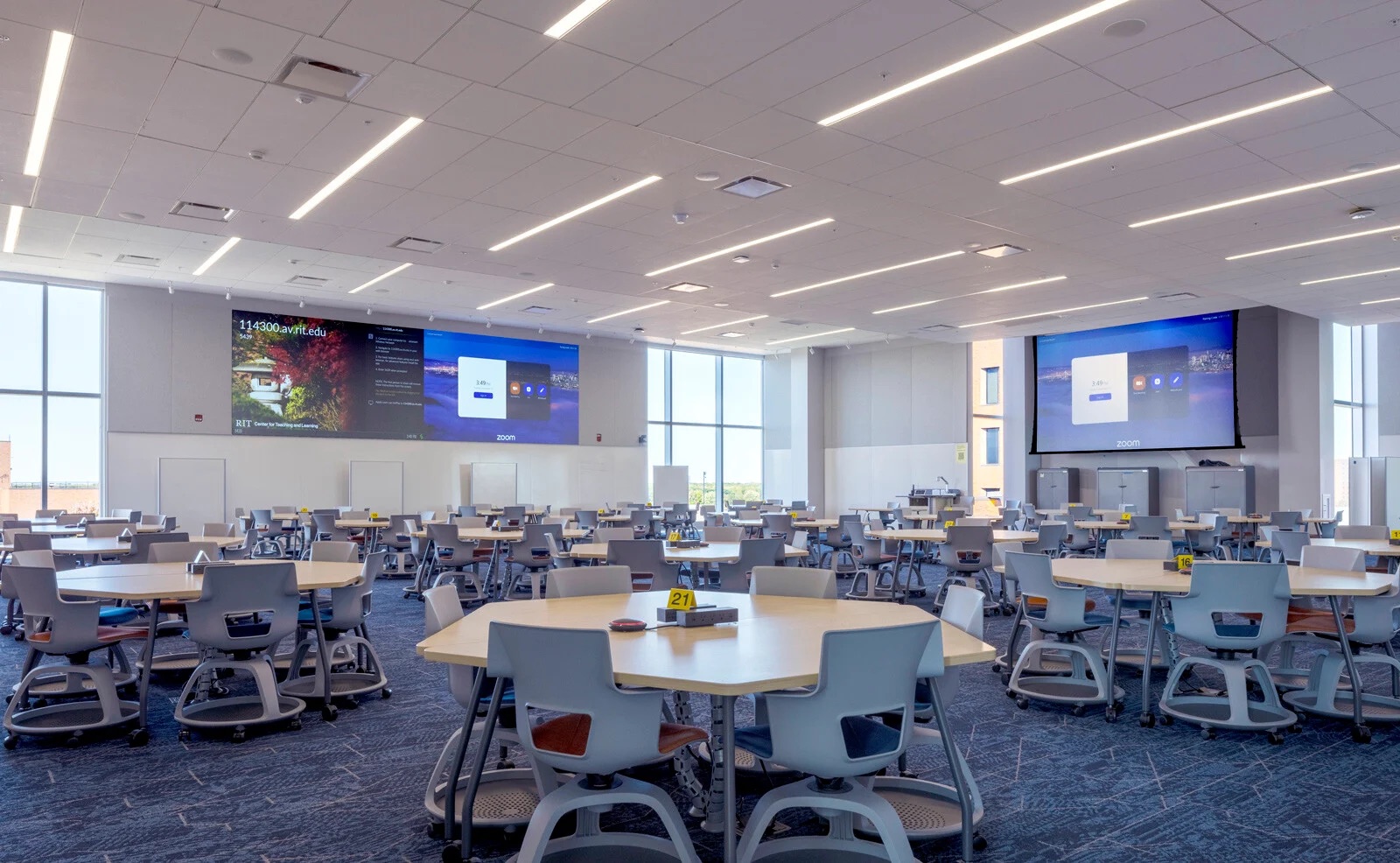
Rochester Institute of Technology uses Solstice Pods in the SHED, a flexible facility combining active-learning rooms, makerspaces, classrooms, and performance areas. Mersive describes Solstice as the wireless-sharing layer within a broader AV environment that also includes displays, conferencing, signal distribution, and room technology.
The planning lesson is important: one product does not create the learning environment by itself. The collaboration platform, network, displays, audio, video, furniture, and teaching workflow need to be designed as one system.
Read Mersive’s RIT SHED case study
Lessons for education leaders
These four deployments differ in size and teaching context, but they point to several practical principles:
- Start with the learning activity. Decide whether the room needs lectures, small-group work, peer review, hybrid participation, or several of these modes.
- Make contribution easy. Students should be able to bring relevant work into the discussion without rebuilding the room connection each time.
- Keep the instructor in control of the session. Open participation still needs a clear moderation workflow and appropriate network policies.
- Plan the full ecosystem. Wireless sharing depends on suitable displays, network design, audio, video, control, and support.
- Design for repeated use. A consistent room experience and centralized management become more important as the number of classrooms grows.
Most importantly, the display should support dialogue—not simply show content. AI-generated material becomes more educationally useful when students have to explain it, compare it with other evidence, and respond to questions from the room.
Planning collaborative classrooms in the Philippines
Schools, universities, and training organizations in the Philippines should evaluate the classroom as a complete environment. Before selecting the technology, consider:
- What should students and instructors be able to share?
- Which personal and institution-managed devices need to connect?
- Will the class use one display or several group displays?
- How will instructors moderate and move content?
- Does the room also need video conferencing or lecture capture?
- How will IT configure, monitor, and support multiple rooms?
- What network, privacy, and acceptable-use policies apply?
Nex Cambro Gen helps education teams connect these requirements to the physical room, the network, and the intended teaching workflow. This can include wireless collaboration, displays, cameras, microphones, speakers, signal management, and room control—not just a standalone product.
Explore our education and training space solutions, learn more about Mersive solutions from NCG, or review the Mersive Solstice Pod.
Plan a more collaborative learning space
Share your room size, teaching workflow, device environment, and campus requirements with the NCG team.
Sources
Mersive Technologies. (n.d.). Case study: Broward College reviews Solstice classroom BYOD solution. https://www.mersive.com/case-studies/case-study-broward-college-reviews-solstice-classroom-byod-solution/
Mersive Technologies. (n.d.). Mersive Solstice at the University of Warwick. https://www.mersive.com/case-studies/mersive-solstice-at-the-university-of-warwick/
Mersive Technologies. (n.d.). Reimagining learning with an integrated innovation hub. https://www.mersive.com/case-studies/reimagining-learning-with-an-integrated-innovation-hub/
Mersive Technologies. (n.d.). Stevens Institute of Technology unlocks the future of collaborative learning with Mersive. https://www.mersive.com/case-studies/stevens-institute-of-technology-unlocks-the-future-of-collaborative-learning-with-mersive/
UNESCO. (n.d.). Artificial intelligence in education. https://www.unesco.org/en/digital-education/artificial-intelligence
Continue Reading
Related Articles

Meeting Room Technology
Best Meeting Room Setup for a More Secured, Seamless & Scalable Workplace
See how wireless presentation, intelligent video, AV switching, and a professional display work together in a more secure, seamless, and scalable meeting room.
Read Article
Financial Services
Why Financial Institutions Choose Mersive Solstice for Secure Collaboration
What the BNL Gruppo BNP Paribas and Business Development Bank of Canada deployments reveal about secure, manageable wireless collaboration in financial services.
Read Article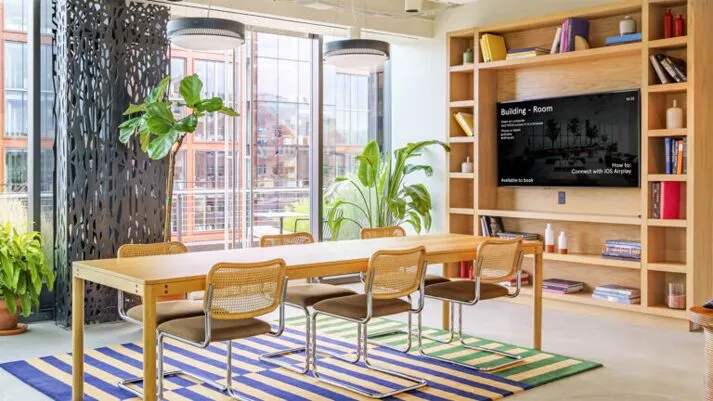
Case Studies
How WeWork Uses Mersive Solstice Beyond Wireless Presentation
Explore Mersive’s 2023 case study of how WeWork used Solstice for wireless collaboration, Dynamic Digital Signage, and centralized management across more than 500 locations.
Read Article