
Wireless sharing. No dongles required.
Share from laptops, tablets, and mobile devices using the Solstice app, AirPlay, Miracast, browser sharing, or the wired HDMI input.
Create a more seamless meeting experience with Mersive Solstice Pod—bringing secure wireless sharing, multi-user collaboration, and flexible BYOM into one centrally managed platform.
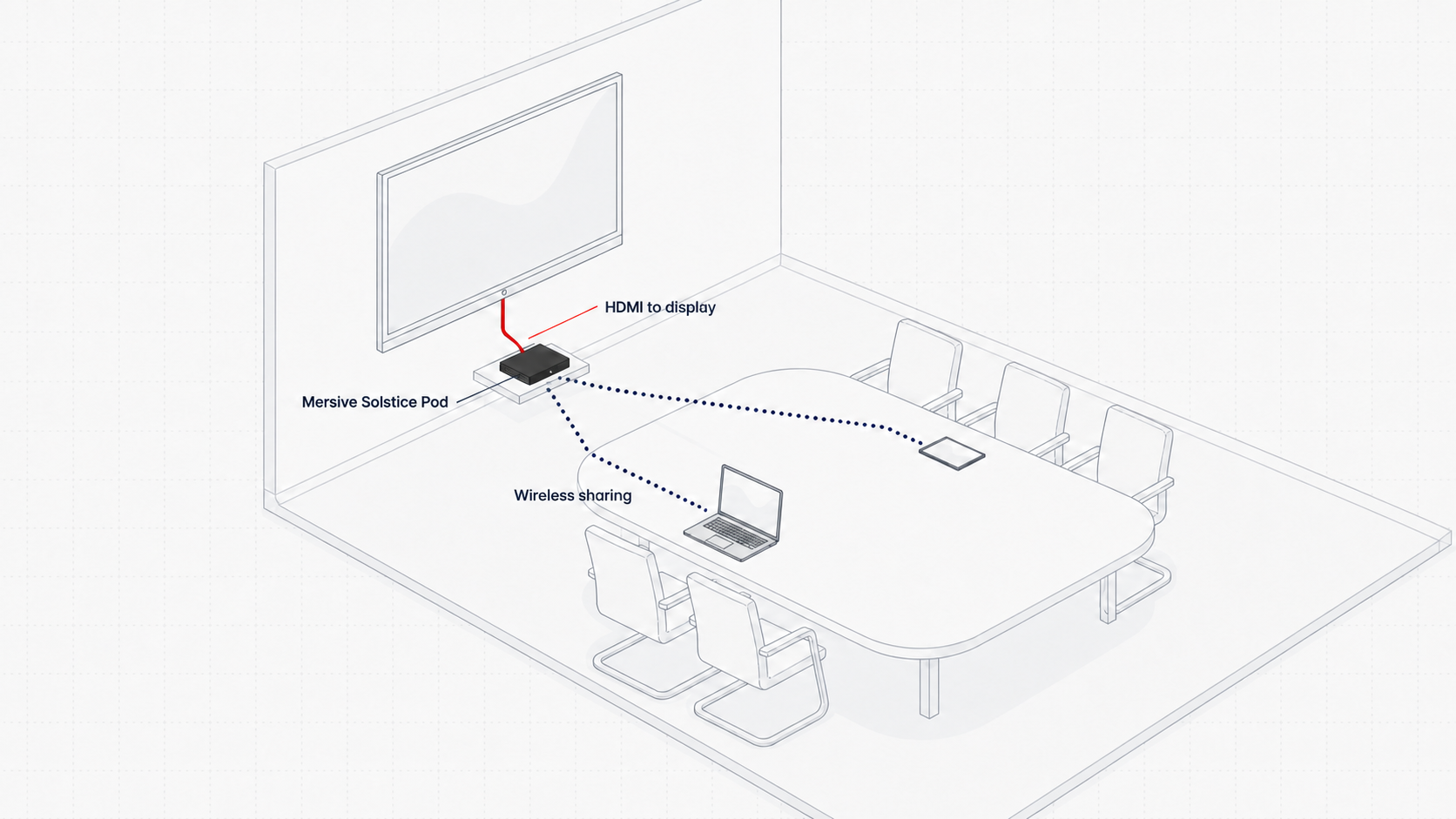
Share from laptops, tablets, and mobile devices using the Solstice app, AirPlay, Miracast, browser sharing, or the wired HDMI input.
Use the conferencing platform on your laptop while connecting wirelessly to supported in-room USB cameras, microphones, speakers, and displays.
Bring desktops, application windows, images, and video into one flexible layout so participants can compare, discuss, and decide together.
Give users a simple way to connect while IT maintains control through centralized management, multi-network support, 802.1X security, moderated sessions, monitoring, and alerts.
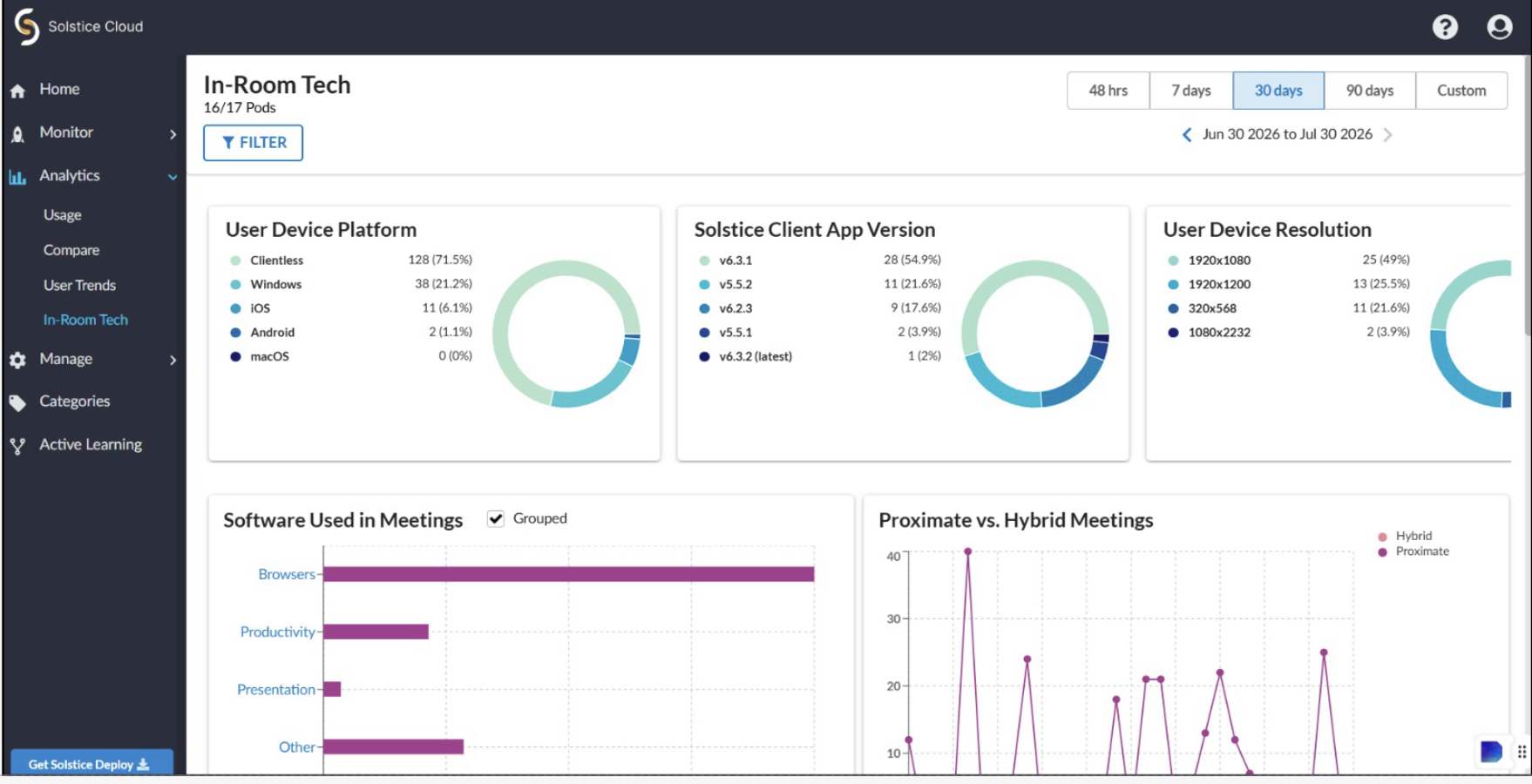
Through Solstice Cloud, bring monitoring, management, and deployment insights into one centralized dashboard. It helps IT teams review device activity, coordinate configurations and updates, and understand how collaboration spaces are being used.
| Feature | Specification |
|---|---|
| Wireless sharing | Solstice app, AirPlay, Miracast, browser sharing, and wired HDMI input |
| Supported devices | Windows, macOS, iOS, and Android; browser sharing for Chromebook and Linux |
| Conferencing | Bring Your Own Meeting support for major web conferencing platforms |
| Display output | One display at up to 4K UHD, or two displays at up to 1080p each |
| Video support | 4K 4096 x 2160 at 30Hz; 1080p and 720p at up to 60Hz |
| HDMI | Two HDMI outputs and one HDMI input |
| USB | Two USB 3.0 Type-A ports and one USB-C port |
| Network | RJ45 Gigabit Ethernet with PoE+; dual-band 802.11ac 2x2 MIMO wireless |
| Network support | Secure support for up to five networks |
| Audio | HDMI audio with 7.1 surround support and 3.5mm stereo output |
| Management | Cloud-based management, deployment monitoring, alerts, analytics, and insights |
| Security | Screen-key authentication, session moderation, 802.1X support, QoS, and enterprise network controls |
| Power | PoE+ or 12V DC, 2A power input |
| Dimensions | 184.2 x 86.2 x 26.3mm |
| Weight | 0.75 lb (approximately 340g) |
Specifications and compatibility are based on the supplied manufacturer brochure and may vary by software version, licensing, network configuration, and deployment environment.
Review the supplied product overview, capabilities, hardware ports, technical specifications, certifications, and engineering notes.
Download Product BrochureExtend Solstice into learning spaces and complete the room with the connectivity and power options required for a dependable installation.
Add flexible content routing and participation-focused workflows for teaching, training, and active learning environments.
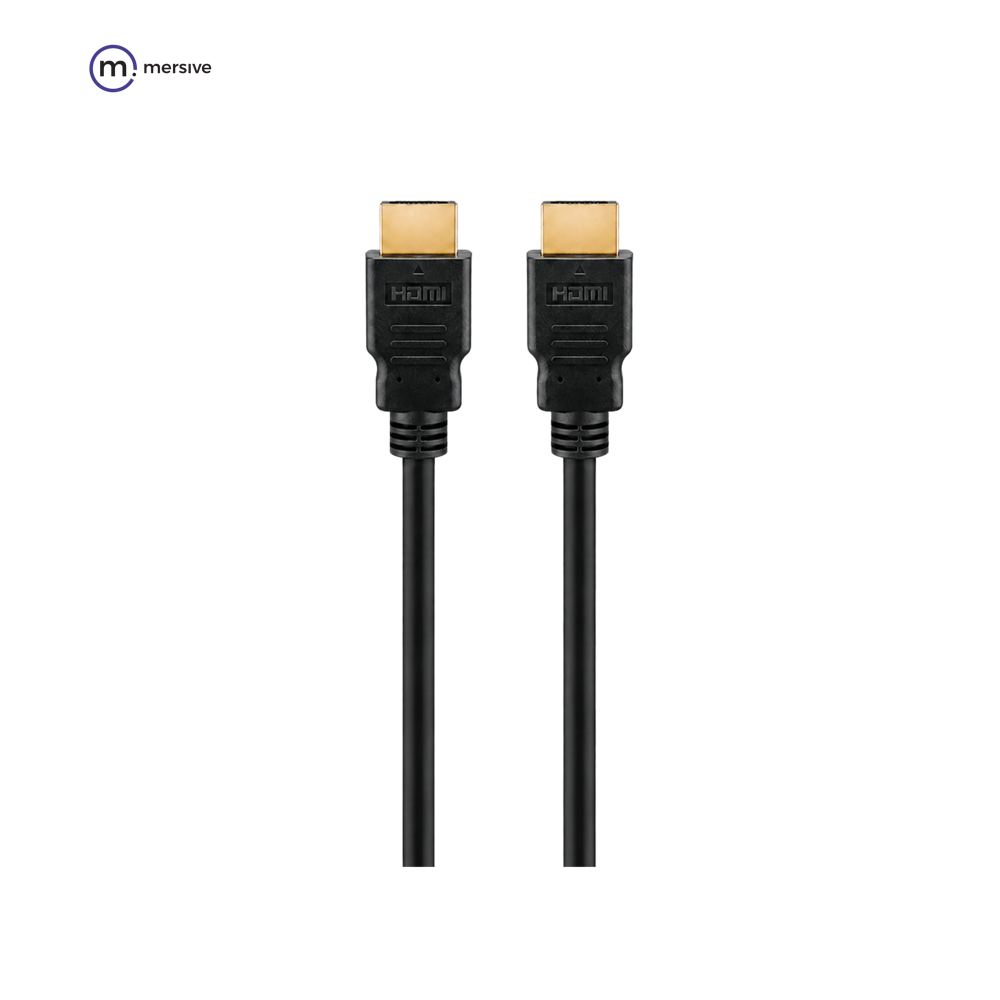
Connect the Solstice Pod to the room display using the appropriate HDMI cable for the installation.

Plan the correct power supply or confirm whether supported PoE+ will be used for the deployment.
Availability, licensing, and accessory requirements should be confirmed for each deployment.
Mersive Solstice Pod is a wireless collaboration platform that lets participants share content, combine multiple sources on one display, and support Bring Your Own Meeting workflows in compatible rooms.
Solstice supports Windows, macOS, iOS, and Android devices. Browser sharing is also available for compatible Chromebook and Linux workflows.
Yes. Solstice supports cloud-based management, deployment monitoring, alerts, analytics, and insights across managed meeting spaces.
The supplied specifications list support for one display at up to 4K UHD or two displays at up to 1080p each, subject to the deployed configuration.
Confirm room compatibility, network and security requirements, licensing, USB peripherals, display connections, power, and the software version required for the intended workflow.
Explore how organizations use collaboration platforms to support critical meetings, shared decisions, and connected teams.
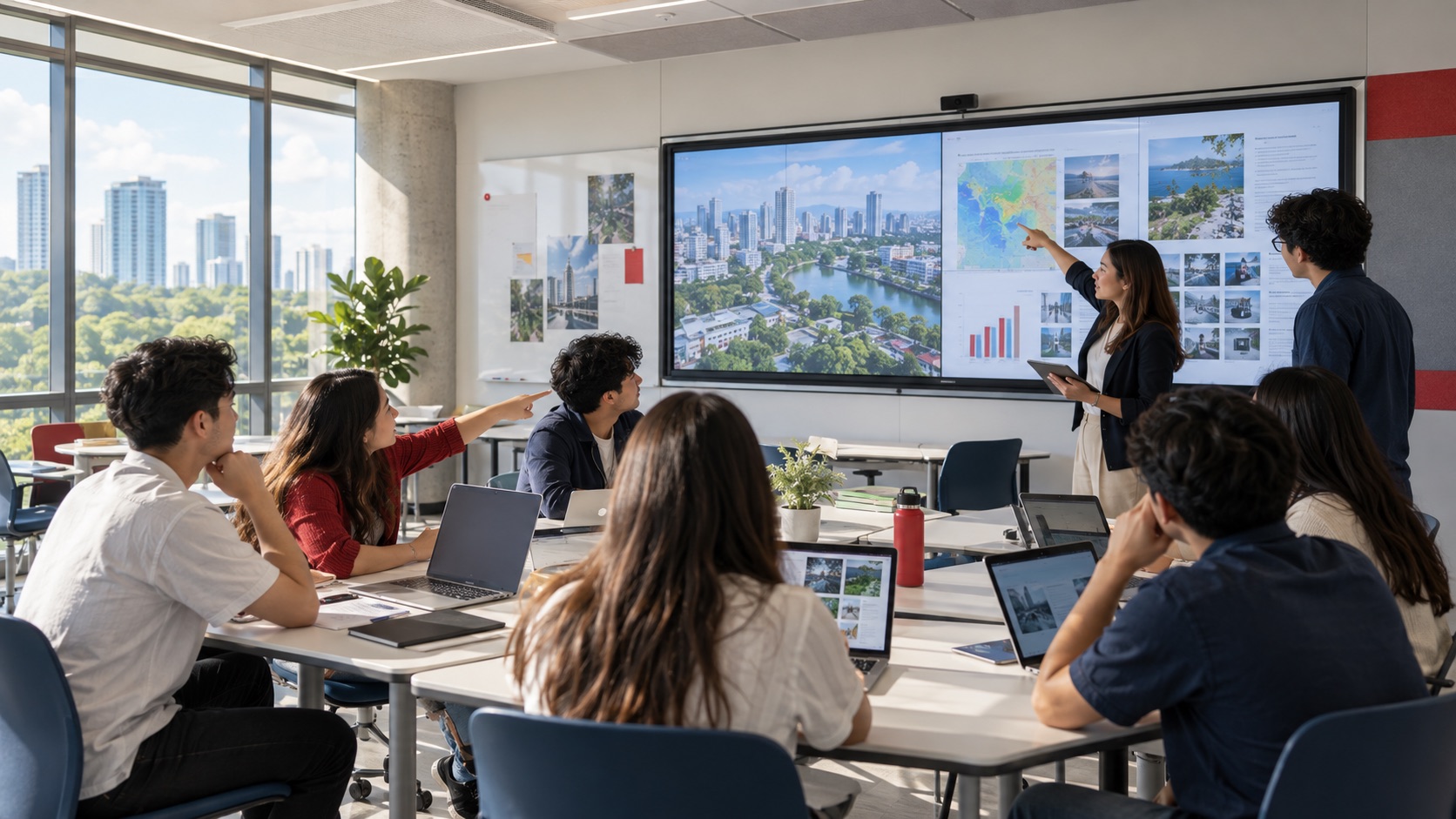
See how universities use Mersive Solstice to connect student devices, shared displays, active-learning workflows, and centrally managed collaboration.
Read the case study
What the BNL Gruppo BNP Paribas and Business Development Bank of Canada deployments reveal about secure, manageable wireless collaboration in financial services.
Read the case study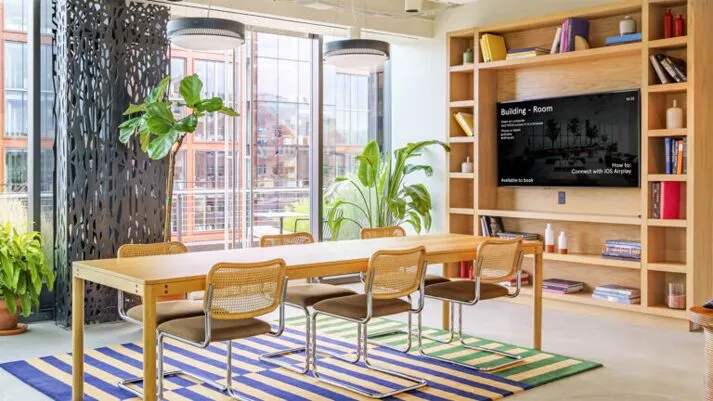
Explore Mersive’s 2023 case study of how WeWork used Solstice for wireless collaboration, Dynamic Digital Signage, and centralized management across more than 500 locations.
Read the case studyTalk with Nex Cambro Gen about wireless sharing, BYOM workflows, room compatibility, network requirements, and integration with your existing environment.
Request a Mersive Solstice Demo