
Why Financial Institutions Choose Mersive Solstice for Secure Collaboration

For financial institutions, security will always be a top priority. But having a collaboration tool that is both secure and easy to use can help teams work more efficiently without adding unnecessary complexity for IT.
Mersive Solstice is designed to support that balance—bringing secure wireless collaboration and centralized management into the meeting room. This is reflected in deployments at BNL Gruppo BNP Paribas and the Business Development Bank of Canada.
Top 3 Security Features of Mersive Solstice
1. Encrypted pixel streaming
Solstice encrypts communication between the user device and the Pod. Its pixel-streaming approach sends the visual content required for the display instead of transferring the original application file, helping keep source material on the presenter’s device.
2. Enterprise network controls
Support for 802.1X, custom TLS certificates, configurable security templates, and session access controls gives IT teams options for aligning meeting-room collaboration with established security policies.
3. Separated network access
Separate wired and wireless connections can support different access paths for employees and guests. This allows the collaboration environment to fit within the institution’s network design while helping protect access to internal resources.
 Security & Compliance
Mersive Security and Compliance
Mersive maintains SOC 2 Type II and ISO/IEC 27001 compliance as part of its approach to information security. Organizations should still evaluate Solstice against their own security policies, regulatory responsibilities, and deployment requirements.
Financial institution deployments
BNL Gruppo BNP Paribas: secure sharing with centralized management
When BNL developed its new headquarters in Rome, the goal was not simply to add wireless sharing.
Employees needed to move quickly between laptops, smartphones, tablets, and other devices, while the bank still had to keep security and centralized management in focus.
That is where Solstice came in.
BNL deployed 115 Solstice Pods across meeting rooms and collaboration spaces, giving users a more consistent way to share content while allowing IT to manage the environment centrally.
BNL used Solstice to support sharing from multiple device types across its meeting spaces, with centralized management for IT.
Business Development Bank of Canada: enabling collaboration without opening the internal network
At the Business Development Bank of Canada, the challenge was slightly different.
The bank wanted employees and clients to be able to walk into a meeting room, use their own devices, and share content easily. At the same time, protecting the internal corporate network remained essential.
Across 80+ meeting rooms, Solstice was deployed on a separate collaboration network, allowing personal devices to connect and share without requiring access to BDC’s internal network.
What financial institutions can learn from these deployments
The BNL and BDC projects were different in scale and network design, but both highlight several practical considerations for meeting-room deployments in financial environments.
- Security is part of the collaboration design.BNL identified data security as a key requirement, while BDC used a separate network for Solstice to help protect its internal corporate network.
- Support for multiple device types matters. Both deployments involved users sharing from laptops and other personal devices, so the collaboration setup needed to accommodate different endpoints rather than depend on a single device type.
- Network design is part of the room strategy In BDC’s deployment, Solstice operated on a separate network to help keep collaboration traffic separate from the bank’s internal corporate network.
- Centralized management becomes more relevant at scale.BNL deployed Solstice across a large number of meeting spaces, making centralized configuration and management an important part of the environment.
- The meeting room should be evaluated as a complete system.Collaboration, network access, displays, conferencing, and room controls all affect how the space is used and managed.
Planning secure meeting rooms in the Philippines
Financial institutions do not need to choose between a simple meeting experience and a controlled technology environment. The better approach is to design both together.
Nex Cambro Gen helps organizations assess room requirements, network considerations, user workflows, and deployment scale before selecting and configuring collaboration technology.
Explore Mersive Solstice with NCG
Talk to our team about secure wireless collaboration for meeting rooms, boardrooms, and shared financial-services environments.
Source note: Deployment information is based on Mersive’s BNL Gruppo BNP Paribas case study and AVI-SPL’s Business Development Bank of Canada case study. Security capabilities should be reviewed against current Mersive documentation and each organization’s own policies before deployment.
Continue Reading
Related Articles
Education Technology
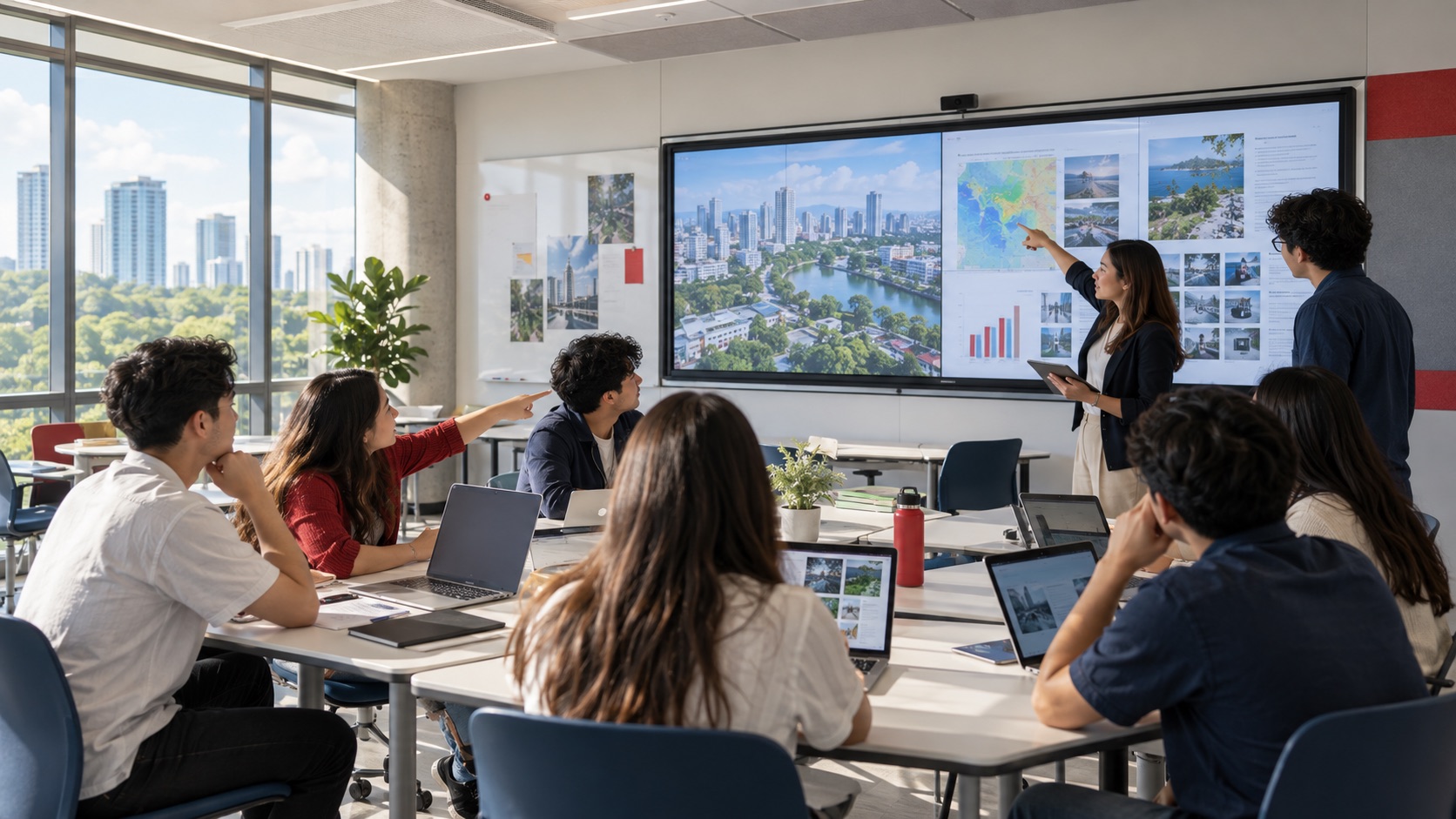
How Mersive Solstice Supports Collaborative Learning in the AI Era
See how universities use Mersive Solstice to connect student devices, shared displays, active-learning workflows, and centrally managed collaboration.
Read Article
Meeting Room Technology
Best Meeting Room Setup for a More Secured, Seamless & Scalable Workplace
See how wireless presentation, intelligent video, AV switching, and a professional display work together in a more secure, seamless, and scalable meeting room.
Read Article
Case Studies
How WeWork Uses Mersive Solstice Beyond Wireless Presentation
Explore Mersive’s 2023 case study of how WeWork used Solstice for wireless collaboration, Dynamic Digital Signage, and centralized management across more than 500 locations.
Read Article