
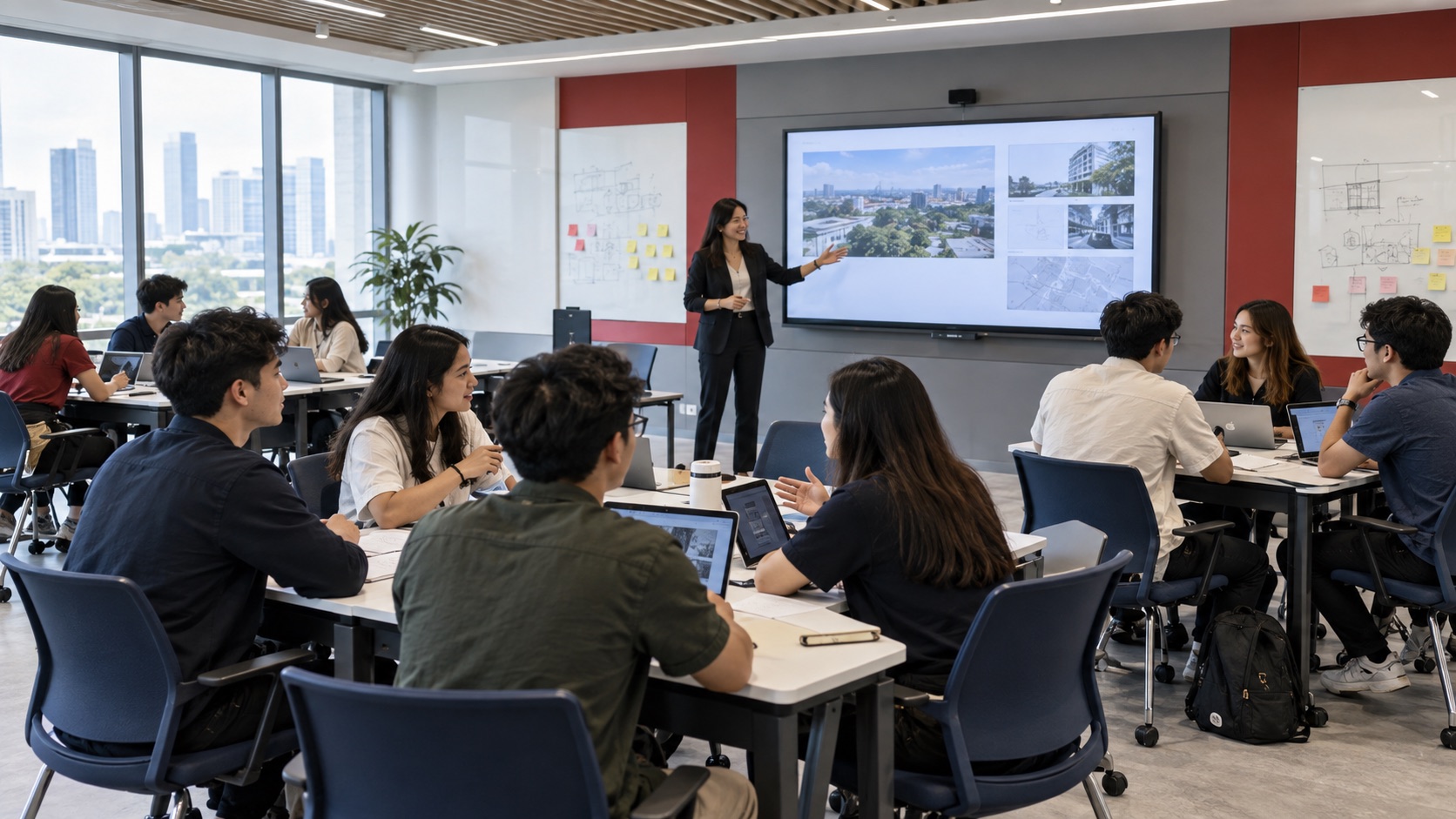
Active learning
Give instructors and students a shared visual workspace for discussion, comparison, and group work.
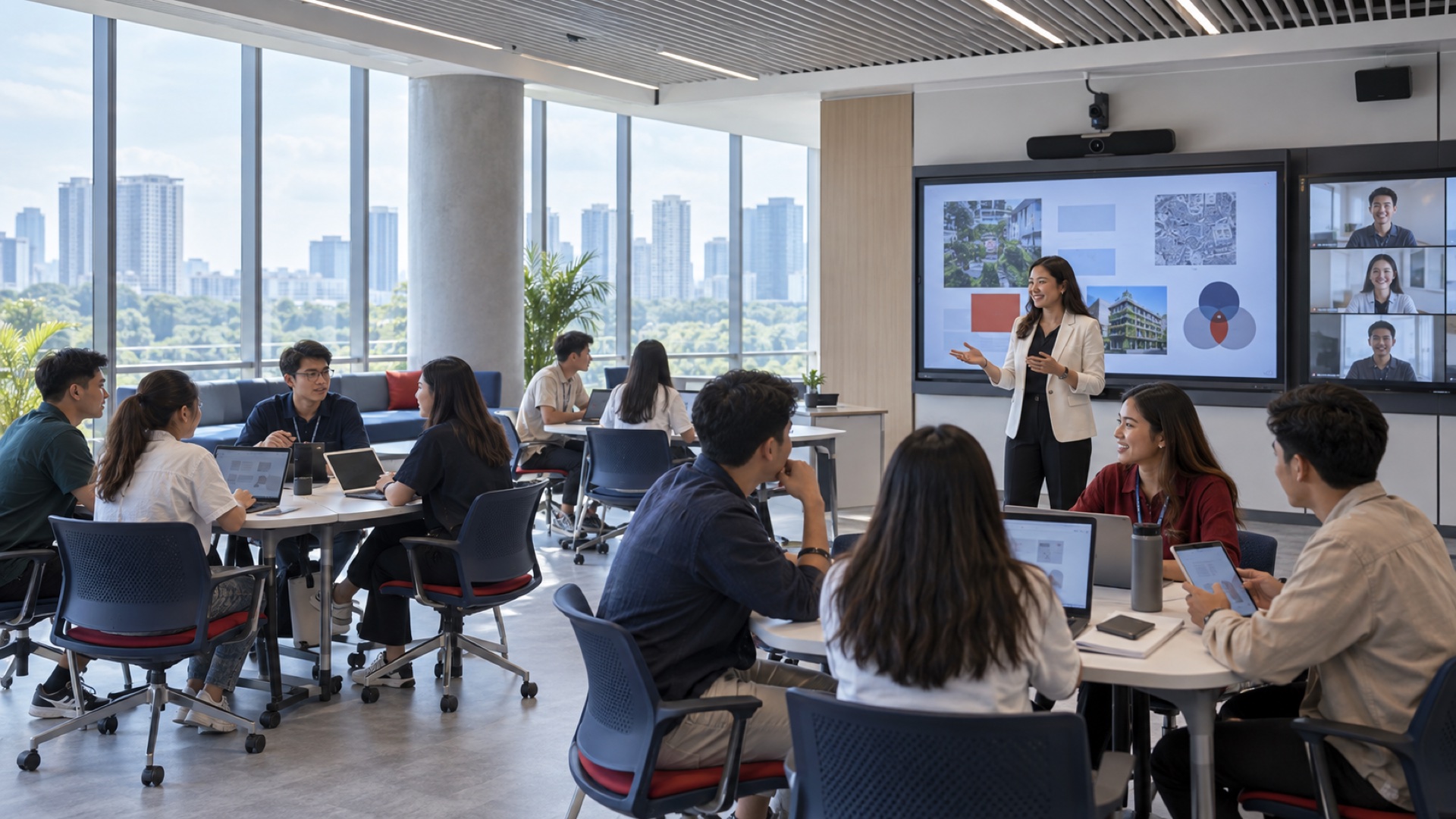
Connect educators, learners, content, and room technology around the way each space is meant to work.
Nex Cambro Gen provides AV solutions for education in the Philippines, planning learning environments as complete systems—from wireless presentation and hybrid video to displays, AV routing, campus communication, and the network beneath them. Each design is matched to the room, teaching workflow, and IT requirements of the institution.
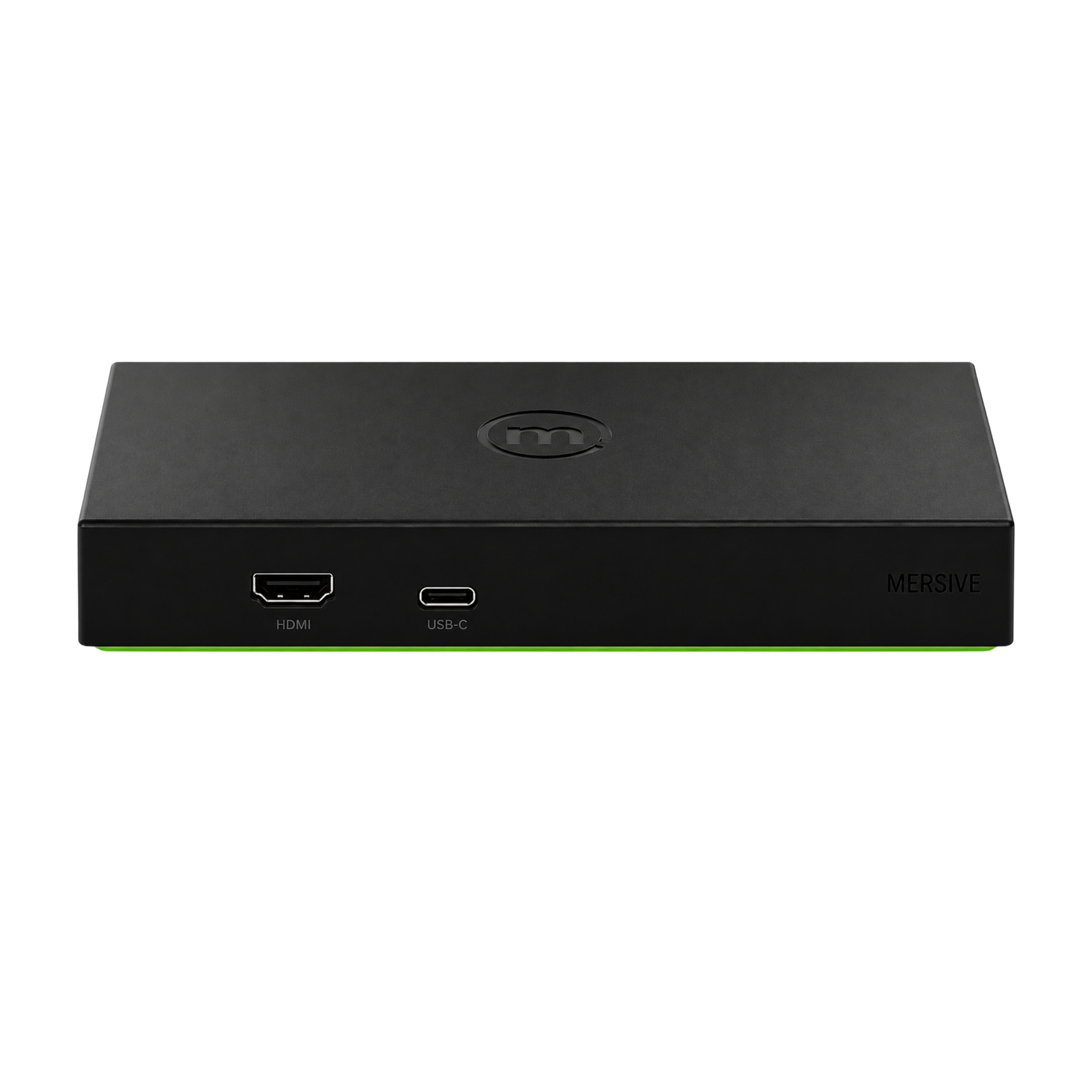
The Solstice Pod turns a classroom display into a shared collaboration space. Educators and students can present content from supported devices, compare ideas, and move between contributors without passing cables around the room.
Learn more about Mersive PodTeaching now moves between in-room discussion, shared digital content, personal devices, remote participants, and specialist applications. A connected learning space keeps those elements available without adding unnecessary steps for educators or IT.
Give instructors and students a shared visual workspace for discussion, comparison, and group work.
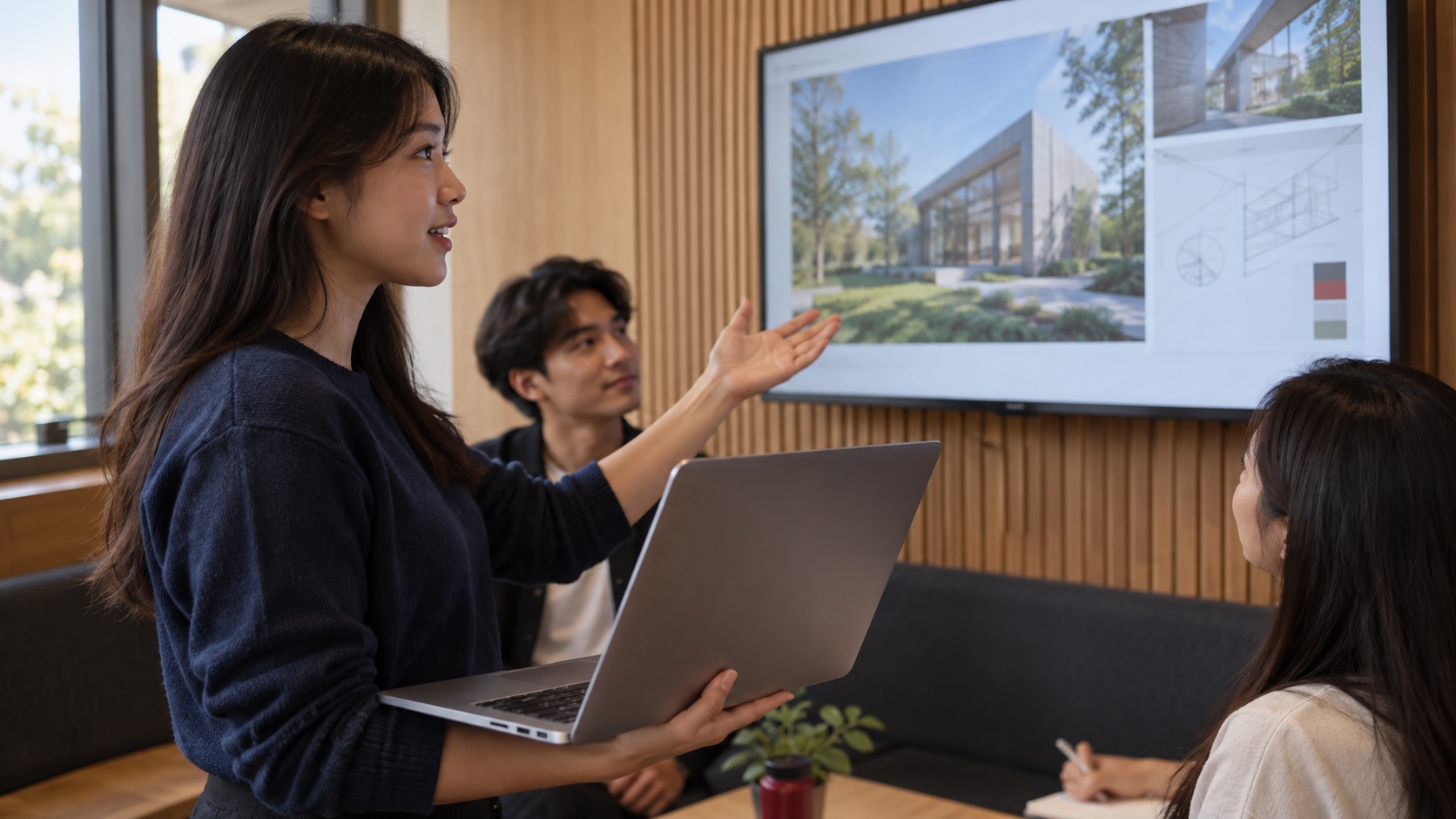
Let approved devices share content without making adapters and cable changes the focus of the session.
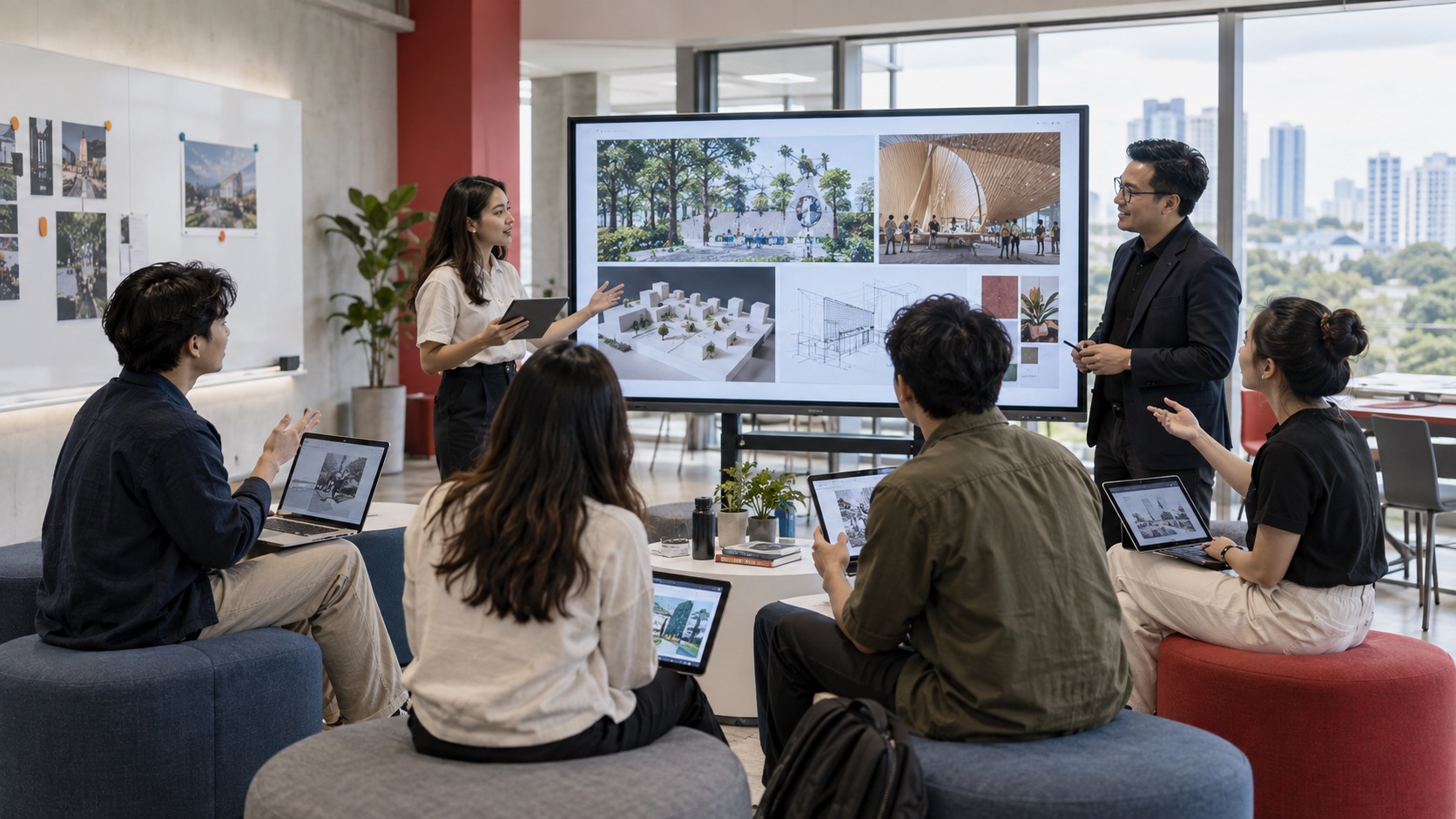
Support multiple contributors and make student work easier to bring into the room conversation.
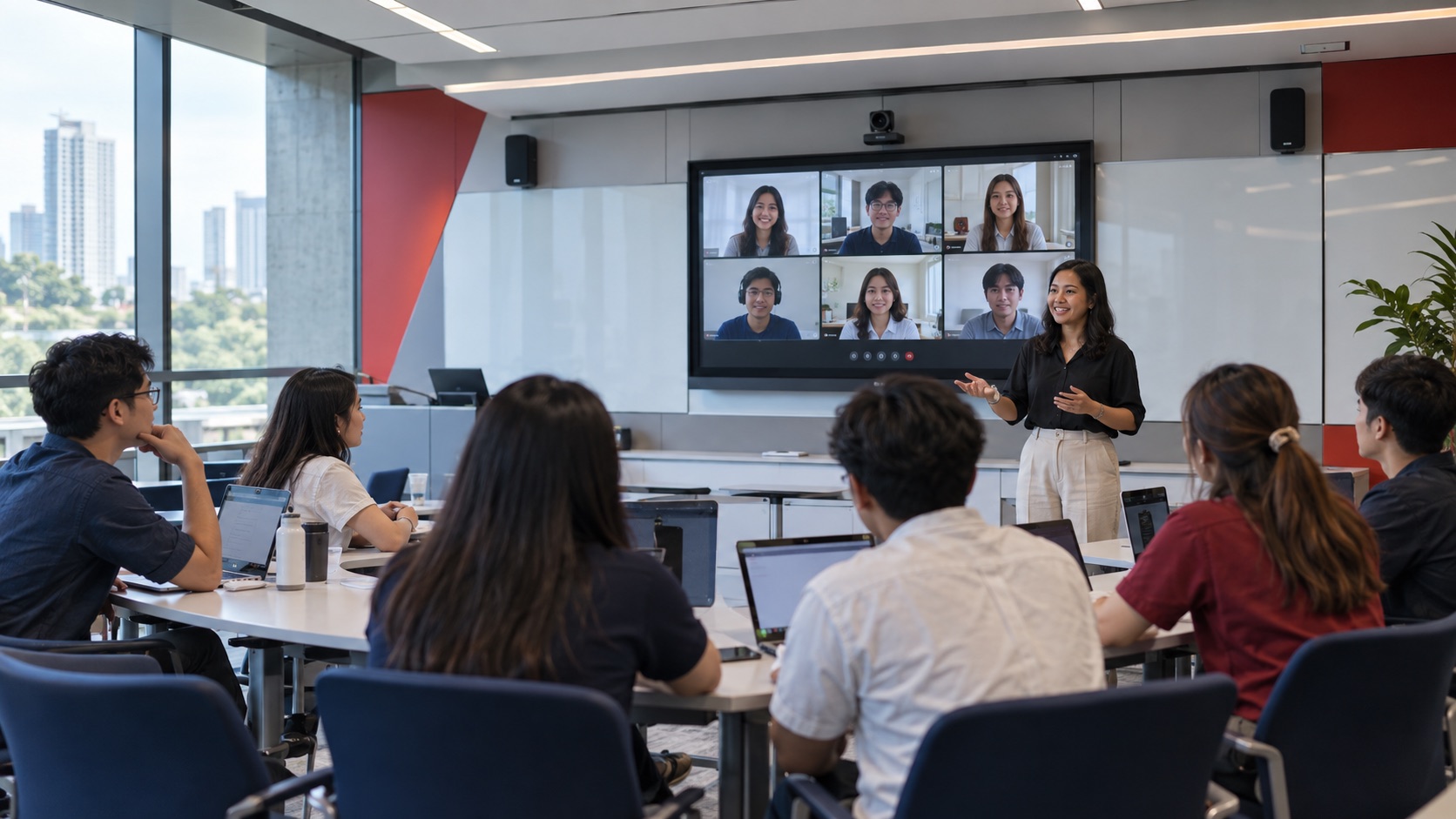
Connect room video, audio, displays, and conferencing platforms around the planned teaching workflow.
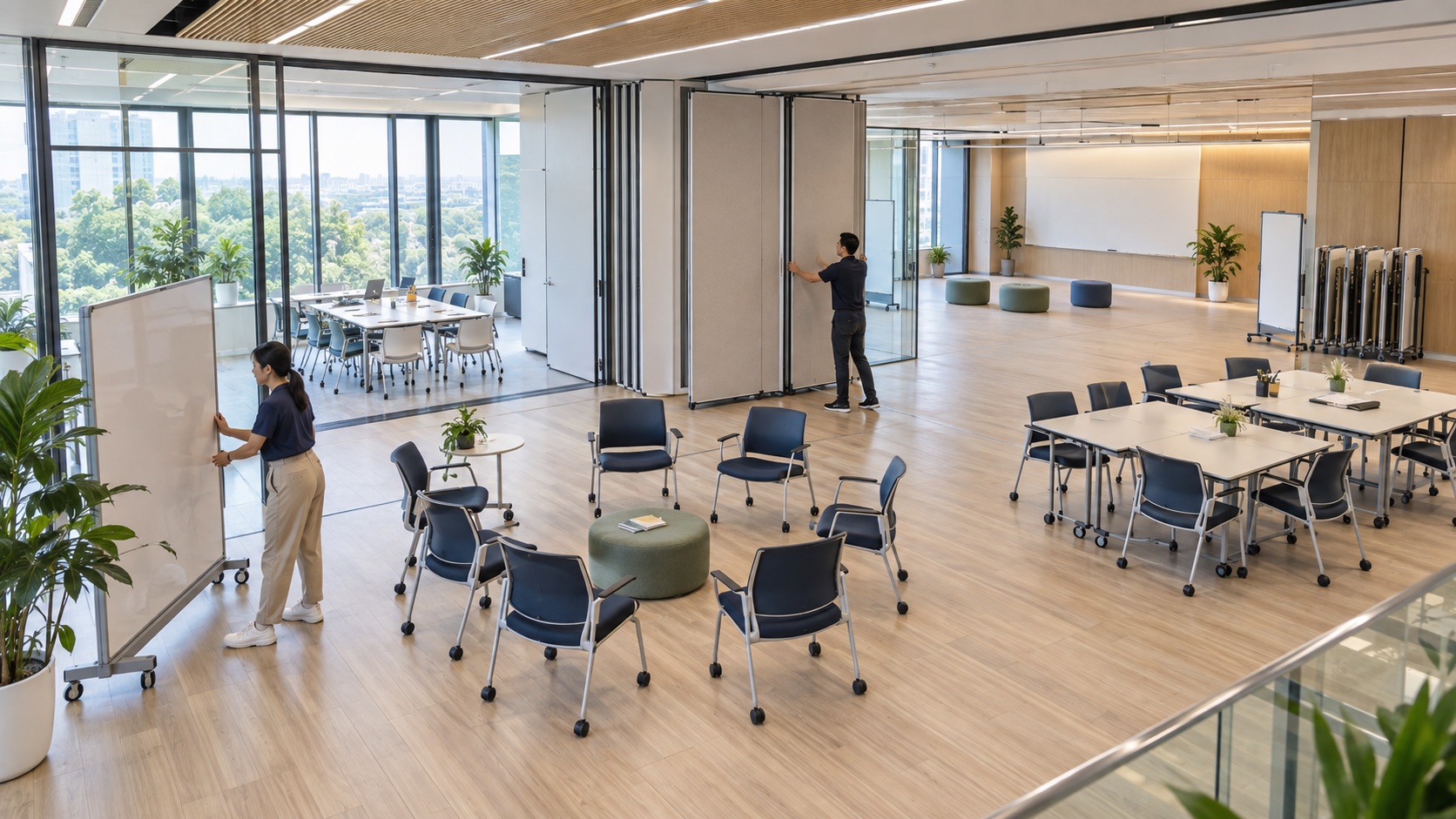
Prepare spaces for lectures, workshops, group activities, training, and faculty collaboration.
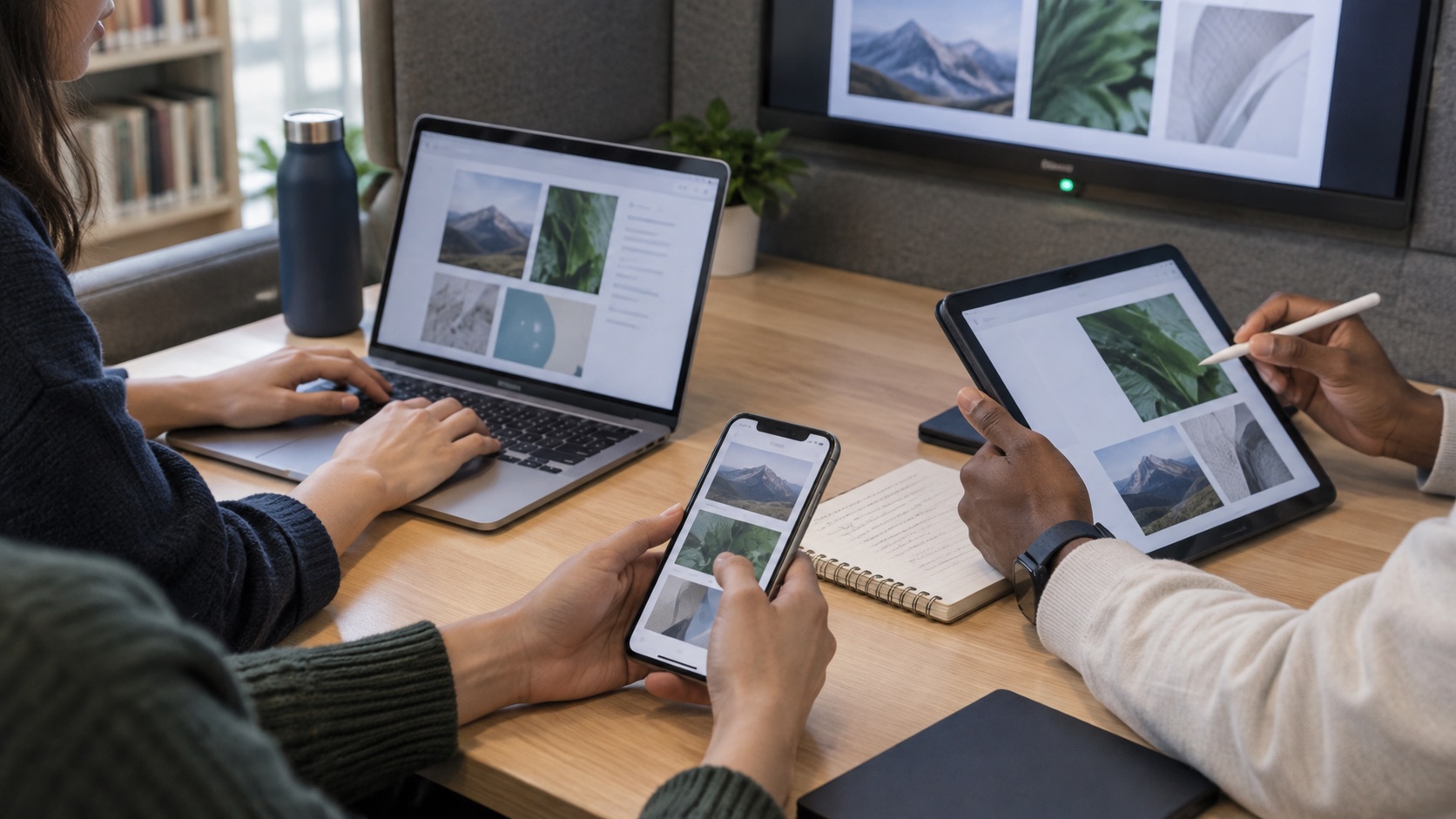
Plan secure access for institution-managed systems and the devices people already use to learn and teach.
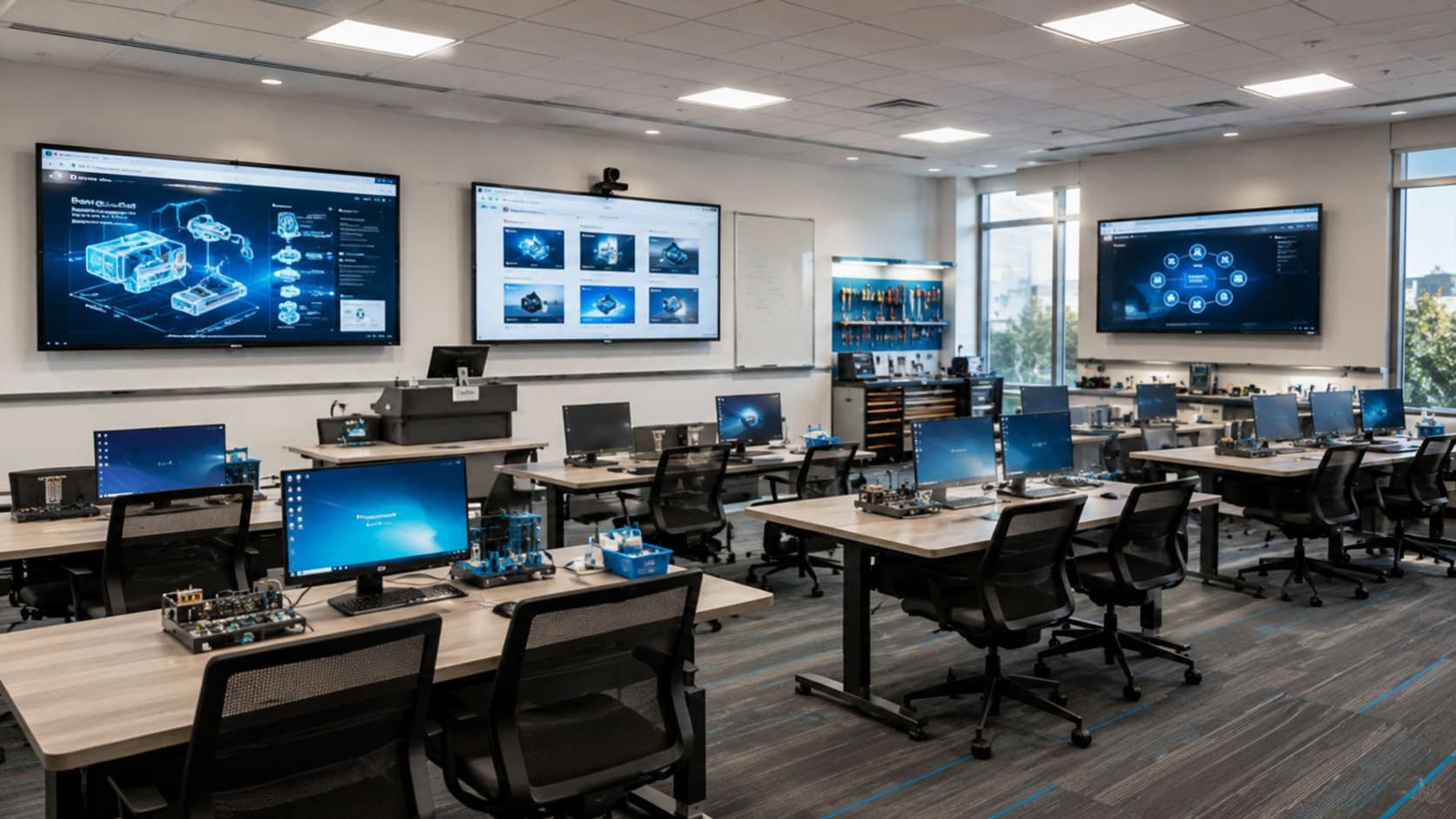
Labs and training
Laboratories and training rooms often combine demonstrations, specialist devices, shared applications, and hands-on work. NCG plans the display, source connections, AV extension, video, and control path so the technology supports the session instead of interrupting it.
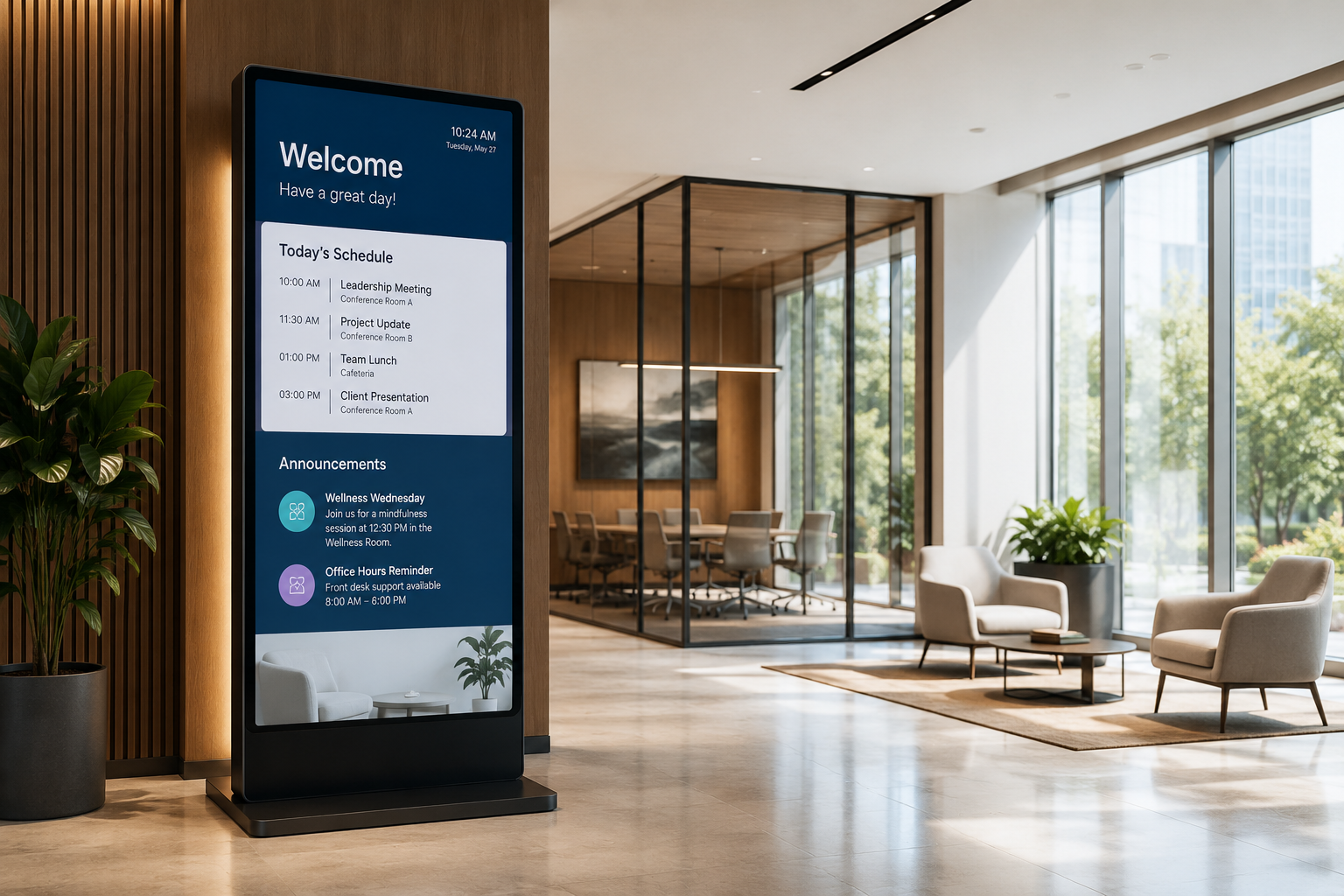
Campus communication
A connected campus also needs clear communication in entrances, corridors, libraries, and student areas. Digital signage can support schedules, announcements, wayfinding, emergency information, and community content from a centrally planned system.
NCG brings the presentation, video, audio, display, switching, and network layers into one coordinated design. Select a card for a specification summary, then continue to the relevant product or solution page.
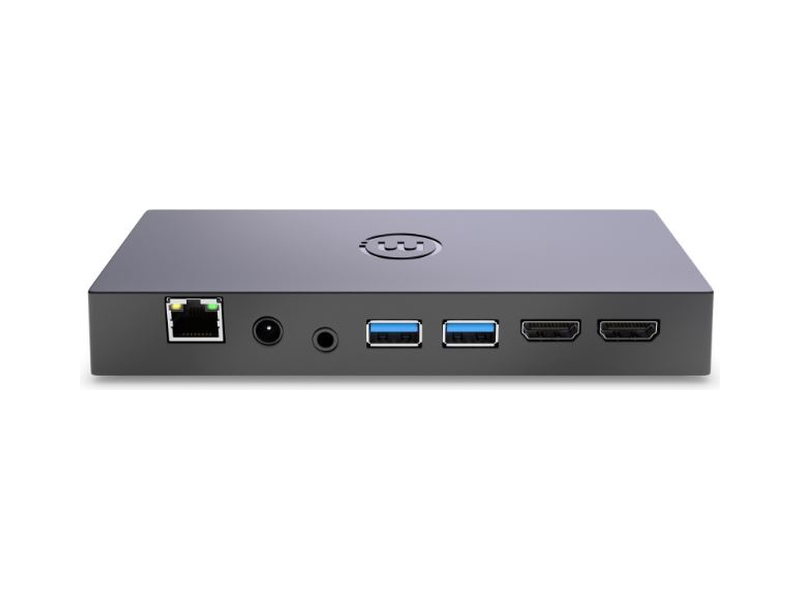
Wireless collaboration
A wireless collaboration appliance that turns the room display into a shared workspace for supported educator and learner devices.
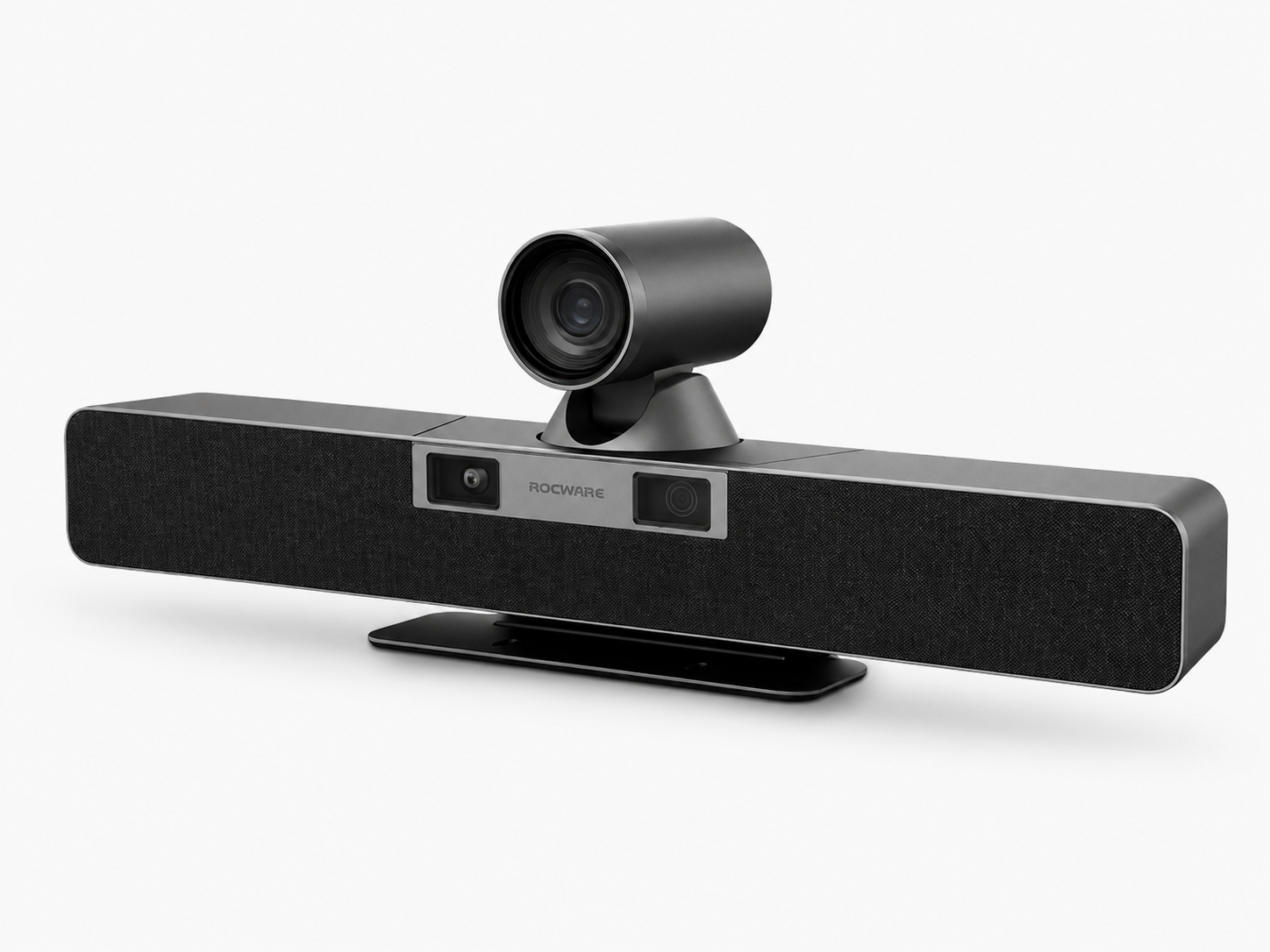
Video and audio
A dual-lens 4K video bar that combines room video, microphone pickup, speakers, and AI-assisted framing for hybrid learning environments.

AV switching
A 4×1 USB-C and HDMI KVM auto switcher for routing presentation sources and shared USB peripherals in connected rooms.

USB-C connectivity
A three-metre screw-lock USB-C cable that carries video, data, and power for supported ReThink switchers and professional AV systems.
USB extension
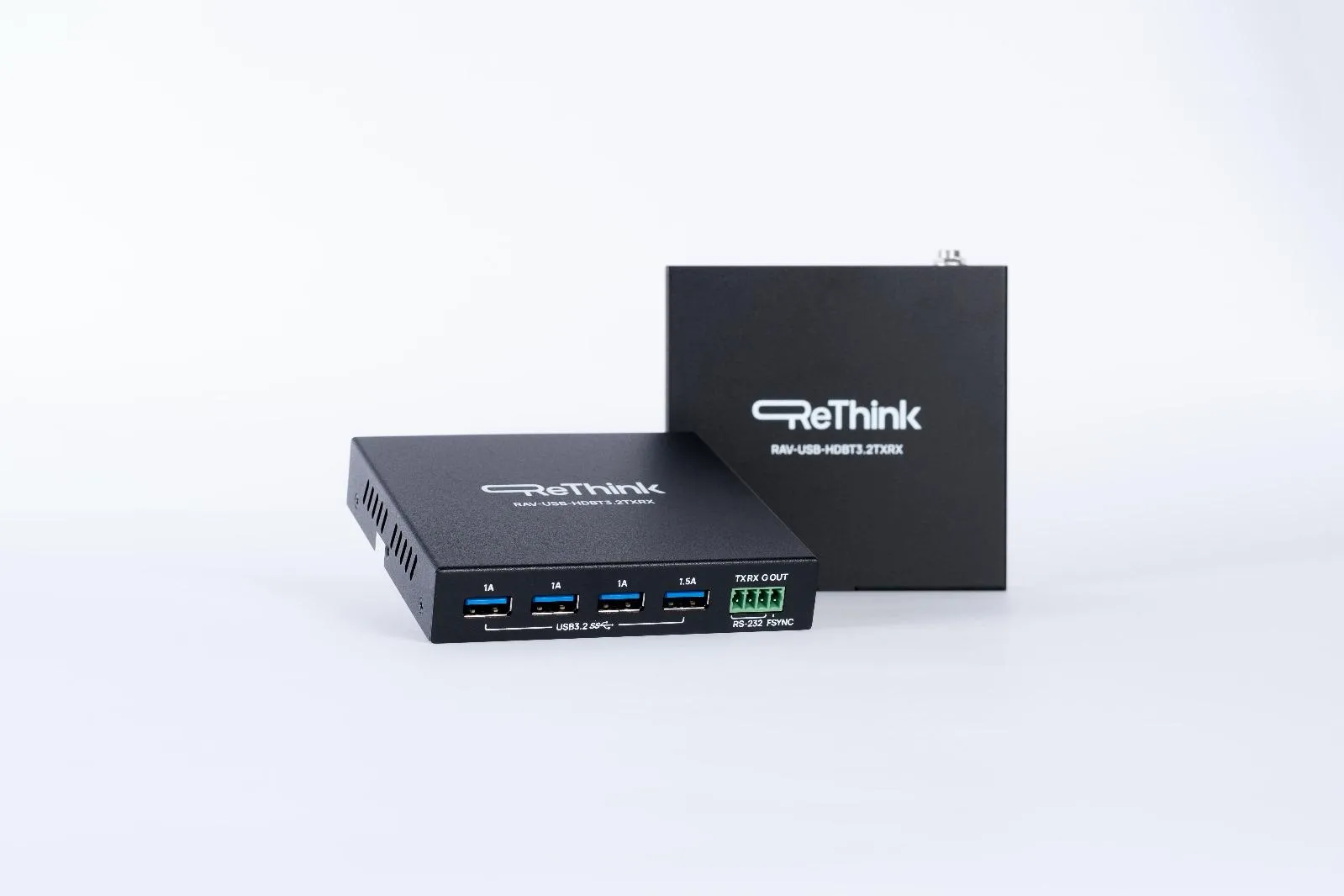
A USB 3.2 Gen 1 HDBaseT extender kit that connects a host to as many as four remote USB-A devices over one Cat6a cable.
Displays and signage
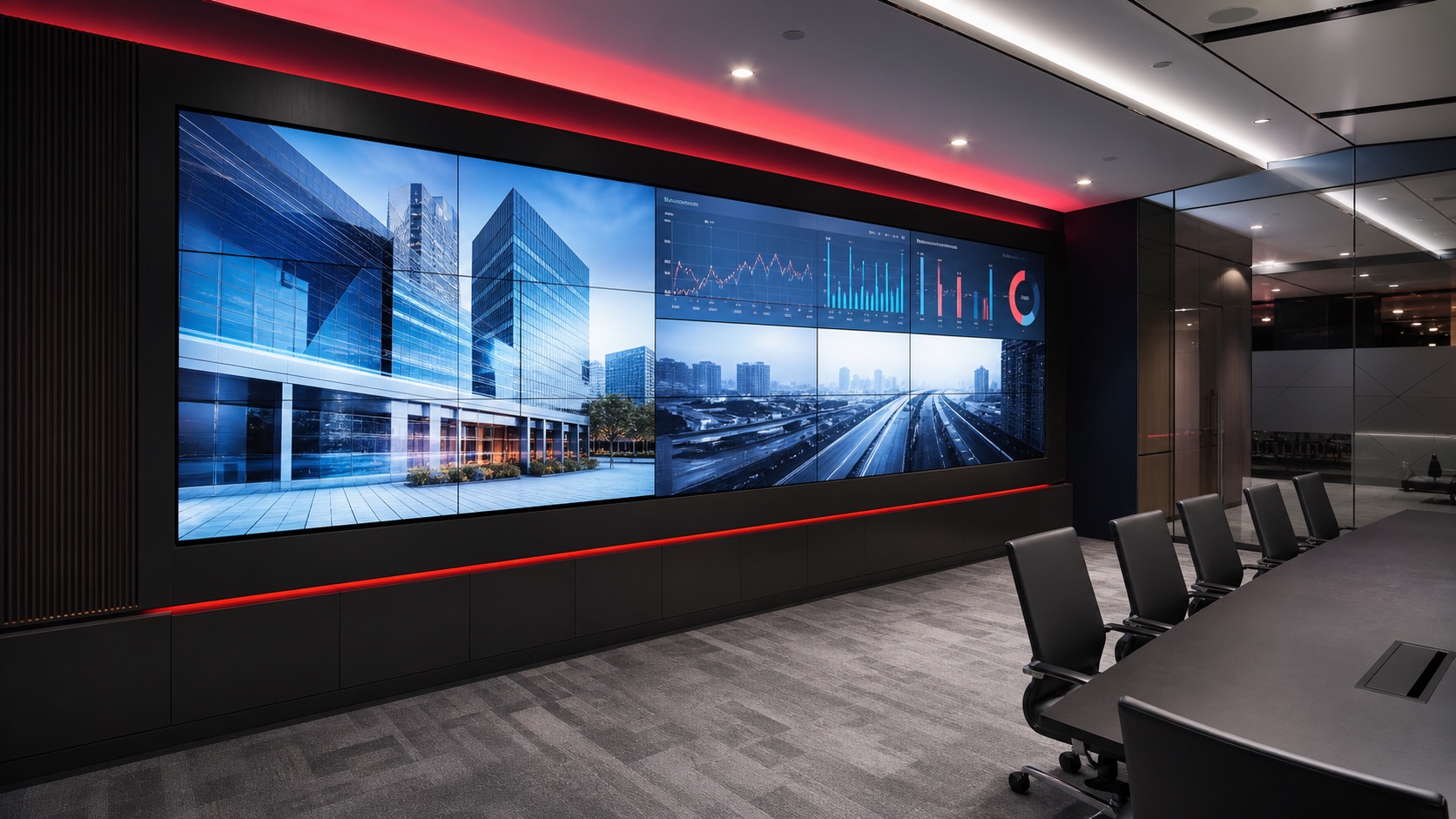
Commercial displays, projection, video walls, and signage endpoints selected around room size, viewing distance, content, and operating requirements.
Explore display solutions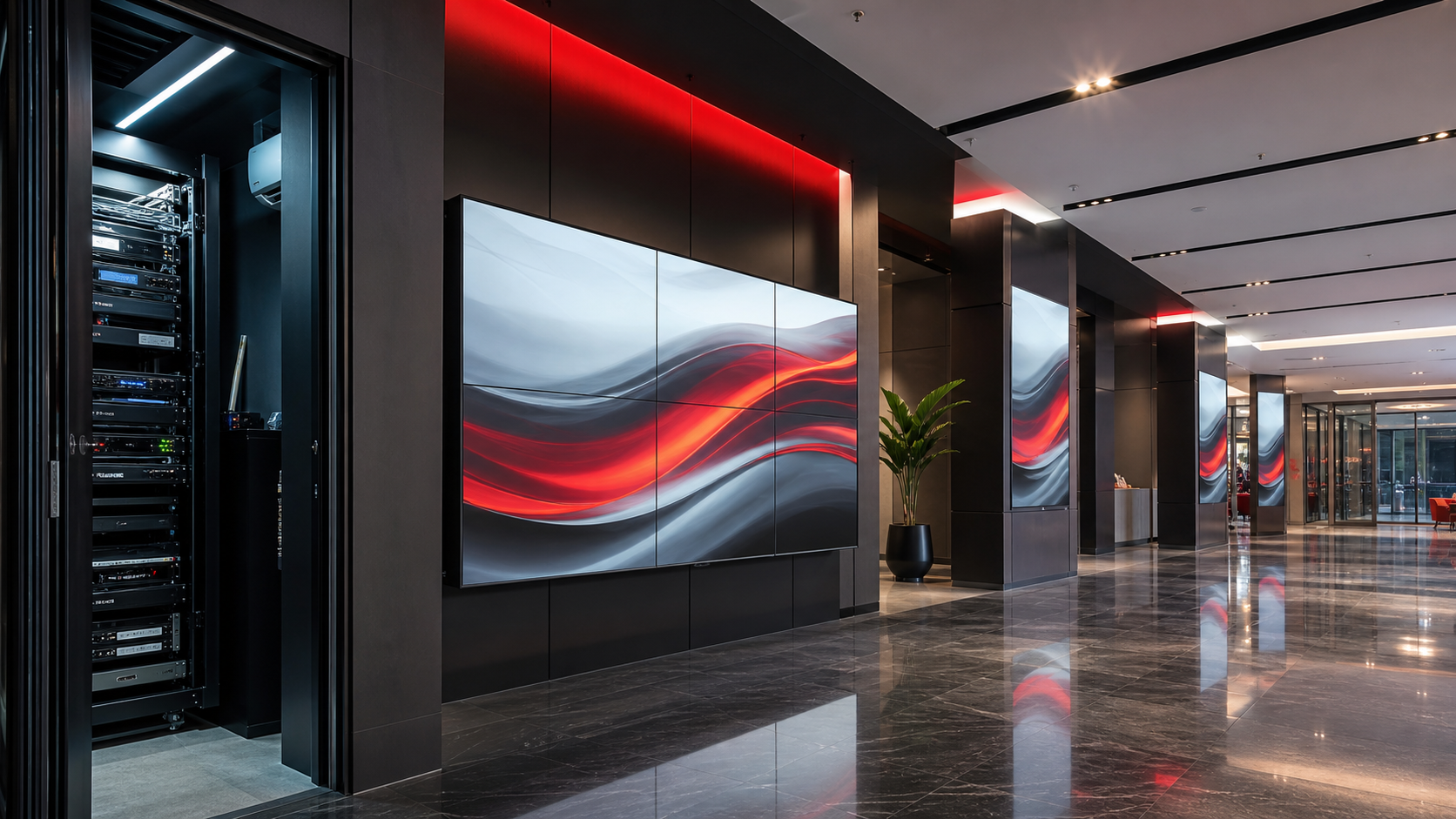
Network infrastructure
The structured cabling, switching, wireless coverage, and network controls that support connected learning spaces across the campus.
Explore network infrastructureThe right room experience has to remain supportable after installation. NCG aligns the technology design with institutional standards and confirms product-specific capabilities during planning.
Network and access requirements
Device management approach
Consistent room experiences
Multi-room deployment planning
Support and serviceability
User orientation and adoption
Global education references
These published Mersive case studies provide planning references for different learning environments. Each institution's deployment and results are specific to its project.
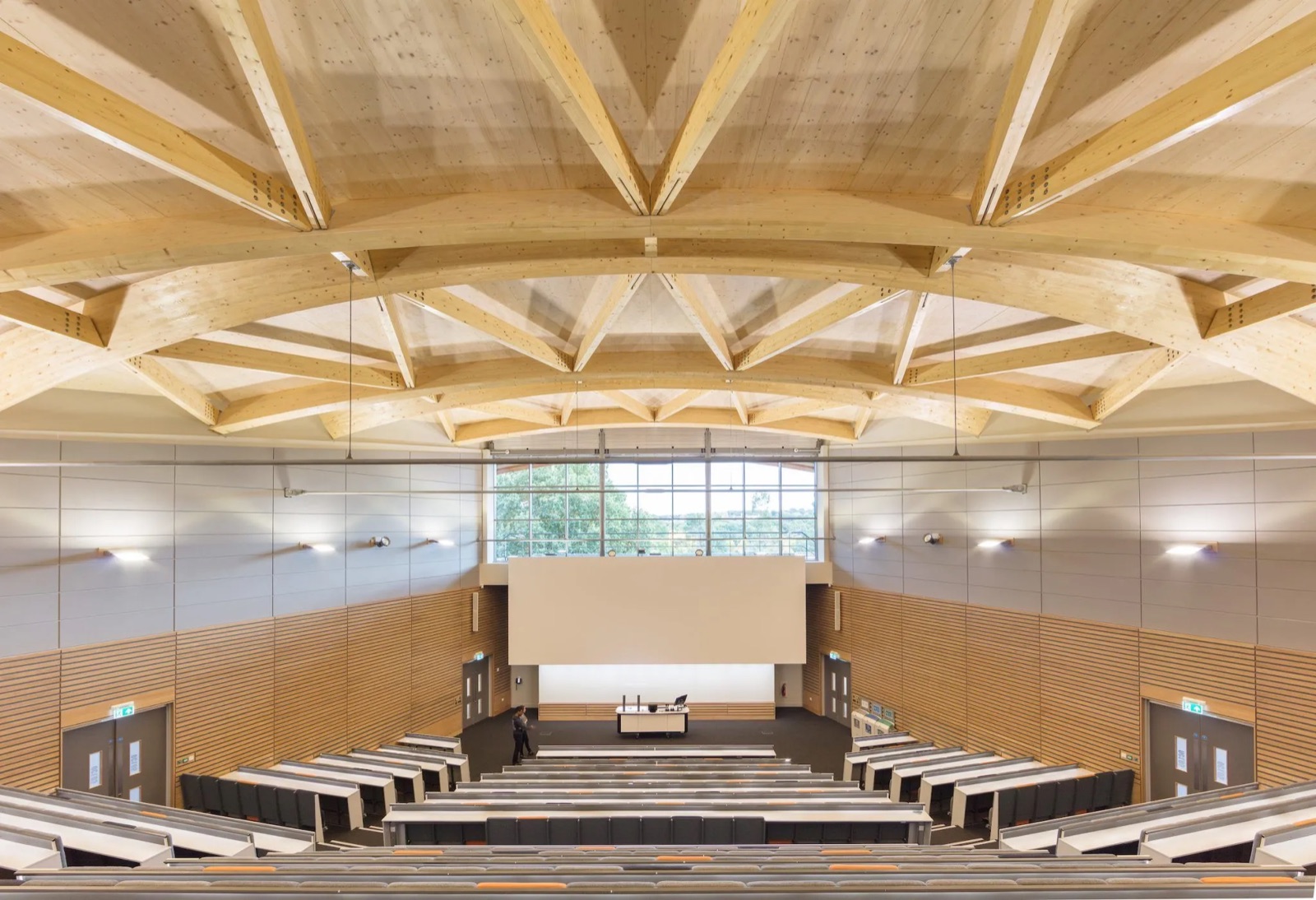
A university deployment showing how wireless collaboration can be used across teaching spaces at institutional scale.
Read the Mersive case study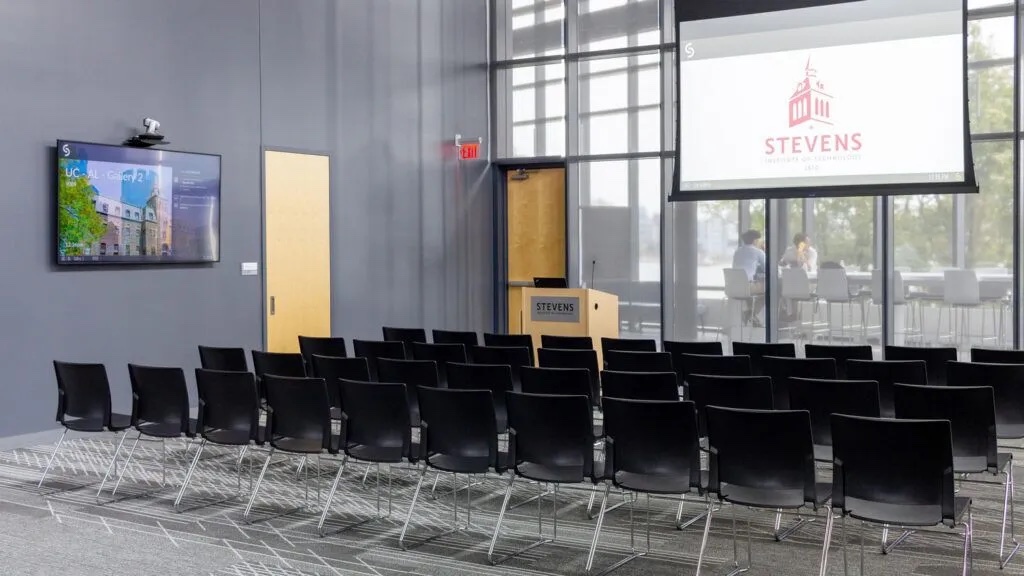
A published example of learning spaces designed to make sharing and group collaboration easier for students and faculty.
Read the Mersive case study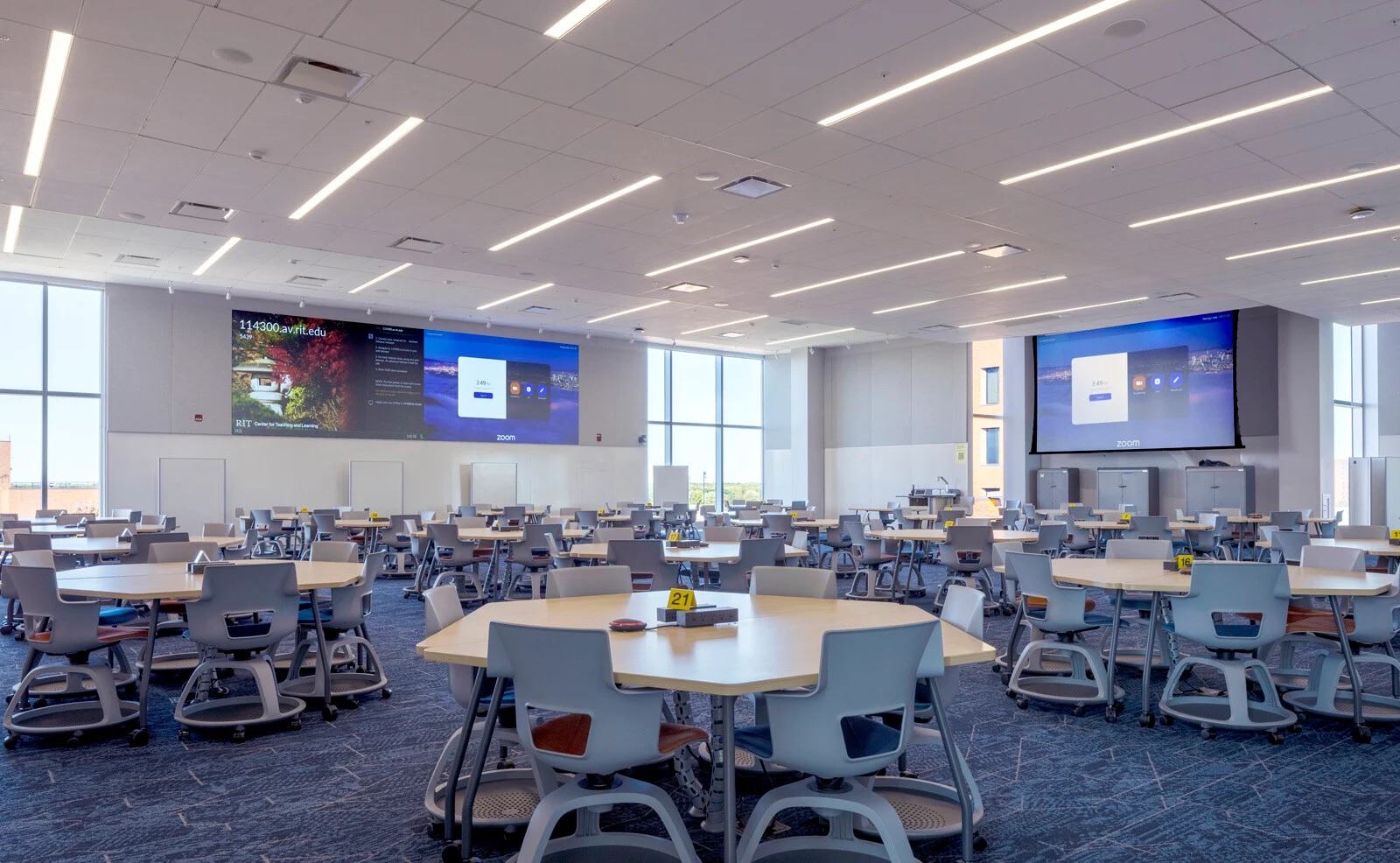
A flexible learning environment where shared displays support exploration, teaching, and student participation.
Read the Mersive case studyA classroom BYOD reference focused on enabling people to share content from their own devices within the learning space.
Read the Mersive case studyNCG AV solutions for education bring together displays, wireless presentation, cameras, microphones, speakers, video conferencing, AV connectivity, control, and network infrastructure into one connected learning environment.
Rather than treating each device as a separate system, we help schools and universities plan technology around how the room will actually be used—for teaching, collaboration, presentations, active learning, and hybrid classes.
An interactive classroom may include a commercial display or projector, wireless presentation system, cameras, microphones, speakers, video conferencing, and AV switching or connectivity.
At Nex Cambro Gen, we help determine the right combination based on the room size, teaching method, number of users, device requirements, and level of student participation—so institutions invest in technology that fits the space rather than simply adding more equipment.
A well-designed AV system can turn the classroom from a one-way presentation space into a more collaborative learning environment.
Students can share content from their own devices, compare work on a common display, participate in group discussions, and connect with remote classmates or instructors.
NCG can help design the room so these activities remain simple for both educators and students, with the technology working together as one connected system.
An AV room is a learning or presentation space equipped with audio-visual technology such as displays, projectors, speakers, microphones, cameras, and presentation systems.
Modern AV rooms can go further by supporting wireless collaboration, video conferencing, BYOD, hybrid teaching, and active learning.
Nex Cambro Gen helps schools plan these spaces around the actual teaching experience—from the display and audio to collaboration, connectivity, and network requirements.
Yes. A compatible BYOD collaboration system can allow educators and students to share content from supported laptops, tablets, or mobile devices to a room display. Device compatibility, network access, and security requirements should be confirmed during planning.
Key factors include room size, teaching methods, student participation, display visibility, audio coverage, hybrid-learning needs, network capacity, security, ease of use, device management, supportability, and future expansion.
Costs vary depending on room size, displays, cameras, microphones, audio coverage, conferencing platform, network readiness, installation requirements, and level of integration. A room assessment is the most reliable way to define the equipment and project scope before preparing a quotation.
Plan the right environment
Share the room type, number of users, teaching workflow, platforms, and current technology. NCG can help define a practical system for one room or a wider campus standard.
Talk to an NCG specialist