
Huddle & Small Rooms
Typically up to 6 people
Compact all-in-one video coverage for focus rooms, small meeting rooms, and fast team check-ins.
A strong starting point: MeetUp 2 or Rally Bar Huddle
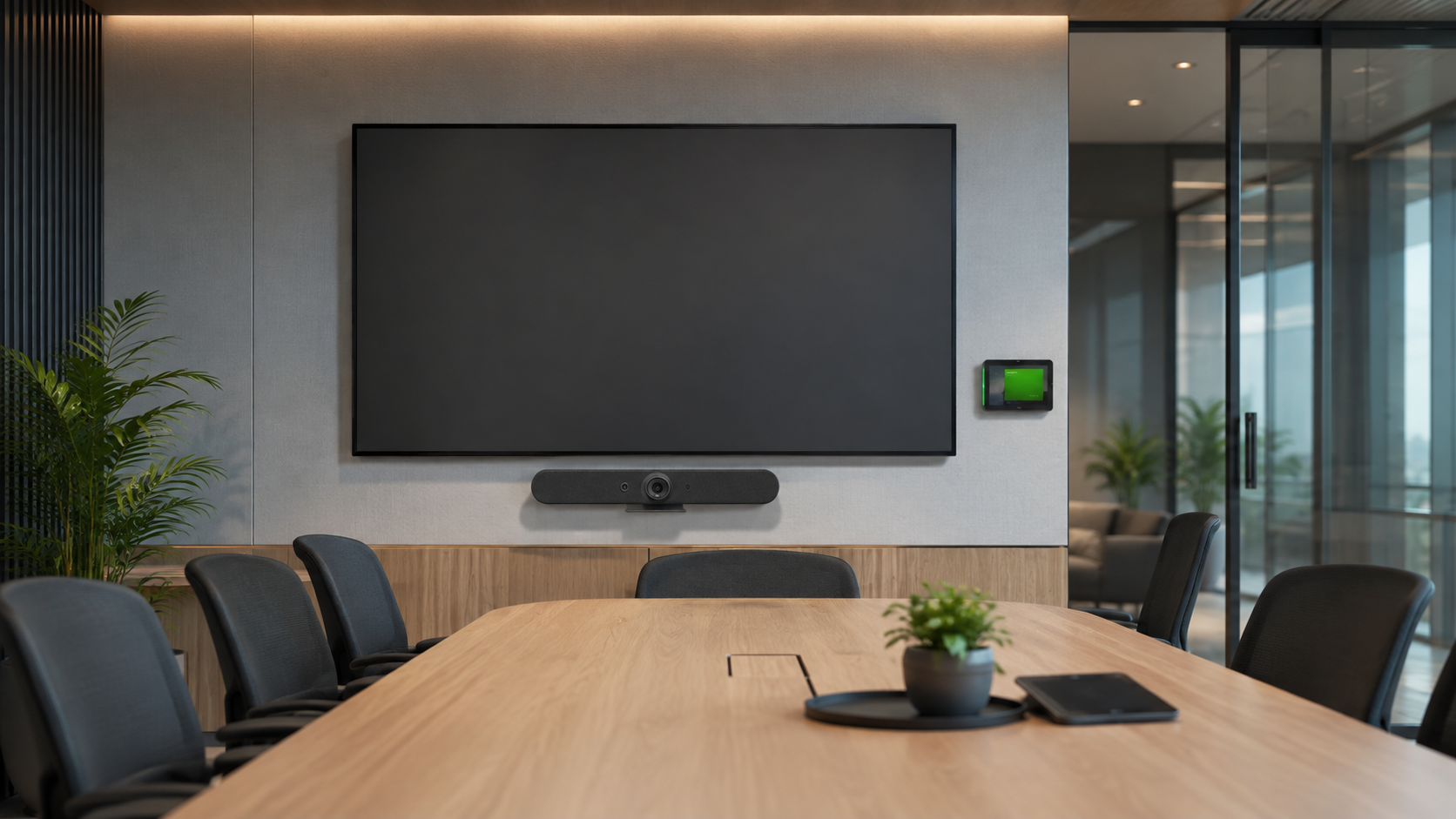
Logitech AV Solutions
Nex Cambro Gen brings Logitech meeting-room technology to organizations across the Philippines. Together with our integration partners, we help you select, design, deploy, and support a solution that fits your rooms, platform, and way of working.
Begin with your needs
The best Logitech solution starts with the people and the space—not a product list. Explore the room types below, then let NCG and our partners validate the layout, viewing distance, audio coverage, meeting platform, and joining experience.
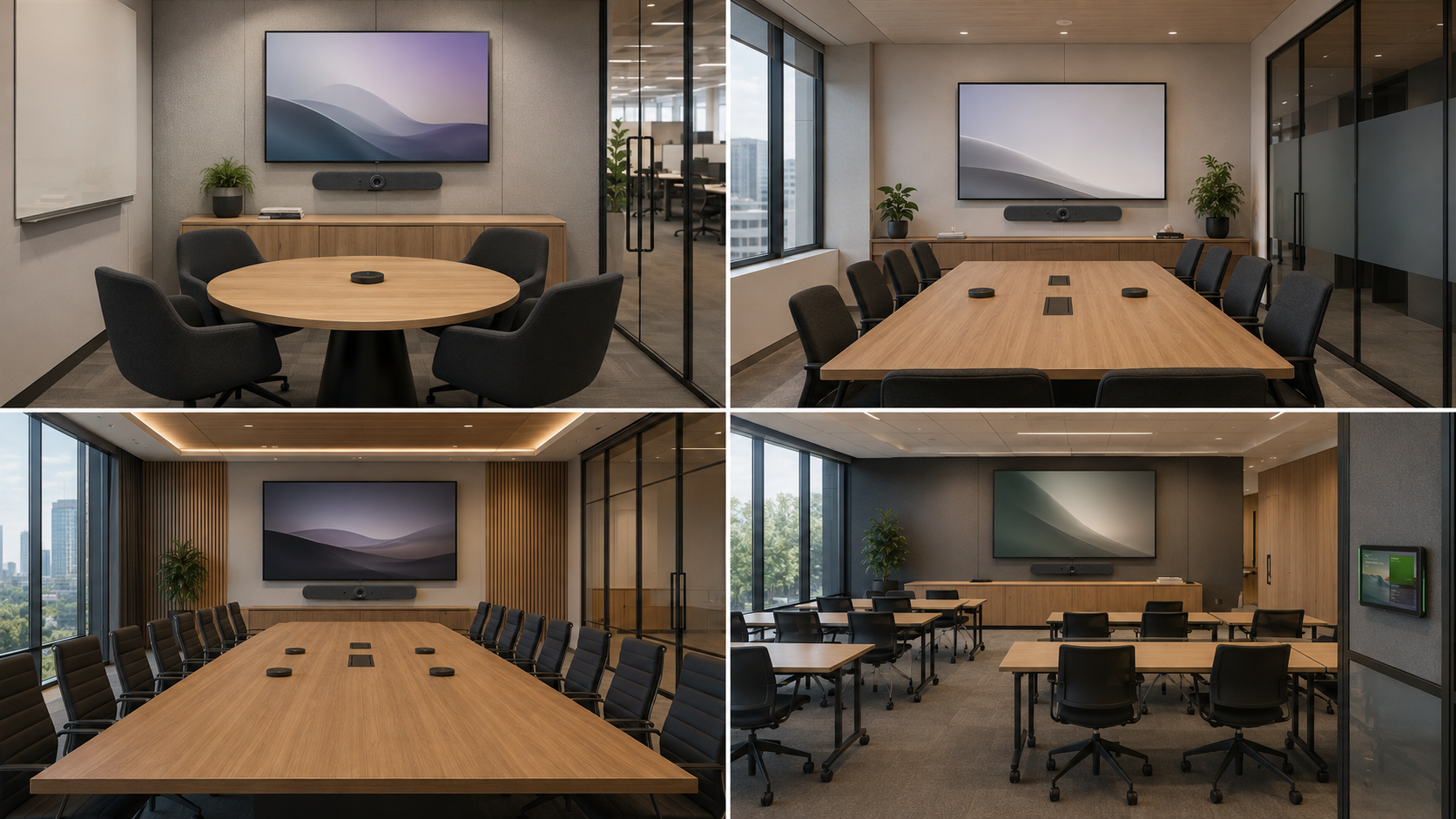
Typically up to 6 people
Compact all-in-one video coverage for focus rooms, small meeting rooms, and fast team check-ins.
A strong starting point: MeetUp 2 or Rally Bar Huddle
Typically up to 12 people
Wider room coverage with a dedicated touch controller for a consistent scheduled-meeting experience.
A strong starting point: Rally Bar Mini with Tap
Typically up to 20 people
Professional optics and expandable microphone coverage for longer tables and larger collaboration spaces.
A strong starting point: Rally Bar with Tap and optional Mic Pods
Layouts assessed individually
Flexible camera, speaker, and microphone placement for classrooms, training rooms, and non-standard layouts.
A strong starting point: Rally or Rally Plus modular systems
Published room capacities are planning references, not universal limits. Final selection depends on the approved room design and current platform certification.
The Logitech Ecosystem
Once the room requirements are clear, choose the video system, touch controller, scheduling panel, and expandable audio that complete the experience.



Local design, deployment, and support
Review room size, seating, display position, acoustics, lighting, and existing infrastructure.
Select the room platform, Logitech components, mounting, accessories, and expansion requirements.
Define power, network, display, USB, cable paths, and room-controller placement before installation.
Mount and connect the approved equipment with clean cable management and service access.
Configure the room workflow and validate camera framing, audio coverage, content sharing, and call quality.
Provide user orientation, system documentation, and a support path for the completed deployment.
Complete Workplace Solution
Connect meeting-room AV with scheduling, workplace management, digital signage, access control, and other smart-office systems.
Compare Logitech MeetUp with Rocware RB10 LitePlanning resources

Article
See how wireless presentation, intelligent video, AV switching, and a professional display work together in a more secure, seamless, and scalable meeting room.
Read more
Article
Compare eight meeting room layouts and learn how to select the right display, camera, audio, presentation, conferencing, and booking technology.
Read more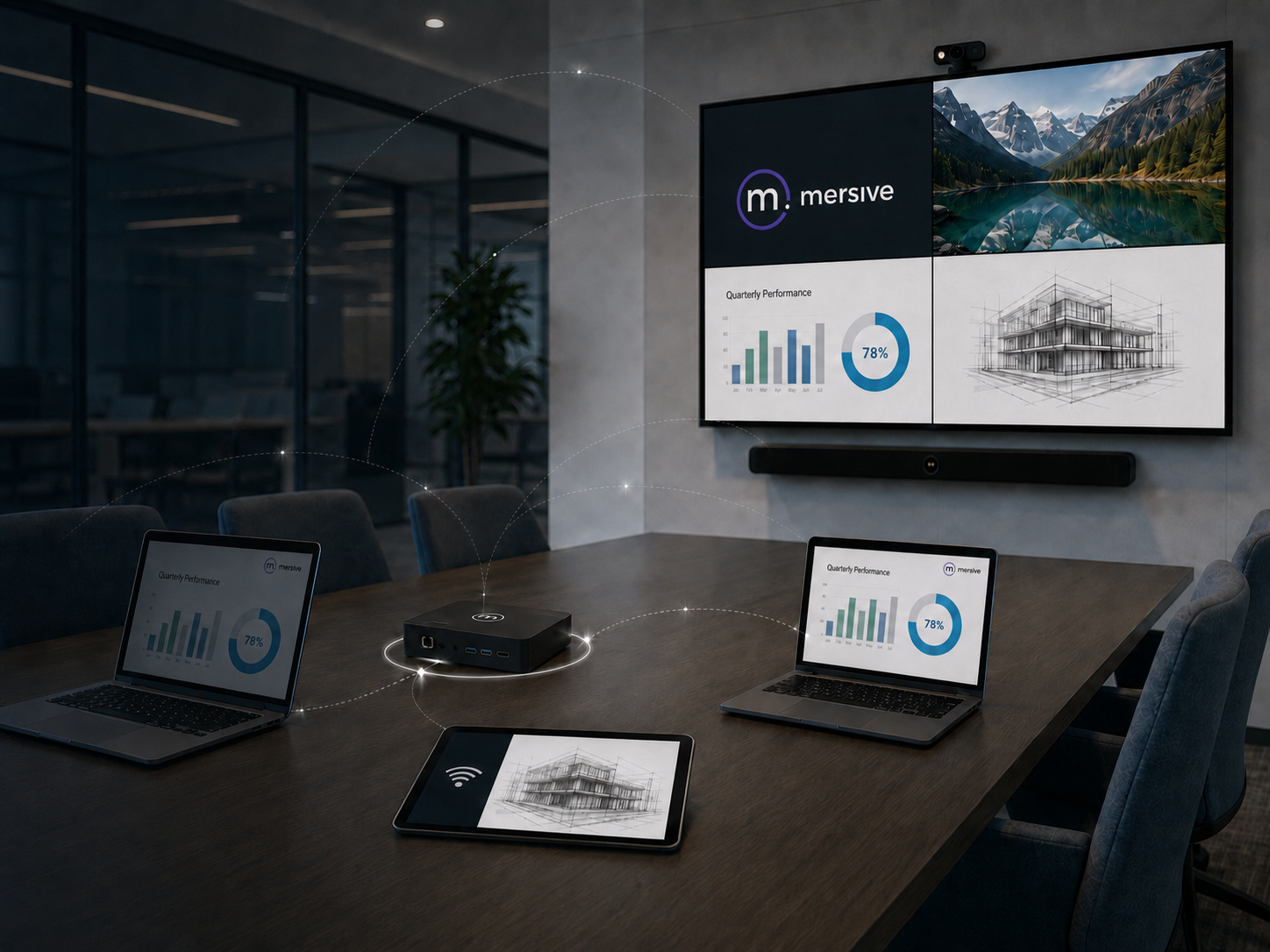
Article
See how one meeting room display can support wireless collaboration, digital signage, and room schedules throughout the complete meeting cycle.
Read moreLocal Logitech AV Integration
NCG can help assess room size, platform requirements, display configuration, microphone coverage, cabling, deployment, and ongoing support.