
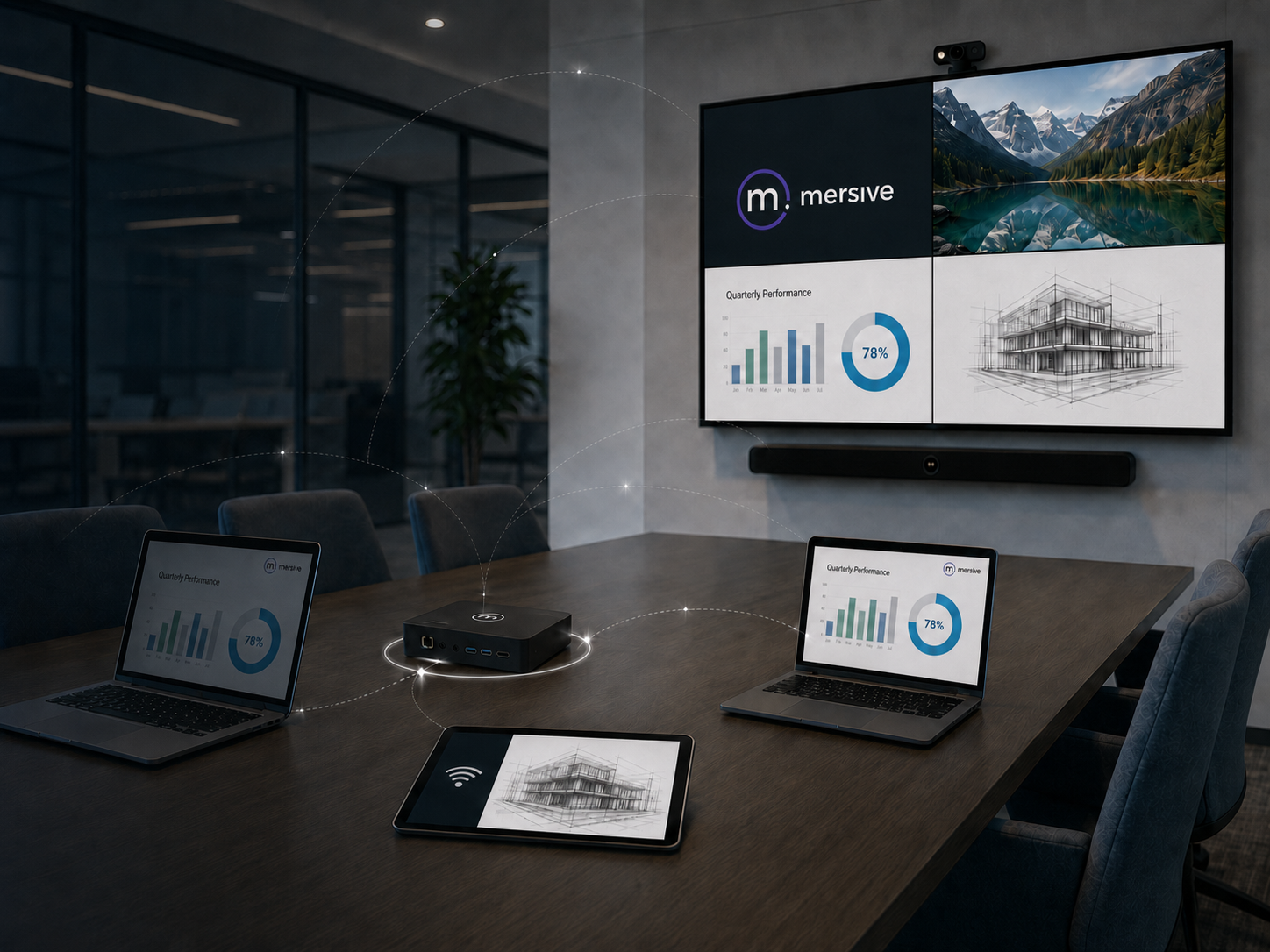
Most meeting room displays are designed around one moment: the meeting itself. Someone connects, presents, collaborates, and leaves. Then the screen sits unused until the next session begins.
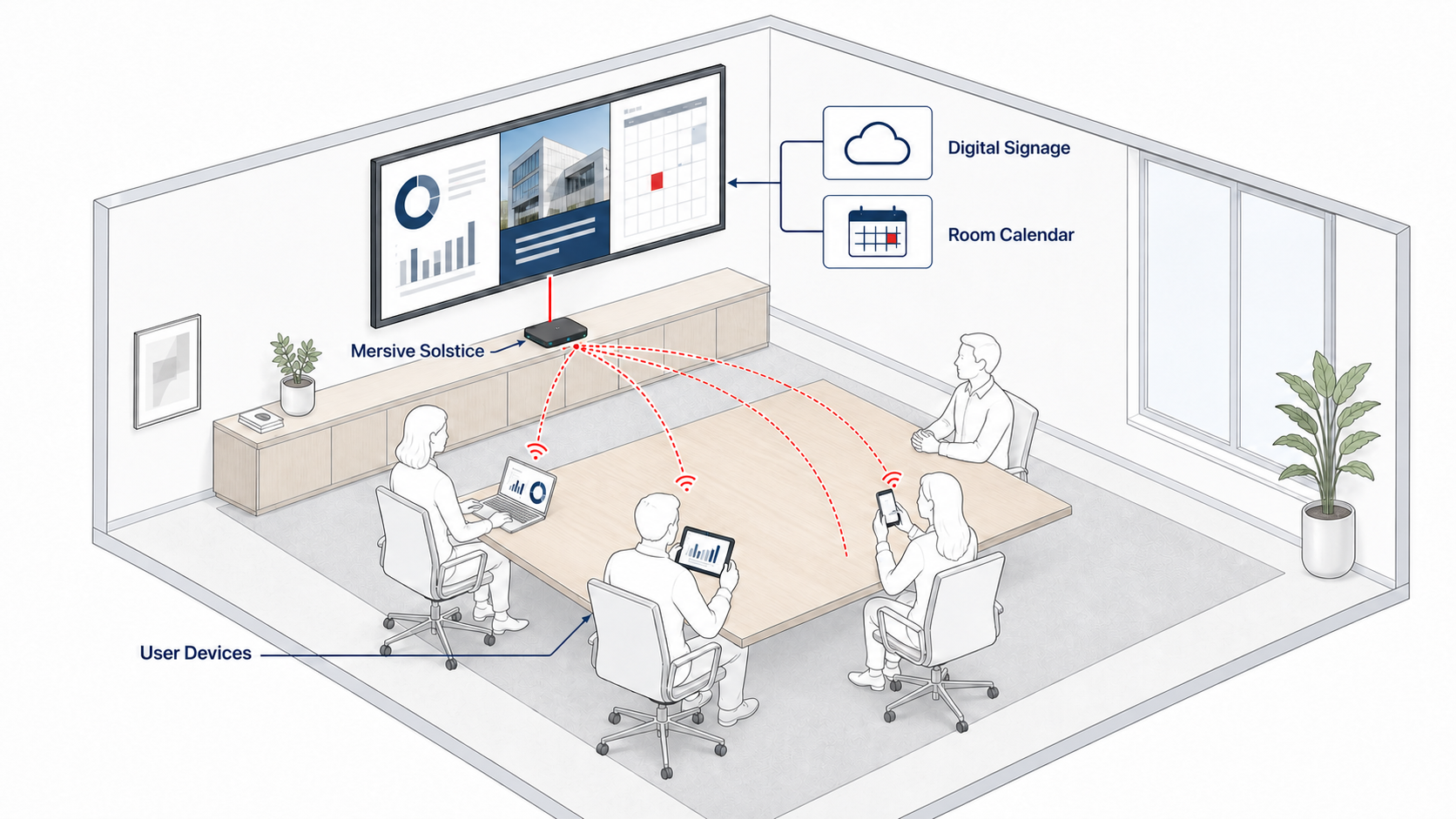
For organizations operating Mersive Solstice, the same display used for wireless presentation and collaboration can show meeting room digital signage such as workplace reminders, visitor information, and approved communications when nobody is sharing content. Add room-calendar integration, and it can also help participants understand whether the space is available, scheduled, or needed for an upcoming meeting.
One display. More than one purpose.
How can a meeting room display add value between meetings?
| Room moment | Display role |
|---|---|
| During the meeting | Wireless presentation and collaboration |
| Between meetings | Digital signage and workplace communications |
| Before the next meeting | Room schedule, availability, and upcoming meeting information |
During the meeting: wireless presentation and collaboration
The primary role of the Mersive Solstice Pod is to support wireless content sharing and collaboration in meeting and learning spaces.
Instead of depending on a single display cable or passing adapters between participants, users can share content through supported Solstice connection methods. This gives the room a more flexible presentation workflow and makes it easier for different people to contribute as the discussion develops.
For organizations standardizing multiple rooms, the benefit goes beyond removing cables. A consistent wireless presentation system can provide a familiar experience across huddle rooms, conference rooms, boardrooms, and other shared spaces.
Between meetings: put the display to work with digital signage
When the room is not being used for content sharing, Solstice can show company branding and workplace communications on the connected display.
Mersive supports many digital signage feeds that are accessible through a compatible web URL. Its documentation specifically identifies integrations and content sources including:
- Appspace
- Carousel
- Tripleplay
- Google Slides
- YouTube
- Custom webpages and static welcome screens
Compatibility should always be tested before a wider deployment. Mersive notes that some individual feeds may not work and that resource-intensive URLs can affect stability and performance.
Once configured, the display can become a communication point for:
- Company announcements
- Branding and welcome messages
- Internal campaigns
- Health, safety, and workplace reminders
- Visitor or event information
- Room-specific instructions
This connects the meeting room to a broader digital signage strategy. The screen is still ready for collaboration, but it continues supporting the organization while nobody is presenting.
Before the next meeting: show room schedules and availability
Solstice can also display calendar information when no other content is being shared. According to Mersive’s documentation, participants can see whether the space is currently scheduled or available, together with the next three upcoming meetings.
Supported calendar options documented for Solstice Dashboard include:
- Microsoft Exchange
- Microsoft 365 room calendars
- Google Calendar using a Google Workspace service account
- Third-party calendar integrations using the Solstice OpenControl API
Organizations can also choose whether meeting titles and organizer names are visible. That matters in workplaces where the display is accessible to visitors or where meeting confidentiality must be protected.
Room-calendar integration turns the display into a useful part of the arrival experience. Before entering, users can understand whether the room is available and what is scheduled next. Inside the room, the same display remains ready for collaboration.
How meeting room digital signage works
The transition is straightforward:
- The display is idle: approved digital signage or room information appears.
- A participant begins sharing: the display becomes the collaboration surface.
- Sharing ends: the configured signage feed automatically returns after the selected delay.
Mersive provides Full Screen, Footer Only, and Footer + Overlay signage layouts. The overlay options can keep Solstice connection instructions or room-calendar information visible over compatible signage content, while Full Screen gives the signage source the entire display area.
The right mode depends on what users need to see when they enter the room. A first-time visitor may benefit from visible connection instructions, while an internal communications campaign may call for a full-screen layout.
Plan the complete meeting room workflow
Using one display for collaboration, digital signage, and room information requires the complete workflow to be planned as one system. Before expanding across multiple rooms, IT and workplace teams should review:
- Content source: confirm that the intended signage feed is compatible and suitable for the display layout.
- Calendar compatibility: verify the room-calendar platform, service-account requirements, and the information users are allowed to see.
- Network and security: define the required network access, authentication controls, and policies for approved web content.
- AV integration: test the display, Solstice Pod, room peripherals, connection instructions, and return-to-signage workflow as one system.
- Centralized management: establish who manages configurations, monitors devices, schedules updates, and maintains signage across rooms.
A pilot room can help teams validate the user experience and technical requirements before standardizing the approach across a wider workplace.
From meeting room display to connected workplace
When collaboration, digital signage, and room information share one display, the meeting room becomes part of a connected workplace experience. Employees receive a consistent way to present, visitors see useful information, and workplace teams gain another channel for timely communication.
For Philippine organizations planning or upgrading meeting spaces, this approach can help make better use of display infrastructure while creating a more consistent experience across rooms.
NCG helps bring these elements together through meeting room design, wireless collaboration, AV integration, digital signage, and deployment planning—so each display supports the way the workplace operates throughout the day.
Explore Mersive AV solutions from NCG, review the smart office setup and AV integration approaches, or read how wireless collaboration and locally cached signage can support a broader meeting-room strategy.
Frequently asked questions
Can Mersive Solstice show digital signage when a meeting room is idle?
Yes. A compatible Solstice deployment can show an approved URL-based signage feed when the display is not being used for content sharing.
What signage sources work with Solstice?
Mersive documents support for URL-based feeds including Appspace, Carousel, Tripleplay, Google Slides, YouTube, and custom web content. Individual feeds should be tested because compatibility and performance can vary.
Can Solstice display a meeting room calendar?
Yes. Solstice can show whether a room is scheduled or available and display up to three upcoming meetings when no other content is being shared.
Which room-calendar platforms can connect to Solstice?
Mersive documents Microsoft Exchange, Microsoft 365, Google Calendar through Google Workspace, and third-party calendar integrations using its OpenControl API.
Does signage return automatically after sharing ends?
Yes. Administrators can configure a delay after which the selected signage feed appears. The workflow should be tested on the intended device and signage source before wider deployment.
Make your meeting room display work beyond the meeting
Nex Cambro Gen helps organizations design secure, seamless, and scalable meeting environments using wireless collaboration, AV, digital signage, and workplace technologies.
Source note: Product information in this article is based on Mersive’s official Solstice product page.
Continue Reading
Related Articles
Education Technology
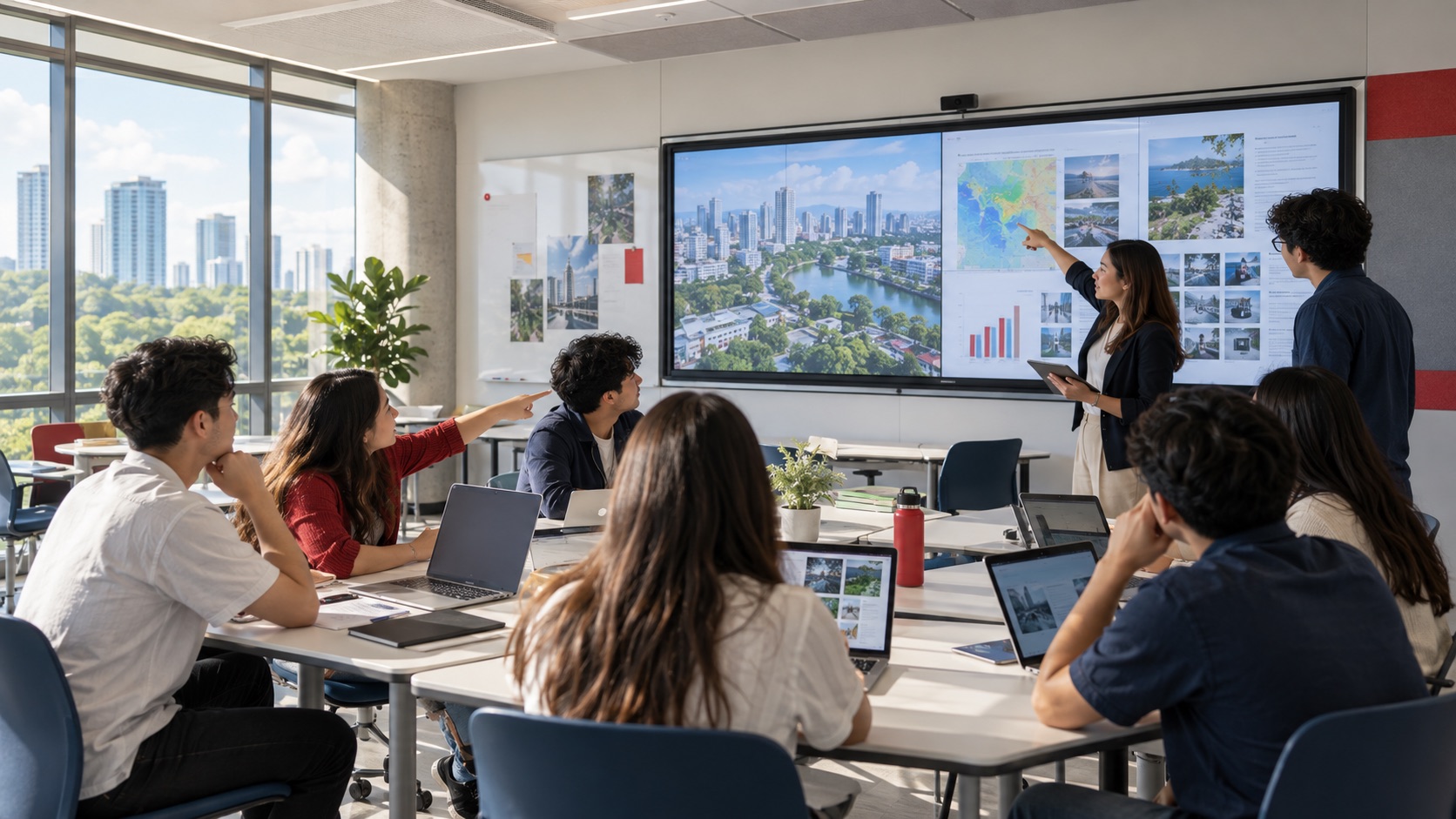
How Mersive Solstice Supports Collaborative Learning in the AI Era
See how universities use Mersive Solstice to connect student devices, shared displays, active-learning workflows, and centrally managed collaboration.
Read Article
Meeting Room Technology
Best Meeting Room Setup for a More Secured, Seamless & Scalable Workplace
See how wireless presentation, intelligent video, AV switching, and a professional display work together in a more secure, seamless, and scalable meeting room.
Read Article
Financial Services
Why Financial Institutions Choose Mersive Solstice for Secure Collaboration
What the BNL Gruppo BNP Paribas and Business Development Bank of Canada deployments reveal about secure, manageable wireless collaboration in financial services.
Read Article