
Best Meeting Room Setup for a More Secured, Seamless & Scalable Workplace

A meeting room can have a camera, display, and conferencing platform—and still be difficult to use.
The problem is often not the individual devices. It is the way the technology is connected, controlled, and experienced by the people using the room.
Common meeting room problems
- Too many cables and adapters
- Devices that do not work together consistently
- Difficulty switching between presenters or sources
- Limited camera coverage
- Complicated meeting startup
- Rooms that become harder to manage as requirements grow
Rather than adding more standalone devices, NCG recommends designing the meeting room as one connected ecosystem. Presentation, conferencing, camera, display, audio, and AV switching are planned around a clear user journey, making the space easier to use and manage as requirements grow.
If you are still deciding on room layout and equipment, see our complete guide on how to set up a meeting room.
The Ecosystem
A connected meeting environment can combine wireless presentation, intelligent video, AV switching, and a professional display. Each component has a defined role, but they are planned around one user journey.
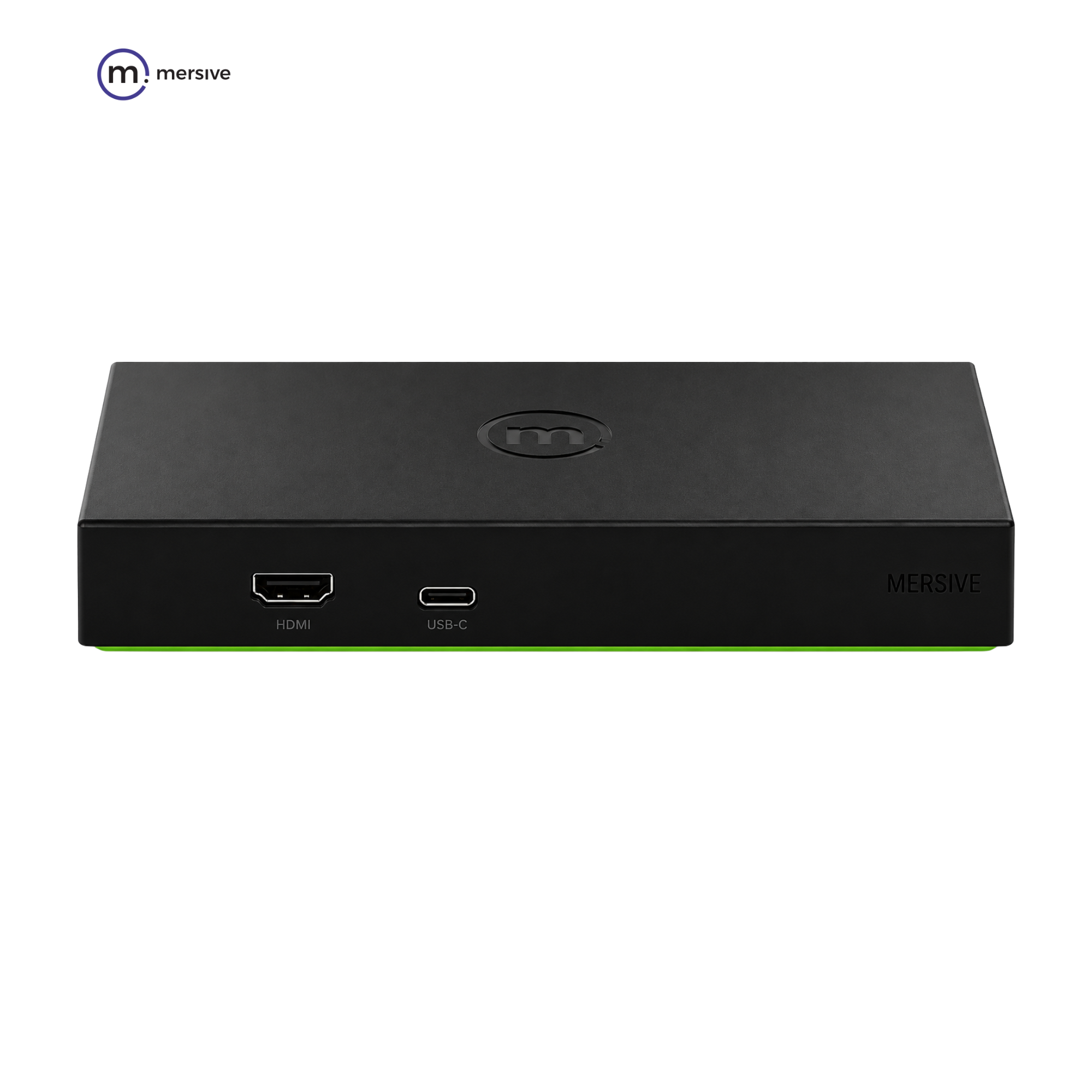
Mersive Solstice Gen3 Pod
Enables participants to share and collaborate on content wirelessly, reducing cable changes between presenters.
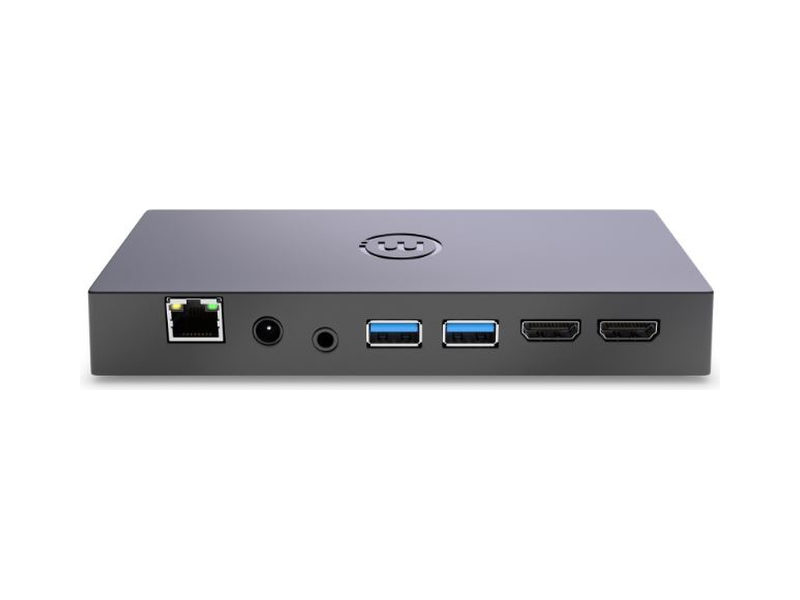
Mersive Solstice Pod
The effortless way to connect, share, and collaborate.
The Solstice Gen3 Pod brings wireless content sharing and collaboration to huddle rooms, meeting rooms, and boardrooms—helping teams start faster with fewer cables.
- Bring Your Own Meeting (BYOM)
- Wirelessly connect your laptop to the room’s displays, camera, and mic. Fully compatible with Teams, Zoom, and GoToMeeting.
- Share Your Way
- Use the Solstice app or stream instantly via AirPlay, Miracast, or your browser.
- Dual-Display Power
- Drive up to two 1080p monitors or a single, stunning 4K Ultra HD touch display.
- Enterprise-Grade Security
- Fully IT-compliant with multi-network support (up to 5 networks), cloud management, and robust data encryption.
Key Technical Specifications
- Ethernet
- 10/100/1000; RJ-45 connector
- Wi-Fi
- Dual band, 802.11ac 2×2 MIMO
- Input
- 1 HDMI 1.4b
- Output
- 2 HDMI (1080p, 4K); Mirror or Extended
- USB
- 2× USB-A 3.0; 1 USB-C
- Streaming Video Support
- 4K (4096 × 2160 @ 30Hz), HD (1920 × 1080 @ up to 60Hz), SD (1280 × 720 @ up to 60Hz)
- Operating Temperature, Humidity (Ambient)
- 0° C (32° F) to 35° C (95° F), 30% RH to 70% RH
- Power Input
- PoE+ source compliant to IEEE 802.3 at Type 2 or 12 VDC, 2 A (power supply not included)
- Power Consumption
- 24 W Max
- Dimensions
- 184.2 mm × 86.2 mm × 26.3 mm
- Weight
- 0.75 lb (340 g)
- Warranty
- Valid with active Solstice subscription
- Regulatory
- FCC, IC and UL; CE, RoHS
- Network Protocols
- TCP/IP, HTTP, HTTPS, SNTP/NTP, SSL, SSH, UDP
- Security Authentication
- WEP, WPA2, WPA2 Enterprise or IEEE 802.1x
- Included Accessories
- HDMI Cable
- Optional Accessories
- Power Supply Unit; Ecosystem Mounts
- Max Simultaneous Shares
- Unlimited
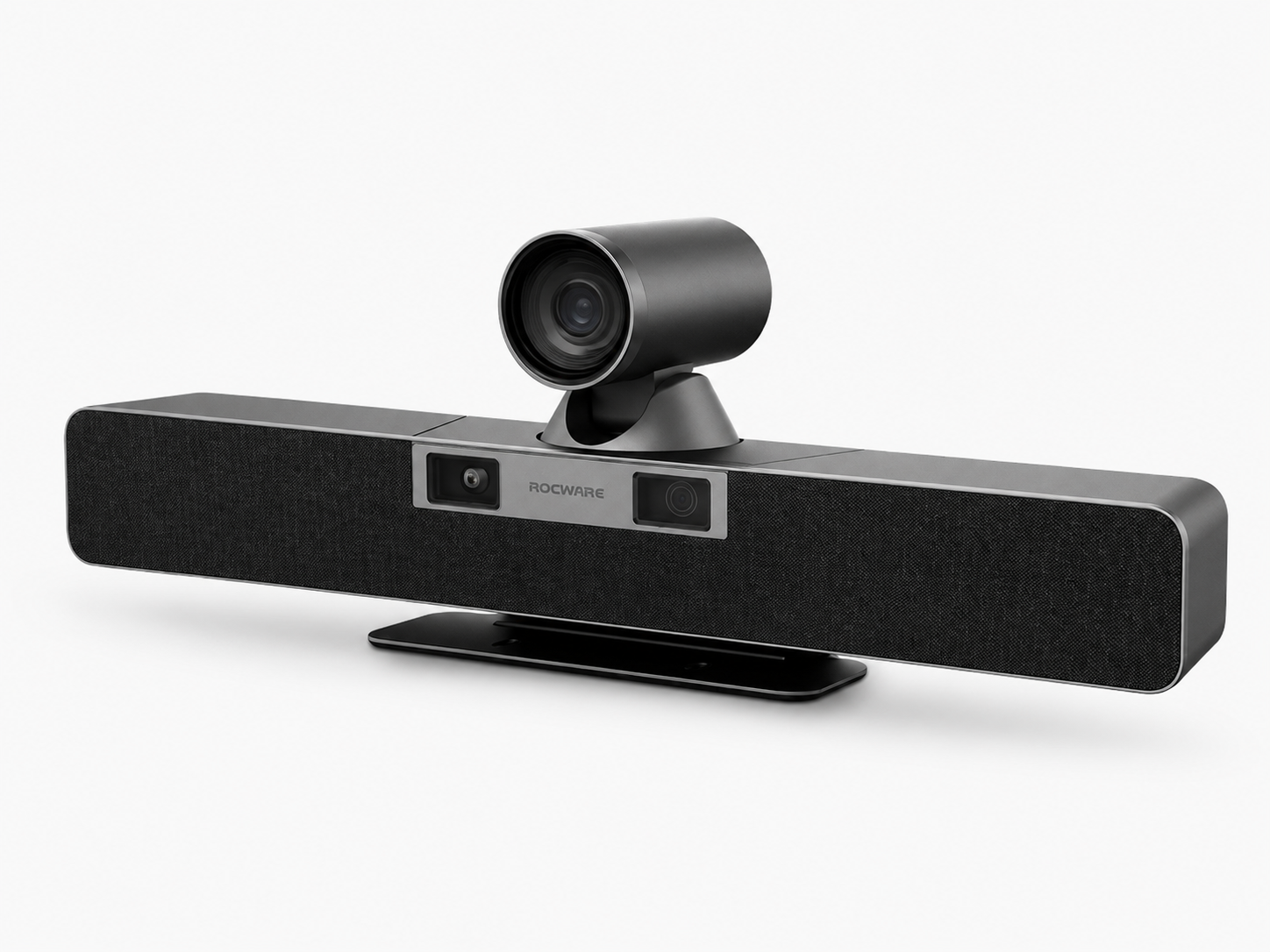
Rocware RB20
Captures in-room participants for hybrid meetings with dual-lens video and AI-assisted room coverage.
Rocware RB20: 4K Dual-Lens PTZ Video Bar
Rocware RB20 is a dual-lens 4K video bar for medium-to-large meeting rooms, combining a panoramic camera, PTZ close-up camera, six-microphone array, dual speakers, and AI-assisted framing and tracking.
Key Technical Specifications
- Video Resolution
- Dual Lens: 4K @ 30fps Ultra-HD
- Image Sensors
- Close-up Camera: 1/2.5" UHD CMOS, 8.29 Megapixels; Panoramic Camera: 1/2.8" CMOS, 8.51 Megapixels
- Field of View (FoV)
- Panoramic Lens: 120° Wide-Angle; Close-up Lens: 70° Wide-Angle
- Zoom Capabilities
- 12x Optical Zoom (Close-up Lens) + Electronic PTZ (Panoramic Lens)
- PTZ Movement
- Silent Mechanical PTZ; Pan Range: ±90°, Tilt Range: ±23°
- Audio Features
- 6-Element Analog Silicon Microphone Array with Beamforming; 8-Meter Pickup Range; Dual 8W Stereo Speakers
- Smart AI Features
- Gesture-activated tracking, ReID/ReFace Presenter Tracking, Sound Localization Speaker Framing, and Smart Gallery Multi-Split Layouts
- Connectivity
- Wired BYOD Pod for low-latency 4K screen sharing and plug-and-play AV access

ReThink RAV-SW-4x1HU-VC
Routes laptops, presentation sources, and shared USB peripherals so presenters can switch without reconnecting the room.
RAV-SW-4x1HU-VC
4×1 USB-C & HDMI KVM Auto Switcher
A professional 4×1 USB-C and HDMI KVM auto switcher with video conferencing support, designed for small-to-medium Bring Your Own Meeting (BYOM) spaces.
Key Technical Specifications
- Input Ports
- 1× USB-C, 3× HDMI, 3× USB-B (Host), 1× 3.5mm Microphone, 1× RS-232 (3-pin Phoenix), 1× RJ-45 Ethernet LAN, 1× IR
- Output Ports
- 1× HDMI, 1× 3.5mm Stereo Line Audio Out
- Local USB Hub Ports
- 2× USB-A 3.0 (up to 5Gbps, 5V/1A), 1× USB-A 2.0 (480Mbps), 1× USB-A 1.1 (for hotkey keyboard switching)
- Max Resolution
- 4K @ 60Hz 4:4:4 8-bit (HDMI), 4K @ 60Hz 4:2:0 8-bit (USB-C)
- USB-C Power Delivery
- Supports up to 60W / 100W charging for connected laptops
- Standards Compliance
- HDMI 2.0a, DVI 1.0, HDCP 2.2, HDCP 1.4, HDR 10, Dolby Vision
- Audio Formats
- PCM, Dolby TrueHD, DTS-HD Master Audio up to 7.1CH
Select a product to view a concise summary and key specifications before continuing to its complete product page.
LED or Commercial Display
The display is the visual center of the room. It can be used for presentations, video meetings, dashboards, and shared content. Display size, placement, brightness, and quantity should be planned around viewing distance and room layout.

Together, these technologies create a meeting environment where each component supports the same workflow instead of operating independently.
How Should a Meeting Room Work?
A well-designed meeting room should feel straightforward from the moment someone walks in. The presenter connects once, shares content, joins the call, and controls the room without searching for adapters or rebuilding connections.
Enter → Connect → Share → Meet → Control
Behind that simple experience, wireless presentation, camera, audio, display, and AV switching work as one coordinated system. The room stays intuitive for users while giving IT a platform that is easier to manage and expand.
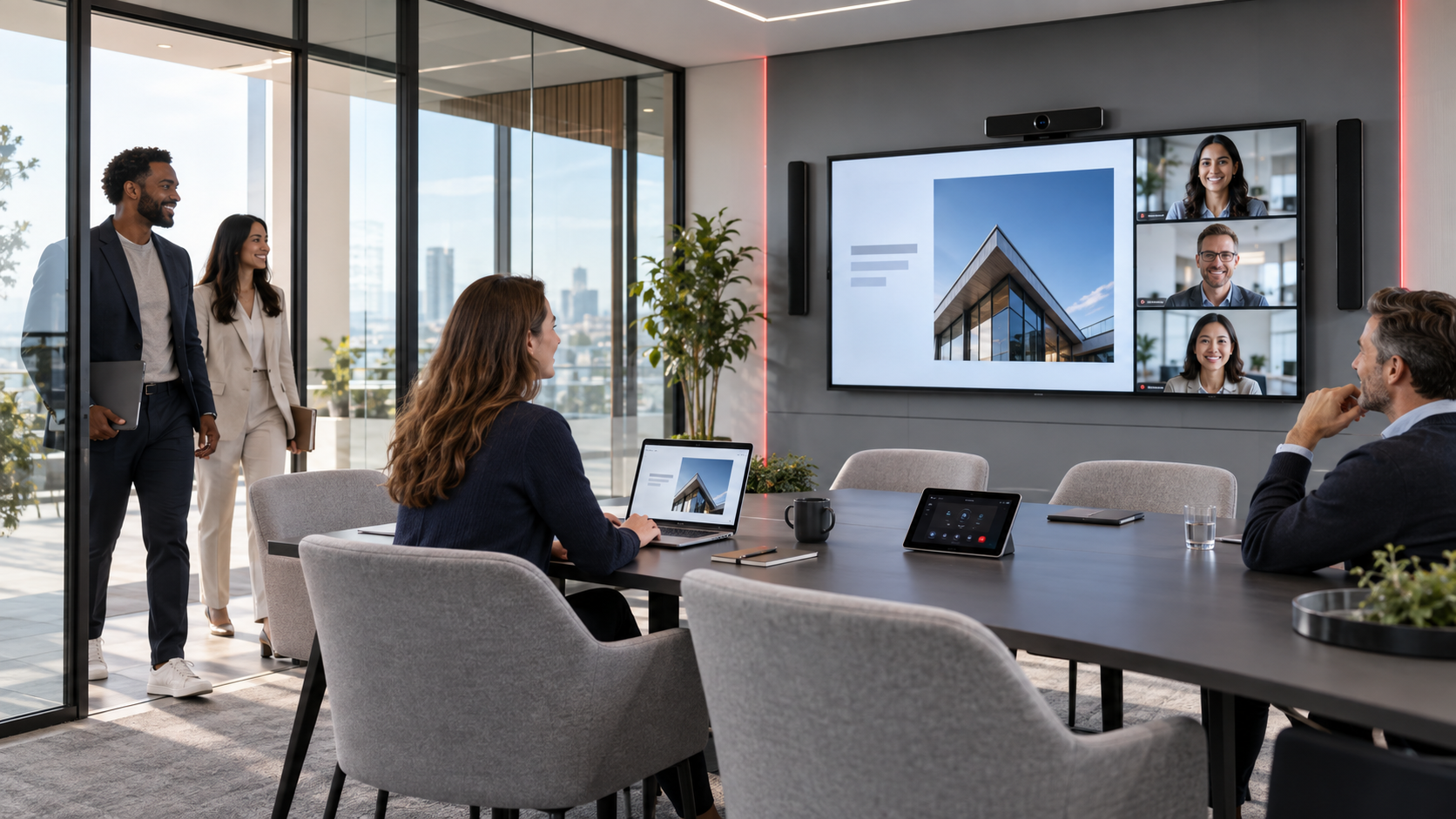
Where This Meeting Room Setup Works Best
An enhanced meeting room is particularly useful where multiple people regularly present, collaborate, or join hybrid meetings.
- Boardrooms
- Executive meeting rooms
- Medium to large conference rooms
- Training rooms
- Hybrid collaboration spaces
- Client presentation rooms
The final configuration should still depend on the room size, seating arrangement, number of users, acoustic conditions, meeting platforms, and everyday workflow. A compact meeting room and a long boardroom should not automatically receive the same camera, audio coverage, or display strategy.
For camera selection, read our guide to choosing the best conference room camera by room size. Larger rooms may also benefit from our guide on what a PTZ camera is and when to use one.
Why a Connected Meeting Room Matters
Seamless
A seamless room reduces the number of steps between entering the space and starting the meeting. The objective is not to remove every option, but to make the most common workflow clear and repeatable.
Scalable
A scalable design allows additional displays, cameras, audio coverage, control, or room-management technology to be considered as requirements grow. Available expansion depends on the selected products, infrastructure, licensing, and room design.
Secured
Meeting-room technology can be designed around controlled business networks, approved devices, access policies, and the security capabilities of the selected platforms. Security requirements should be reviewed with the organization’s IT team before deployment.
A connected display can also serve the workplace outside active meetings. Learn how meeting-room displays can support wireless collaboration and digital signage, and explore GoBright workplace solutions for room booking and related workplace workflows.
Build a Meeting Room Around How People Work
The best meeting room setup is not necessarily the one with the most technology.
It is the one where the display, camera, presentation system, audio, and AV infrastructure work together to make meetings easier for the people using the space.
Before selecting equipment, document:
- The room dimensions and seating layout
- The usual and maximum number of participants
- The meeting and presentation platforms in use
- Who normally presents and which devices they bring
- Camera, microphone, speaker, and display coverage requirements
- Network, security, management, and future-expansion requirements
At Nex Cambro Gen, we help organizations design meeting environments around their actual requirements, creating technology setups that are more secure, seamless, and scalable.
Planning to upgrade your meeting room? Share your room size, number of participants, and current meeting workflow with our team. You can also explore our boardroom setup solution to see how the core technologies can work together.
Continue Reading
Related Articles
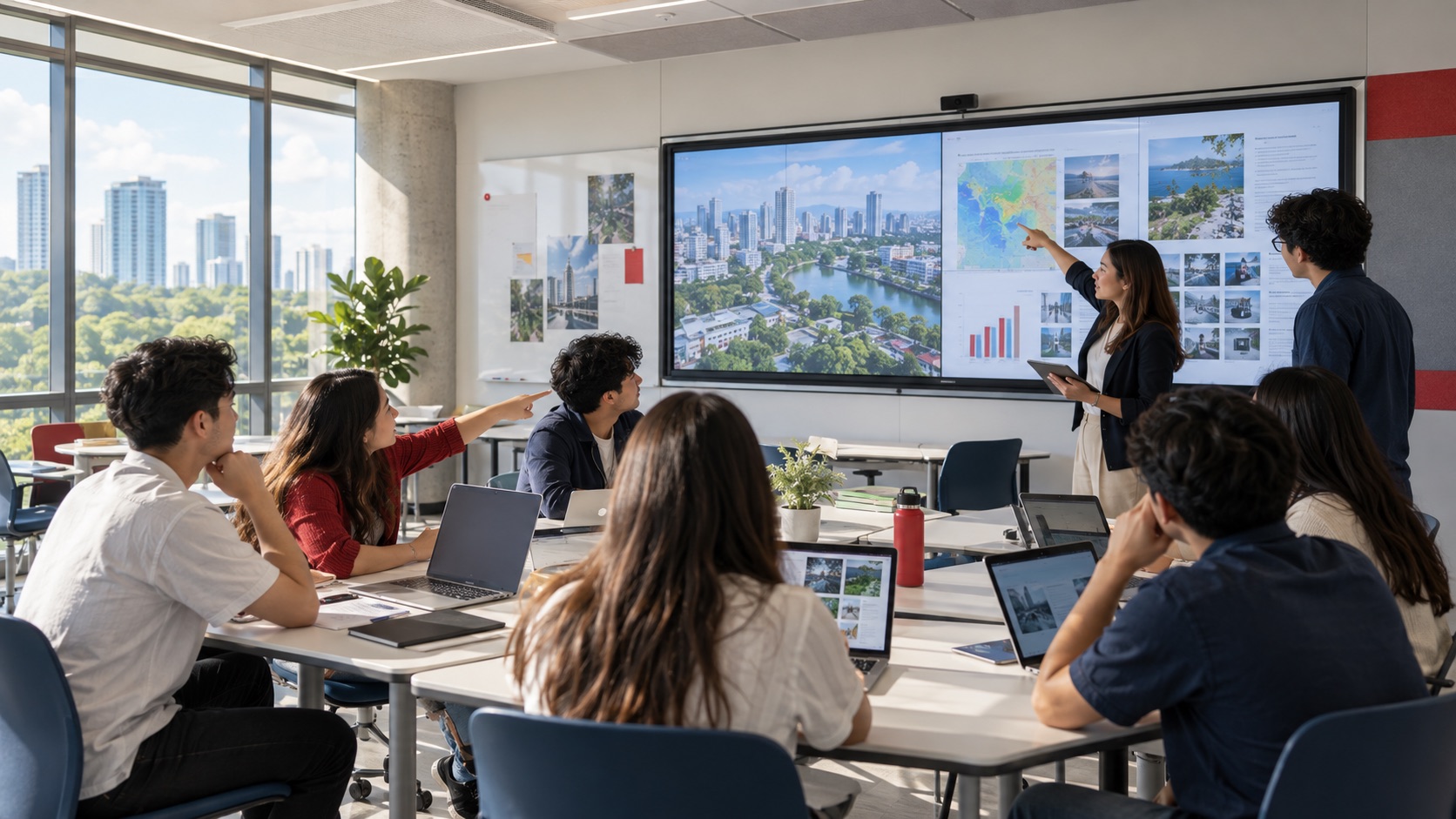
Education Technology
How Mersive Solstice Supports Collaborative Learning in the AI Era
See how universities use Mersive Solstice to connect student devices, shared displays, active-learning workflows, and centrally managed collaboration.
Read Article
Financial Services
Why Financial Institutions Choose Mersive Solstice for Secure Collaboration
What the BNL Gruppo BNP Paribas and Business Development Bank of Canada deployments reveal about secure, manageable wireless collaboration in financial services.
Read Article
Meeting Room Technology
How to Set Up a Meeting Room: Layouts, Equipment & Technology
Compare eight meeting room layouts and learn how to select the right display, camera, audio, presentation, conferencing, and booking technology.
Read Article