
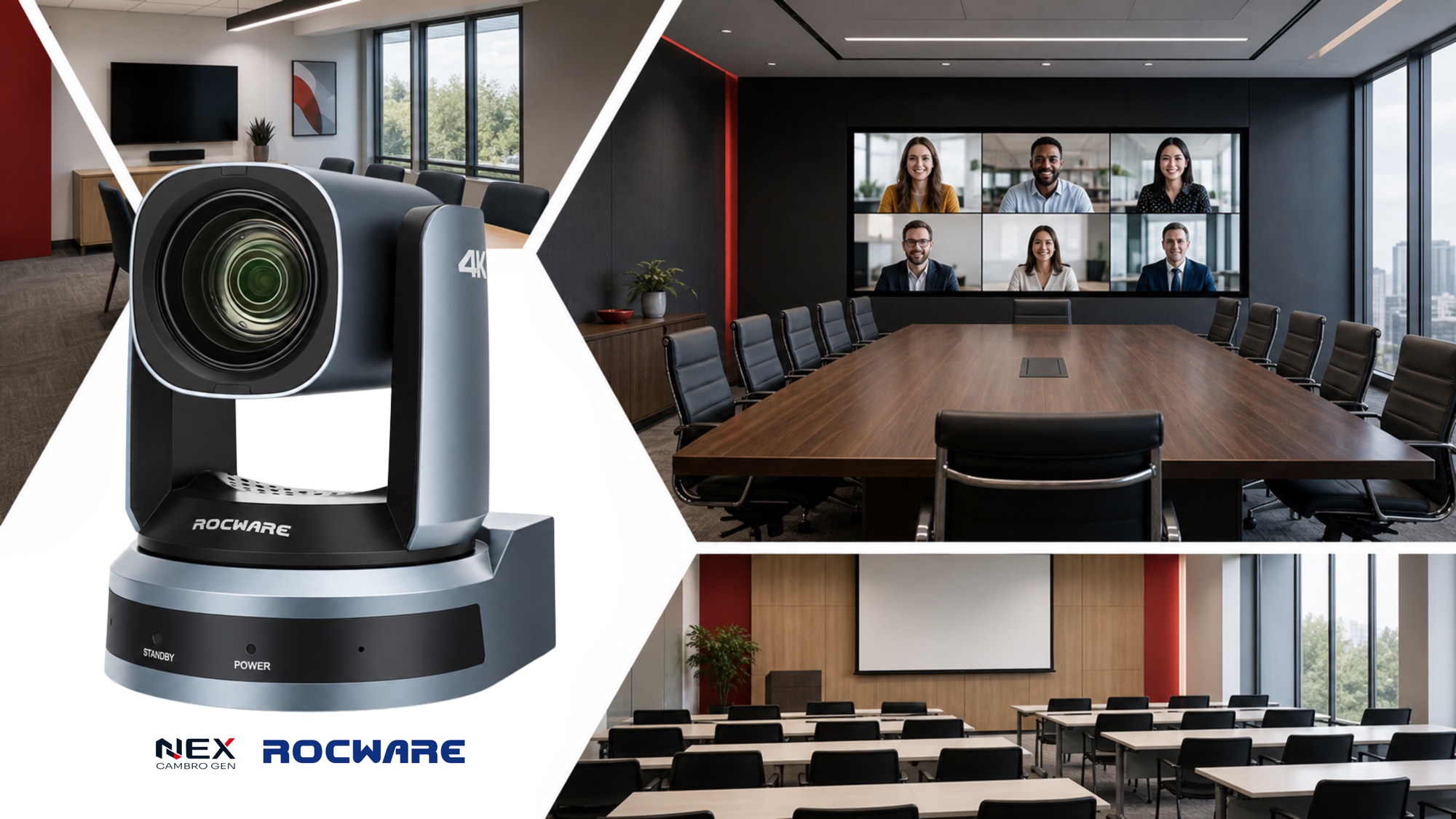
A PTZ camera is a camera that can pan, tilt, and zoom to cover different areas of a room.
In video conferencing, PTZ cameras are especially useful when participants sit farther from the display, presenters move around, or a fixed wide-angle camera cannot provide useful close-up views. However, not every meeting room needs one. Instead, the right choice depends on the room size, seating distance, meeting style, and audio setup.
What Does PTZ Mean?
PTZ stands for:
- Pan — moves the camera left and right
- Tilt — moves the camera up and down
- Zoom — brings distant participants or presentation areas closer into view
Together, these movements allow one camera to cover more of a meeting space than a traditional fixed conference camera. This is why PTZ cameras for conference rooms are commonly used in boardrooms, training rooms, classrooms, and larger hybrid meeting spaces.
When Do You Need a PTZ Camera?
A PTZ camera becomes worth considering when a fixed camera or all-in-one video bar can no longer cover the room effectively.

Participants Sit Far From the Camera
In a small meeting room, everyone may fit comfortably within a wide-angle shot. In contrast, participants at the far end of a longer conference table can appear very small. Therefore, a PTZ camera with optical zoom creates more useful close-up views without relying entirely on digital cropping.
You Have a Long Conference Table
Long boardroom tables are one of the clearest use cases for PTZ cameras. Instead of showing the entire room throughout the meeting, the camera can focus on different sections of the table or create a closer view of the active speaker.
Presenters Move Around
Training rooms and presentation spaces often involve people moving between a display, whiteboard, podium, or different parts of the room.
As a result, a PTZ camera provides more flexibility than a fixed camera in these environments. In addition, some models support presenter tracking, speaker tracking, or preset camera positions.
You Need Optical Zoom
Optical zoom is especially important in medium and large meeting rooms. Unlike digital zoom, which enlarges part of an image, optical zoom uses the camera lens to bring distant subjects closer. That makes it better suited to rooms where participants sit several metres from the camera.
PTZ Camera vs Video Bar: Which Is Better?
Neither is automatically better because they solve different meeting-room problems. For example, choose an all-in-one video bar when you want simplicity. On the other hand, choose a PTZ conference camera when you need more reach, movement, zoom, or flexibility.
| Video bar | PTZ camera |
|---|---|
| Best for small and compact rooms | Better suited to medium and large rooms |
| Often includes a camera, microphone, and speaker | Usually paired with separately designed room audio |
| Simple installation | More flexible positioning |
| Wide-angle coverage | Pan, tilt, and optical zoom |
| Ideal for straightforward BYOD rooms | Better for longer tables and moving presenters |
What Is the Best PTZ Camera for a Conference Room?
The best PTZ camera isn't the one with the highest specs—it's the one built for your specific space. Evaluate these key factors before buying:
- Room length and width
- Distance from the camera to the farthest participant
- Required optical zoom
- Camera field of view
- Presenter movement
- Camera mounting location
- Microsoft Teams, Zoom, Google Meet, or Webex requirements
- Microphone and speaker coverage
Ultimately, the best PTZ camera is the one that matches the actual room—not simply the model with the highest specifications.
Best PTZ Cameras for Conference Rooms by Room Size
Camera selection should reflect both room scale and the experience required at every seat. Compare these three building blocks for medium rooms, large boardrooms, and spaces that need broader voice coverage.
Seat ranges are general planning guides. Final coverage depends on room dimensions, table layout, camera distance, and microphone placement.
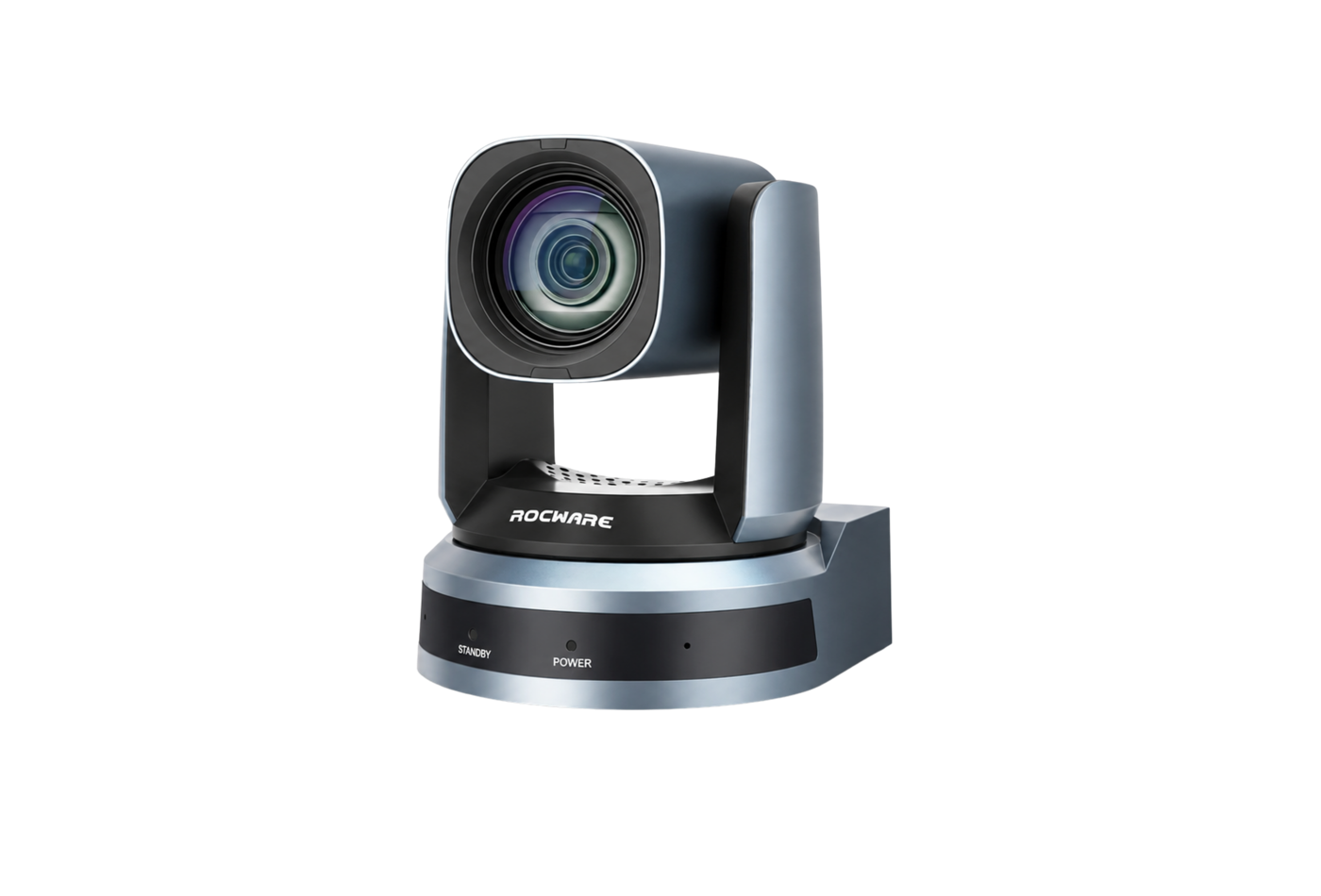
Medium meeting rooms
6–12 seats
Rocware RC821U
- Optical zoom for longer seating distances
- Flexible PTZ positioning for speakers and presenters
Boardrooms
12–24+ seats
Rocware RC841U
- 4K PTZ performance across longer rooms
- Flexible framing for executive and hybrid spaces
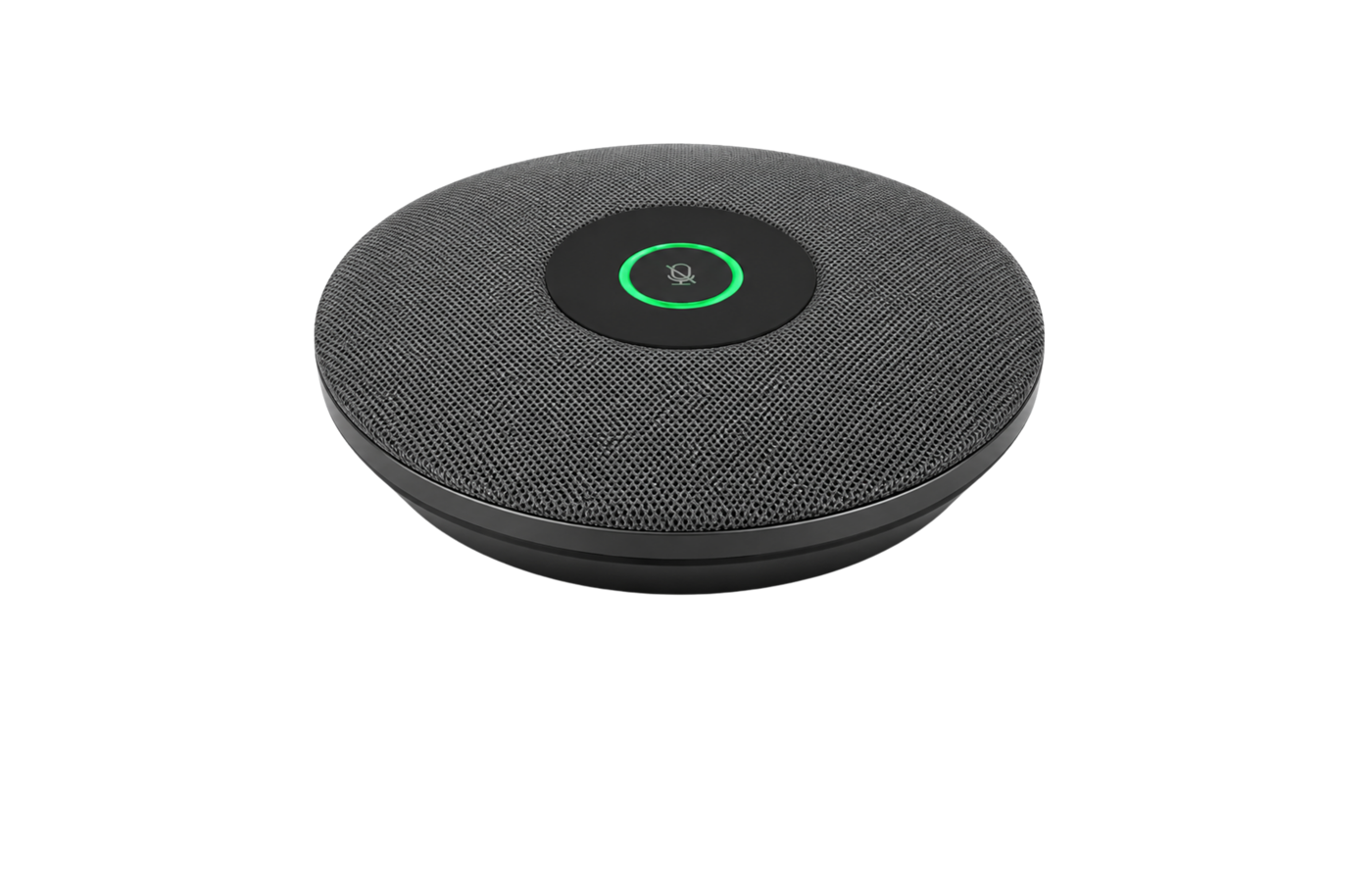
Extended room audio
12+ seats or long tables
Rocware RM702
- Broader voice pickup across longer tables
- Distributed audio that complements PTZ video
Medium meeting rooms
6–12 seats
Rocware RC821U
A medium meeting room may still work well with an intelligent video bar. However, a PTZ camera becomes useful when participants sit farther from the display, the room has a longer table, optical zoom is needed, presenters move around, or the camera needs more flexible positioning.
The Rocware RC821U is designed for rooms requiring greater camera reach. Its PTZ movement and optical zoom suit medium conference rooms, training environments, and spaces where a fixed wide-angle camera may not provide enough flexibility.
Boardrooms
12–24+ seats
Rocware RC841U
Larger meeting rooms should usually be designed as complete AV environments, combining a PTZ camera with distributed microphones, speakers, displays, a room computer, control, and supporting infrastructure.
The Rocware RC841U is a 4K PTZ camera suited to boardrooms, executive meeting rooms, and larger hybrid spaces. Its optical zoom and PTZ movement allow the camera to capture closer views across longer rooms.
Extended room audio
12+ seats or long tables
Rocware RM702
In a large conference room, better video alone is not enough. Equally important, participants need to be heard clearly from every seat.
A distributed microphone solution such as the Rocware RM702 series can extend microphone coverage across longer tables instead of relying on audio positioned only near the display. This is why camera and audio planning should happen together.
Do You Need a PTZ Camera for Teams or Zoom?
Not necessarily. Microsoft Teams, Zoom, Google Meet, and Webex can work with different types of conference cameras. A small Teams room may only need an all-in-one video bar, while a larger Teams or Zoom room may need a PTZ camera and separate audio.
The conferencing platform connects the meeting. The room design determines how well people can see and hear each other.
For dedicated room systems, always confirm platform compatibility, certification, room licenses, operating-system support, and device-management requirements.
How Should a PTZ Camera Be Positioned?

Keep It Near the Display
First, mounting the camera close to the main display creates a more natural eye line during video calls.
Test the Farthest Seat
Next, test the complete seating area because a camera may look excellent from the front of the table but perform differently for participants sitting farther away.
Check the Camera’s Movement
Then, make sure furniture, displays, lights, and other equipment do not block the camera’s pan or tilt movement.
Plan Audio at the Same Time
A participant who can be seen clearly but cannot be heard clearly still creates a poor meeting experience.
When Do You Not Need a PTZ Camera?
A PTZ camera may be unnecessary when:
- The room is small
- Everyone sits close to the display
- A wide-angle camera already captures the entire table
- Built-in audio covers every participant
- Presenters rarely move
- Optical zoom offers little practical benefit
In these rooms, an all-in-one video bar can often provide a simpler and more seamless experience. After all, more technology does not automatically create a better meeting room. The goal is to use the right technology for the space.
Frequently Asked Questions
What is a PTZ camera?
A PTZ camera can pan, tilt, and zoom, allowing it to cover different parts of a room and create closer views of participants or presenters.
What is a PTZ camera used for in conference rooms?
PTZ cameras are commonly used in medium and large conference rooms, boardrooms, classrooms, and training spaces where longer distances, presenter movement, or optical zoom make a fixed camera less effective.
Is a PTZ camera better than a video bar?
It depends on the room. Video bars are often better for small, simple meeting spaces. PTZ cameras suit rooms requiring optical zoom, longer-distance coverage, or more flexible camera positioning.
Are PTZ cameras only for large rooms?
No. A PTZ camera can also be useful in a medium room if participants sit farther from the display or presenters move around the space.
Do PTZ cameras have microphones?
Some camera solutions may include audio features, but professional PTZ conference-camera installations often use separate microphones and speakers so audio coverage can be designed specifically for the room.
Choosing the Right Camera Starts With the Room
A PTZ camera can significantly improve a meeting space when the room requires greater camera reach, optical zoom, or more flexible framing. But it should be selected as part of the overall meeting-room design.
Not sure whether your room needs a video bar or PTZ camera? Read our conference room camera guide for recommendations across small, medium, and large meeting spaces. For larger environments, explore our boardroom setup and integration solutions.
Talk to Nex Cambro Gen to find the right camera and AV setup for your meeting space.
Continue Reading
Related Articles
Education Technology
How Mersive Solstice Supports Collaborative Learning in the AI Era
See how universities use Mersive Solstice to connect student devices, shared displays, active-learning workflows, and centrally managed collaboration.
Read Article
Meeting Room Technology
Best Meeting Room Setup for a More Secured, Seamless & Scalable Workplace
See how wireless presentation, intelligent video, AV switching, and a professional display work together in a more secure, seamless, and scalable meeting room.
Read Article
Financial Services
Why Financial Institutions Choose Mersive Solstice for Secure Collaboration
What the BNL Gruppo BNP Paribas and Business Development Bank of Canada deployments reveal about secure, manageable wireless collaboration in financial services.
Read Article