
Logitech MeetUp vs Rocware RB10 Lite: Which 4K Conference Camera Fits Your Room?
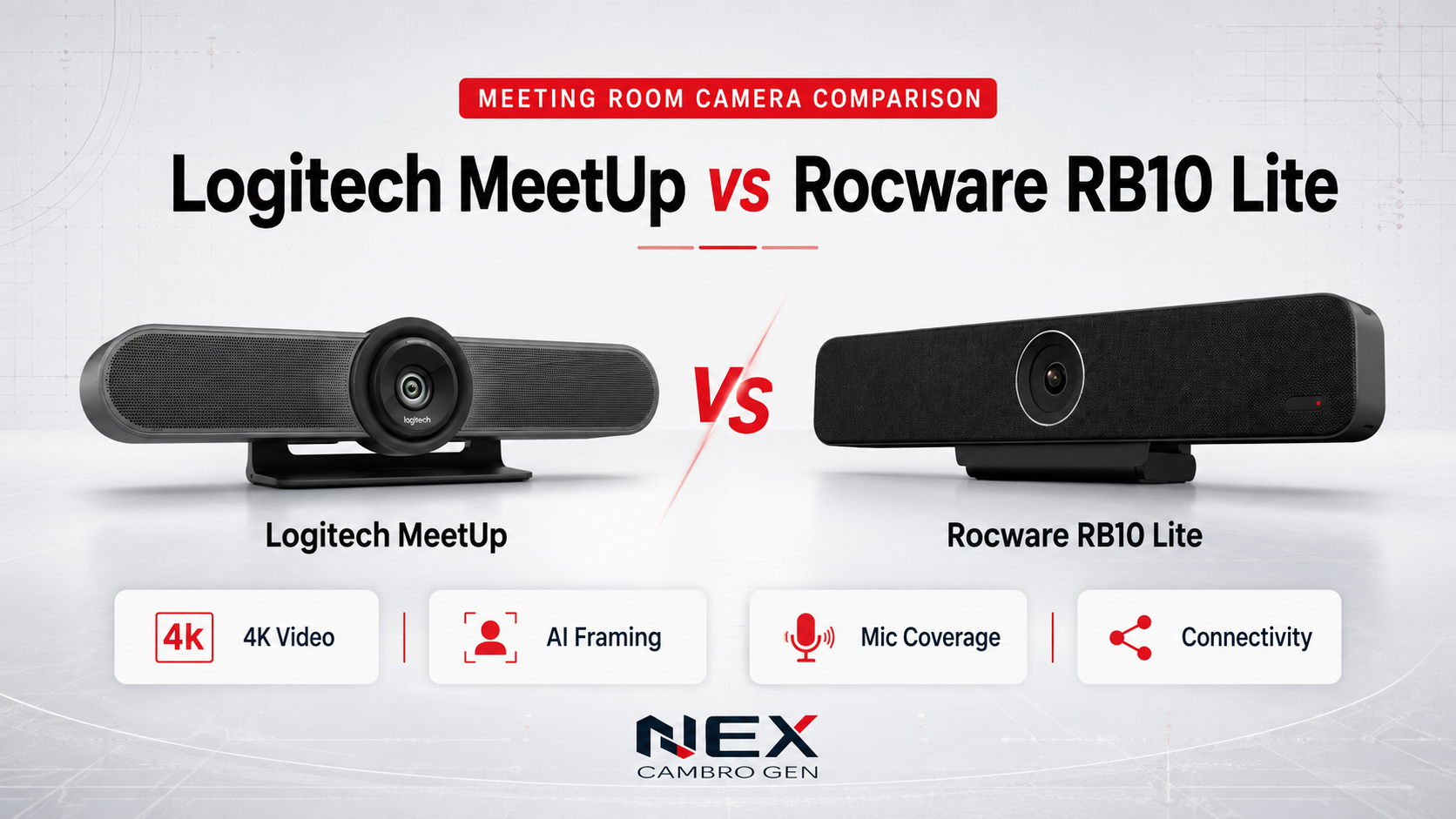
Choosing a conference camera for a huddle room is not only a question of resolution. The best option depends on how people connect, how far they sit from the display, whether the room follows a bring-your-own-device workflow, and how much control users need over the camera.
The Logitech MeetUp and Rocware RB10 Lite are compact all-in-one devices that combine a 4K camera, microphones, and a speaker. MeetUp emphasizes proven USB conferencing and motorized camera positioning. RB10 Lite adds a newer single-cable BYOD design with USB-C, display output, network connectivity, power delivery, and AI-assisted framing.
This comparison covers the original Logitech MeetUp. Logitech also offers the newer MeetUp 2, which has a different feature set and should be evaluated separately.
Which camera is the better fit?
| Choose Logitech MeetUp when | Choose Rocware RB10 Lite when |
|---|---|
| You prefer a familiar USB-peripheral workflow | You are planning a single-cable USB-C BYOD room |
| Motorized pan, tilt, and saved camera positions matter | AI group and speaker framing matter |
| Your organization already uses Logitech room technology | HDMI output, Ethernet, PoE, or laptop charging support the room design |
| You want a straightforward compact-room setup | You want more room connectivity integrated into the video bar |
Neither product is the universal winner. The better fit depends on the room layout, conferencing workflow, existing standards, and support requirements.
How NCG compares conference cameras
We compare conference cameras around room fit—not headline specifications alone. Our review considers room size, seating distance, field of view, camera movement, audio reach, connection workflow, meeting-platform requirements, and installation.
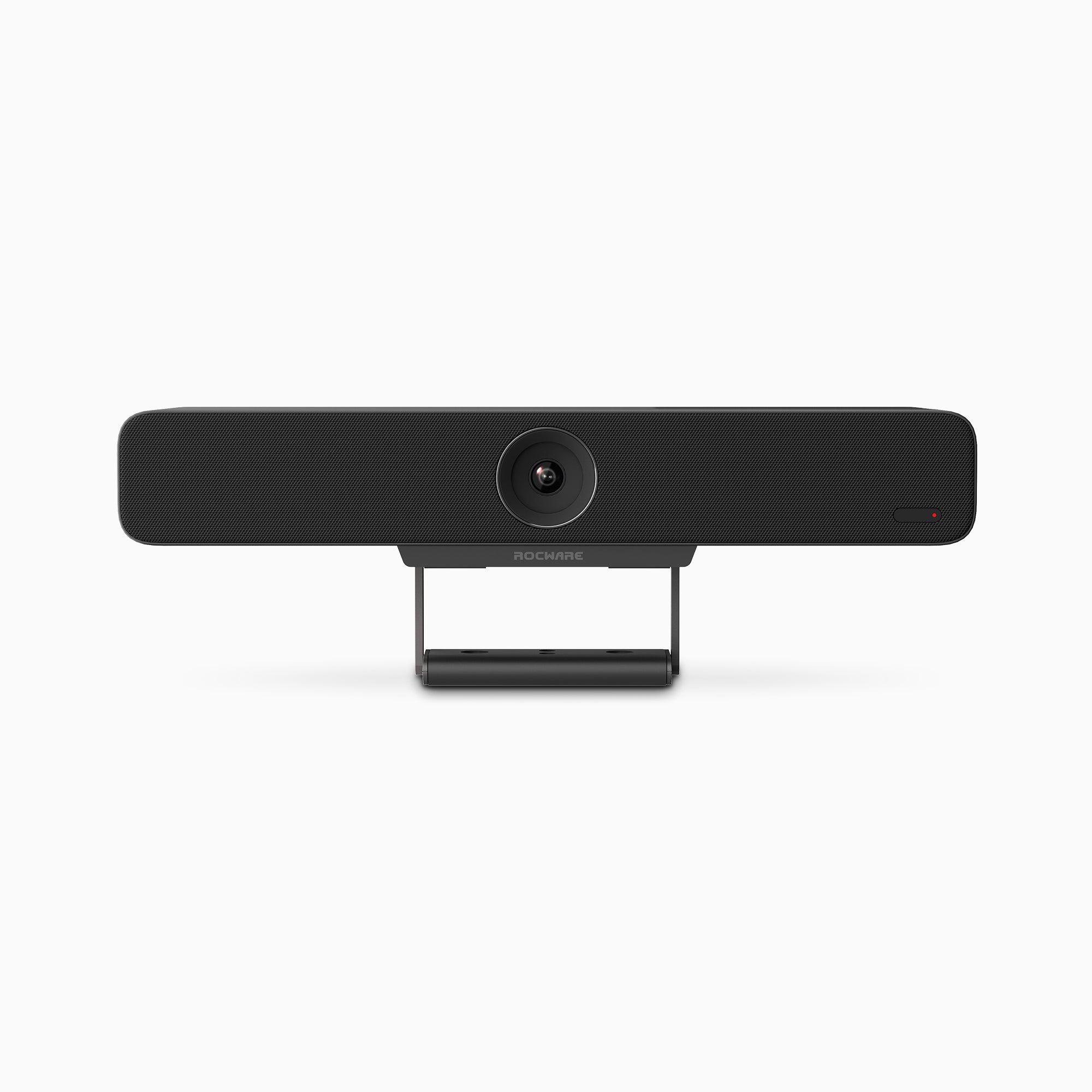
Logitech MeetUp vs Rocware RB10 Lite at a glance
| Feature | Logitech MeetUp | Rocware RB10 Lite |
|---|---|---|
| Maximum published video format | 4K UHD at 30 fps* | 4K UHD at 60 fps |
| Field of view | 120° diagonal; 113° horizontal | 120° diagonal; 110° horizontal |
| Zoom and movement | 5× HD zoom; motorized ±25° pan and ±15° tilt | 5× digital zoom; electronic PTZ |
| Microphone array | 3 beamforming elements | 6 omnidirectional MEMS microphones with beamforming |
| Published pickup range | 4 m; 5 m with optional expansion mic | 4 m clear; up to 6 m effective |
| Intelligent framing | RightSight auto-framing | Group framing and speaker framing |
| Host connection | USB | USB-A and USB-C |
| Additional room connectivity | Primarily a USB peripheral | HDMI 2.0 output, Gigabit Ethernet, and IEEE 802.3at PoE |
| Laptop charging | No integrated USB-C charging | Up to 45 W reverse USB-C PD |
| Privacy | No integrated motorized cover listed | Electric sliding lens cover |
*Logitech states that MeetUp requires a customer-supplied USB 3.0 cable for 4K operation. The included cable is USB 2.0.
Camera quality: Logitech MeetUp vs Rocware RB10 Lite
Both products provide a 120-degree diagonal field of view, making them suitable for rooms where participants sit relatively close to the display. MeetUp has a slightly wider published horizontal field of view at 113 degrees, compared with 110 degrees for RB10 Lite.
The important difference is how each camera reframes the room. MeetUp combines its wide lens with physical, motorized pan and tilt. That can be useful when a user wants to point the camera toward a presenter, whiteboard, or defined area and save camera presets.
RB10 Lite uses electronic pan, tilt, and zoom with group and speaker framing. It can automatically adjust the crop according to the people in view or the active speaker. Rocware also lists people counting among its AI video features.
RB10 Lite supports published formats up to 4K at 60 frames per second, while MeetUp supports up to 4K at 30 frames per second. In practice, the conferencing platform and computer may negotiate a lower resolution or frame rate, so 4K60 capability should not be treated as a guarantee that every call will run at 4K60.
Which has better audio coverage?
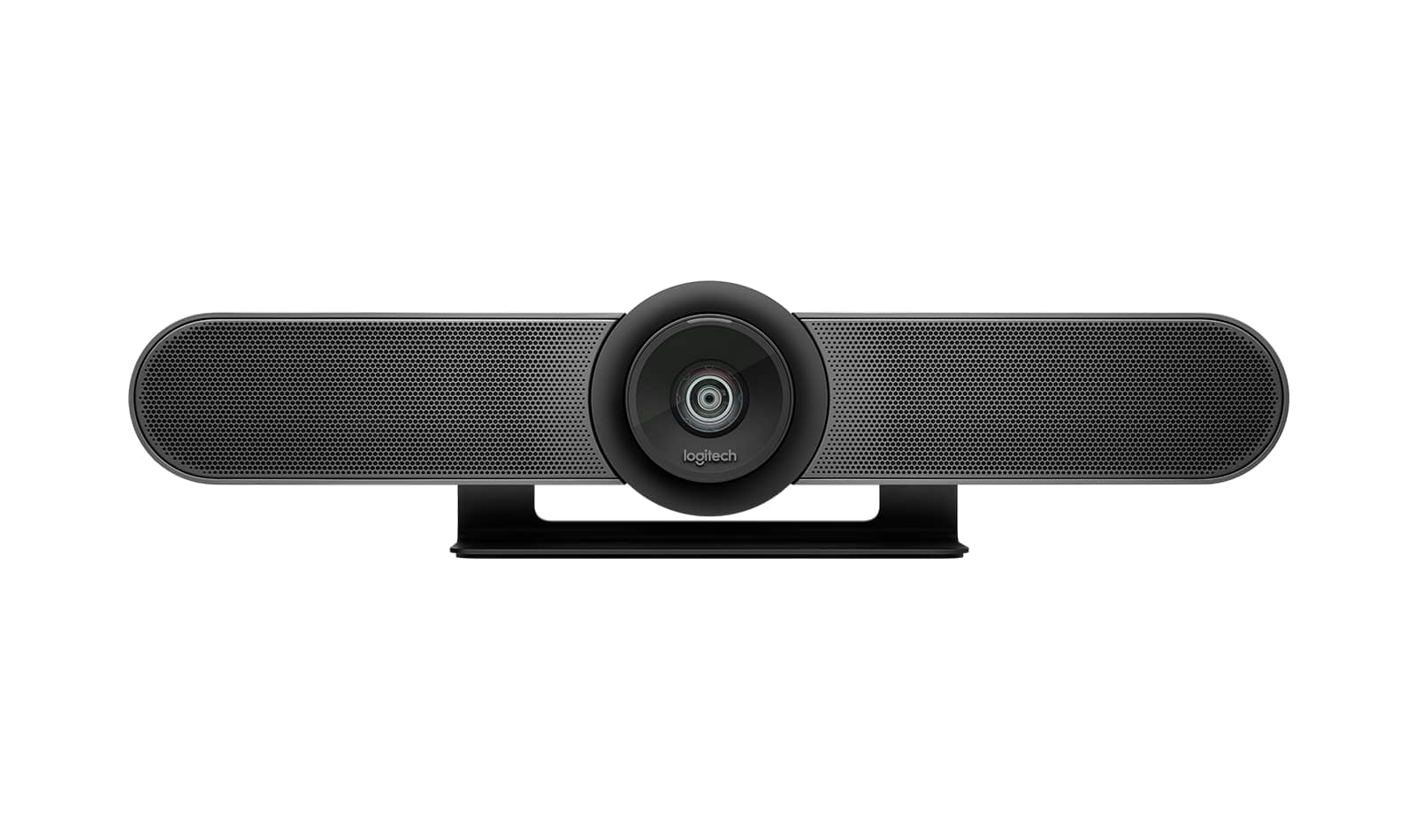
Logitech MeetUp uses three beamforming microphone elements and has a published pickup range of 4 metres. The optional MeetUp Expansion Mic extends the stated range to 5 metres.
Rocware equips RB10 Lite with six omnidirectional MEMS microphones and beamforming. Rocware states a clear pickup distance of 4 metres and an effective range of up to 6 metres. It also lists AI noise cancellation, acoustic echo cancellation, and automatic gain control.
Those figures give RB10 Lite more built-in reach on paper. Room acoustics still matter: hard surfaces, background noise, seating layout, and the distance between participants can affect intelligibility. For an important deployment, a room demonstration is more useful than comparing microphone counts alone.
Connectivity and BYOD
MeetUp follows a conventional USB peripheral workflow. Connect the camera to a room computer or a participant’s laptop, connect that computer to the display, and open the preferred meeting application. It is straightforward and works well where the room already has an established USB setup.
RB10 Lite is designed around a broader BYOD workflow. Its USB-C connection can carry the room’s camera and audio while providing up to 45 watts of charging to a compatible laptop. The bar also includes USB-A, HDMI 2.0 output, Gigabit Ethernet, and PoE support.
This does not automatically make RB10 Lite the better device. It makes it the more integrated choice when a room is being designed around one-cable laptop meetings, reduced tabletop cabling, or network-connected device management.
Software compatibility
Both products operate as USB conferencing devices and are intended for common meeting applications. Logitech positions MeetUp for major video-conferencing services and provides RightSight auto-framing on supported Windows and macOS systems. Rocware lists Microsoft Teams, Zoom, Google Meet, Cisco Webex, BlueJeans, and other USB conferencing applications under BYOD mode.
Before standardizing either product, confirm compatibility with the organization’s operating systems, meeting applications, USB policies, device-management requirements, and any room-control platform.
For a wider view of room fit, see our conference room camera selection guide, boardroom integration solutions, and smart office solutions.
Which is easier to install?
MeetUp is straightforward when the room already has a display connection and a familiar USB conferencing setup. RB10 Lite can reduce connection steps in rooms designed around USB-C BYOD because camera, audio, display output, and compatible-laptop charging can be coordinated through the room design. Installation simplicity still depends on cable routes, display inputs, power, network requirements, and how users are expected to start meetings.
Which conference camera should you choose?
Choose Logitech MeetUp for a simple setup
MeetUp is well suited to organizations that want straightforward, familiar USB conferencing in a small meeting room. Explore the broader Logitech AV solutions available for connected meeting spaces.
- Your room already uses a dependable USB conferencing workflow.
- Motorized physical pan and tilt are important.
- You want camera presets for recurring room views.
- Your organization is already standardized on Logitech room technology.
Choose Rocware RB10 Lite for greater flexibility
RB10 Lite may suit organizations planning a more adaptable BYOD room with broader connectivity and room-ready features built into one device. Review the Rocware RB10 Lite product details for room-planning information.
- You are planning a single-cable USB-C BYOD room.
- You want 4K60 capability and AI speaker framing.
- You need a six-microphone array with longer published effective reach.
- HDMI output, Ethernet, PoE, laptop charging, or an integrated privacy cover are useful to the room design.
Bottom line: Logitech MeetUp favors a familiar USB workflow, motorized camera positioning, and alignment with an existing Logitech environment. Rocware RB10 Lite favors single-cable USB-C BYOD, integrated connectivity, and AI-assisted framing. Neither is the universal choice: the better fit depends on room size, seating, existing standards, connection workflow, and support requirements.
Frequently asked questions
Is Rocware RB10 Lite an alternative to Logitech MeetUp?
Yes. Both combine a wide-angle 4K camera, microphones, and a speaker for huddle rooms. Their connection and camera-control approaches differ, so the right choice depends on the room workflow.
Does Logitech MeetUp support 4K?
Yes. Logitech specifies video calling up to 3840 × 2160 at 30 fps when using a customer-supplied USB 3.0 cable and compatible software and hardware.
Does Rocware RB10 Lite support 4K60?
Yes. Rocware lists 4K60 and 4K30 among the RB10 Lite’s supported video formats. Actual call quality remains dependent on the conferencing platform and host computer.
Which is better for BYOD meeting rooms?
RB10 Lite offers the more complete built-in BYOD connection set, including USB-C audio and video, up to 45 W laptop charging, HDMI output, Ethernet, and PoE. MeetUp can also be connected to a user’s laptop, but it follows a more conventional USB-peripheral setup.
Which camera is better for a small meeting room?
Both can suit small meeting rooms. MeetUp fits teams that prioritize a familiar USB setup and motorized camera positioning, while RB10 Lite fits rooms designed around USB-C BYOD, integrated connectivity, and AI-assisted framing. The room layout and connection workflow should determine the choice.
Product and image sources: Logitech MeetUp official product page and Rocware RB10 Lite official product page. Product names and marks belong to their respective owners.
Continue Reading
Related Articles
Education Technology
How Mersive Solstice Supports Collaborative Learning in the AI Era
See how universities use Mersive Solstice to connect student devices, shared displays, active-learning workflows, and centrally managed collaboration.
Read Article
Meeting Room Technology
Best Meeting Room Setup for a More Secured, Seamless & Scalable Workplace
See how wireless presentation, intelligent video, AV switching, and a professional display work together in a more secure, seamless, and scalable meeting room.
Read Article
Financial Services
Why Financial Institutions Choose Mersive Solstice for Secure Collaboration
What the BNL Gruppo BNP Paribas and Business Development Bank of Canada deployments reveal about secure, manageable wireless collaboration in financial services.
Read Article