
Find and book
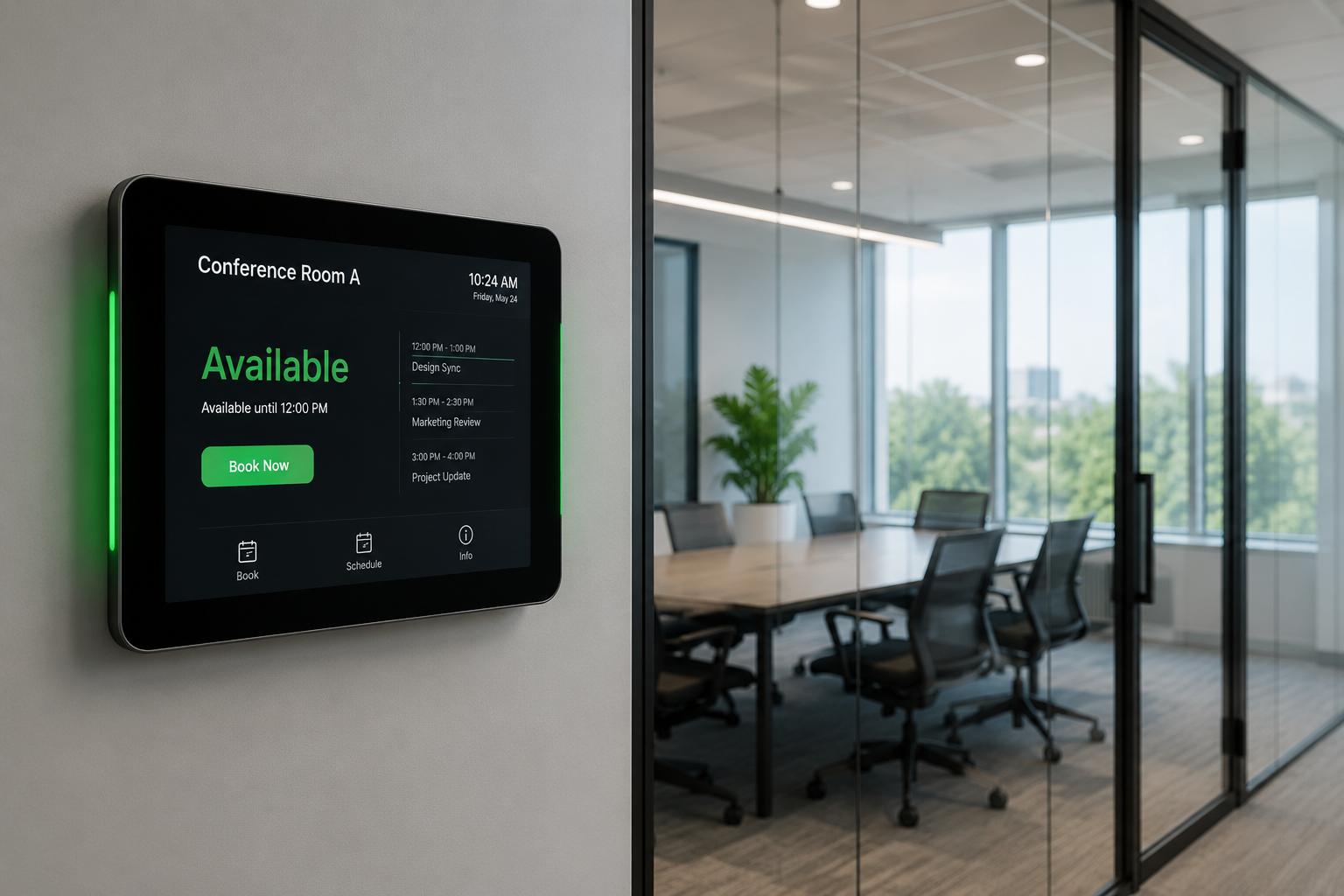
Search by capacity, facilities, location, and real-time availability.

GoBright Room Booking
Make finding and reserving the right meeting room easier.
Give employees a clear view of room availability, capacity, facilities, and schedules—helping reduce conflicts and make better use of meeting spaces.
Product Video
See how employees can find, reserve, check into, and manage meeting rooms through the GoBright platform.
Connected Booking Workflow
Let employees reserve the space that fits their meeting while keeping room schedules and workplace information connected.
Search by capacity, facilities, location, and real-time availability.
Use configured room panels, mobile tools, or workplace interfaces to confirm arrival.
Use booking and occupancy insights to understand how rooms are being used.
Room Booking Software
Build a more consistent reservation experience for employees and a clearer operational view for workplace teams.
Find spaces by capacity, location, availability, and required facilities.
Plan repeating meetings without rebuilding the reservation each time.
Allow preparation, cleaning, or transition time between meetings.
Request available catering, equipment, or room services with the booking.
Prompt organizers to confirm, adjust, or cancel an upcoming reservation.
Let authorized users reserve meeting rooms for colleagues.
Review upcoming workplace reservations through one clear interface.
See room locations and availability on an interactive workplace map.
Review bookings, no-shows, occupancy patterns, and room utilization.
Give employees a direct way to report room or equipment concerns.
Show schedules, instructions, or workplace messages on compatible displays.
Temporarily remove unavailable rooms from the booking workflow.
Workplace Integrations
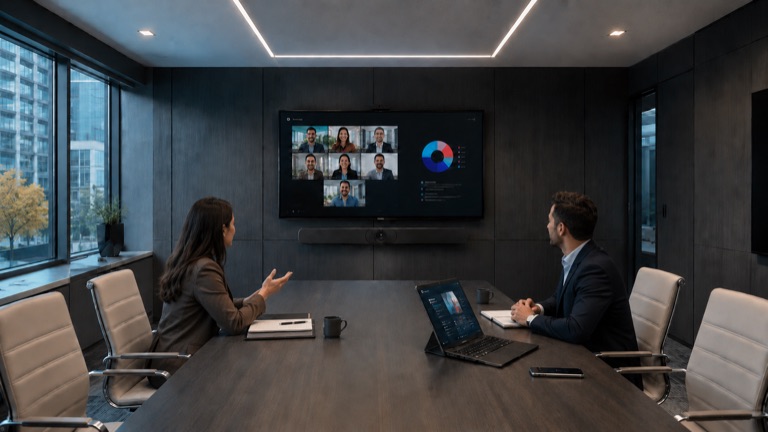
GoBright supports connected booking workflows through Microsoft Outlook, Microsoft Teams, Google Workspace, compatible room panels, and the wider GoBright workplace ecosystem.
Available capabilities depend on the selected GoBright modules, licenses, hardware, and technical environment.
Plan Your Meeting Spaces
Talk to NCG about your room-booking workflow, workplace integrations, room panels, and occupancy requirements.
Request a Product DemoCommon Questions
A room booking system helps employees find, reserve, check into, and manage meeting rooms while giving workplace teams visibility into availability and utilization.
Depending on the selected setup, rooms can be booked through the GoBright Portal, mobile app, room panel, Microsoft Outlook, Microsoft Teams, Google Workspace, and supported integrations.
Yes. Presence confirmation, check-in workflows, and compatible occupancy sensors can help identify no-shows and make unused rooms available again.
GoBright supports workplace integrations including Microsoft Outlook, Microsoft Teams, and Google Workspace. The exact capability depends on the selected modules and technical environment.
GoBright analytics can provide insight into reservations, occupancy, no-shows, and room demand to support workplace planning.